Sign up with Google
 Sign in with Zoho

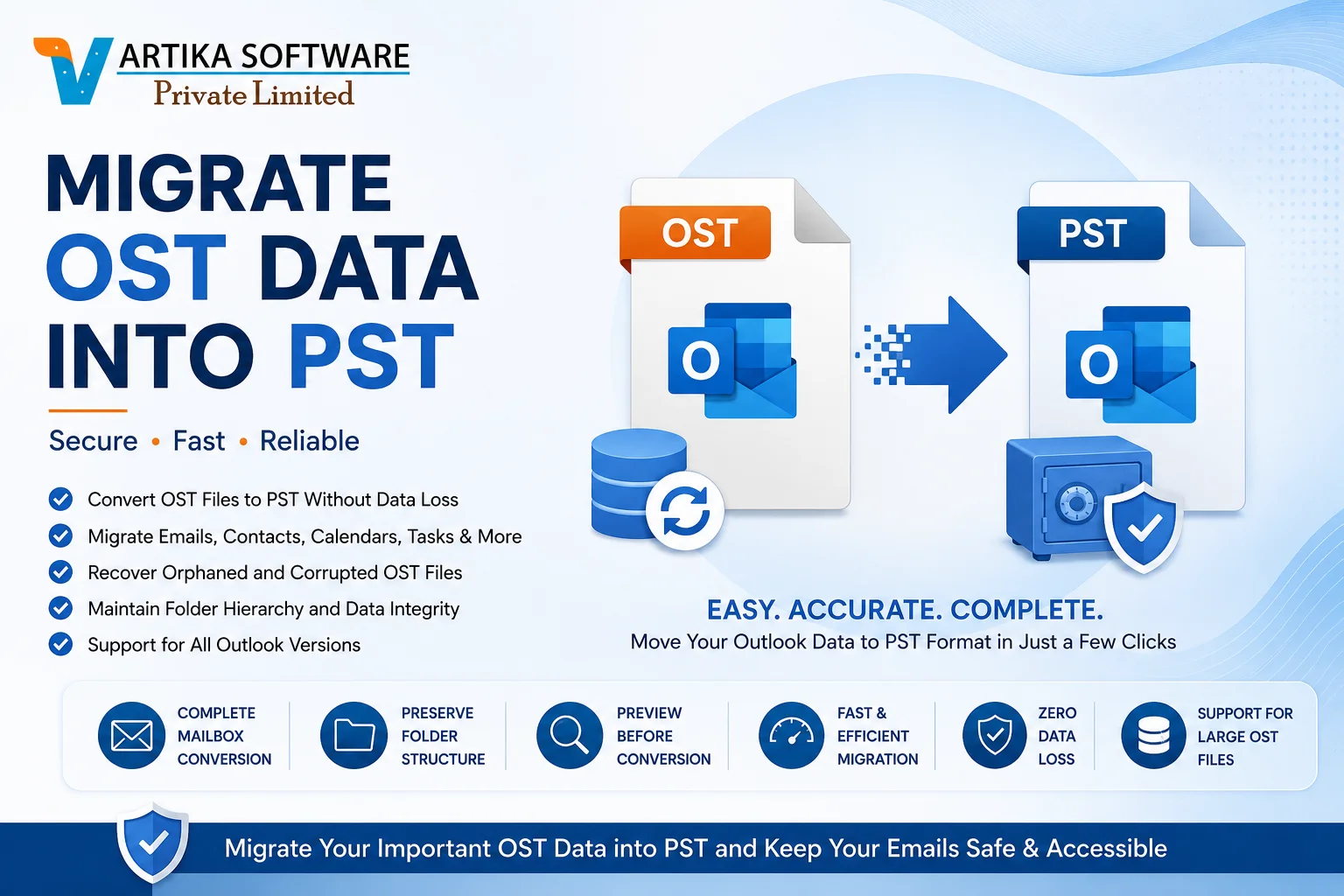
Microsoft Outlook is one of the most trusted email clients used by businesses and individuals for managing emails, contacts, calendars, tasks, notes, and journals. Outlook stores mailbox data in two primary file formats: OST (Offline Storage Table) and PST (Personal Storage Table). While OST files allow users to access mailbox data offline, they are linked to a specific Outlook profile or Exchange account. This dependency often creates challenges when users need to access mailbox data on another system or recover data from an inaccessible Outlook profile.
Migrate OST data into PST in the most effective way to make your mailbox portable, accessible, and secure. Professional OST to PST Converter software offers a fast and reliable solution for converting Outlook mailbox data without affecting its integrity.
What is an OST File?
An OST (Offline Storage Table) file is created when Outlook is configured with Microsoft Exchange Server, Office 365, or IMAP accounts. It stores a synchronized copy of your mailbox on your local computer, allowing you to read, compose, edit, and manage emails even without an internet connection.
Once the connection is restored, Outlook automatically synchronizes all changes with the mail server.
Although OST files provide offline accessibility, they have one major limitation—they cannot be opened independently in another Outlook profile or computer unless connected to the original account.
What is a PST File?
A PST (Personal Storage Table) file is Outlook's portable mailbox format that stores emails and other mailbox items independently. Unlike OST files, PST files can be easily:
- Imported into Microsoft Outlook
- Shared between computers
- Archived for backup
- Migrated to new Outlook profiles
- Used for long-term email storage
This flexibility makes PST the preferred format for mailbox migration and backup.
Why Migrate OST Data into PST?
There are many situations where converting OST files into PST becomes essential.
Recover Data from Orphaned OST Files
If the Exchange account is deleted, Outlook profile becomes unavailable, or the server crashes, the OST file becomes orphaned. A professional converter extracts mailbox data and saves it into an accessible PST file.
Backup Important Emails
PST files provide a secure backup of Outlook mailbox data, helping users protect critical emails from accidental deletion or server failures.
Exchange Server Migration
Organizations frequently migrate mailboxes from Exchange Server to another environment. PST files simplify mailbox transfer without affecting data quality.
Office 365 Migration
Many businesses export mailbox data into PST before migrating to Microsoft 365 or creating long-term archives.
Outlook Profile Corruption
A damaged Outlook profile can make mailbox data inaccessible. Converting the OST into PST enables users to restore their emails in a new Outlook profile.
Benefits of Professional OST to PST Converter Software
Professional conversion software provides advanced capabilities that manual methods cannot offer.
Complete Mailbox Conversion
The software converts every mailbox item, including:
- Emails
- Contacts
- Calendars
- Tasks
- Notes
- Journals
- Attachments
- Deleted Items
- Drafts
- Sent Items
Everything is migrated while maintaining the original folder hierarchy.
Convert Orphaned OST Files
One of the biggest advantages is the ability to convert orphaned OST files without requiring the original Exchange Server or Outlook account credentials.
Preserve Data Integrity
Reliable software maintains every mailbox property during conversion, including:
- Email formatting
- Subject lines
- Sender and recipient details
- Attachments
- Read and unread status
- Hyperlinks
- Internet headers
- Date and time stamps
- Folder structure
No data is modified or lost during the migration process.
Preview Mailbox Before Conversion
The built-in preview feature lets users inspect mailbox items before exporting them. You can verify emails, contacts, calendars, and attachments to ensure the correct data is selected.
Batch OST File Conversion
Organizations handling multiple employee mailboxes can convert several OST files simultaneously. Batch conversion saves valuable time while improving productivity.
Selective Mailbox Export
Instead of exporting the complete mailbox, users can choose specific folders or items to convert. This feature helps reduce storage usage and speeds up the migration process.
Advanced Features of OST to PST Converter
Modern OST conversion tools include numerous advanced capabilities.
High-Speed Conversion Engine
Efficient algorithms convert large OST files quickly without compromising accuracy.
Support for Large Mailboxes
The software easily processes mailbox files of several gigabytes while maintaining consistent performance.
Corrupted OST Recovery
Advanced scanning technology repairs damaged OST files and extracts recoverable mailbox data.
Multiple Export Formats
Besides PST, many tools support exporting Outlook data into:
- EML
- MSG
- MBOX
- HTML
- Office 365
- Live Exchange Server
This flexibility simplifies migration to different email platforms.
Windows Compatibility
Professional converters support Windows 11, Windows 10, Windows 8, Windows 7, and Windows Server editions.
Outlook Version Support
Compatible with Outlook:
- Outlook 2021
- Outlook 2019
- Outlook 2016
- Outlook 2013
- Outlook 2010
- Outlook 2007
- Earlier Outlook versions
How to Migrate OST Data into PST
The conversion process is simple and user-friendly.
Step 1: Install the Software
Download and install the OST to PST Converter on your Windows computer.
Step 2: Add OST File
Browse and select the OST file you want to convert.
Step 3: Scan Mailbox
The software scans the mailbox and loads all mailbox items.
Step 4: Preview Data
Review emails, contacts, calendars, tasks, and attachments before exporting.
Step 5: Choose PST Format
Select PST as the destination file format.
Step 6: Select Output Location
Choose a folder where the converted PST file will be saved.
Step 7: Start Migration
Click the Convert button to begin the migration process.
After completion, the PST file can be opened directly in Microsoft Outlook.
Why Choose Professional Software Over Manual Methods?
Manual OST conversion methods often require Outlook connectivity, Exchange Server access, or mailbox synchronization. These approaches become ineffective if the OST file is inaccessible or orphaned.
Professional OST to PST Converter software offers several advantages:
- Converts inaccessible OST files
- Supports orphaned mailbox recovery
- Repairs damaged OST files
- Preserves mailbox structure
- Performs high-speed conversion
- Supports batch migration
- Maintains complete data integrity
- Requires minimal technical knowledge
- Reduces migration time
- Ensures zero data loss
For businesses managing multiple Outlook mailboxes, professional software significantly simplifies the migration process while minimizing downtime.
Conclusion
Migrating OST data into PST is the safest and most efficient way to secure Outlook mailbox information, recover inaccessible emails, and simplify mailbox migration. Whether you need to convert orphaned OST files, create mailbox backups, recover data from a corrupted Outlook profile, or migrate to a new Outlook environment, a professional OST to PST Converter provides a reliable and hassle-free solution. With features such as complete mailbox conversion, batch processing, mailbox preview, selective export, support for large OST files, and preservation of folder hierarchy, it ensures accurate migration without data loss. Choosing a trusted OST to PST Converter allows users and organizations to protect valuable Outlook data while making mailbox management more flexible, secure, and efficient.