Sign up with Google
 Sign in with Zoho


Simple signs that your current software is slowing down your business and when it may be time for a better solution.
Every growing business reaches a point where its software starts to feel different.
At first, everything works well. Employees know where to find information, customers get quick responses, and daily tasks move smoothly. But as the business grows, the same software can slowly become a source of frustration.
This happened to a small online business called Northline Supplies.
When Small Problems Start Adding Up
Northline started with a simple order management system. It handled customer details, orders, and basic reports.
For the first few years, the team had no major problems.
Then the company grew.
More customers meant more orders. The sales team started using one tool, the support team used another, and the operations team kept several spreadsheets.
None of these tools were necessarily bad. The problem was that they did not work well together.
An employee would update a customer's information in one system and then manually copy it into another.
A small task that took two minutes was repeated dozens of times every day.
The First Warning Sign: Too Much Manual Work
The team noticed that employees were spending more time updating information than actually using it.
Reports were also becoming difficult to prepare because data was spread across different places.
This is one of the first signs that existing software may no longer fit the business.
When employees regularly create spreadsheets, notes, or workarounds just to make software work, it is worth reviewing the current system.
The Second Sign: Software Doesn't Scale Easily
Northline also started adding new employees and services.
The old system wasn't designed for the company's new requirements. Adding new features often meant finding another tool or creating another manual process.
Instead of making the workflow simpler, every new requirement added another layer of complexity.
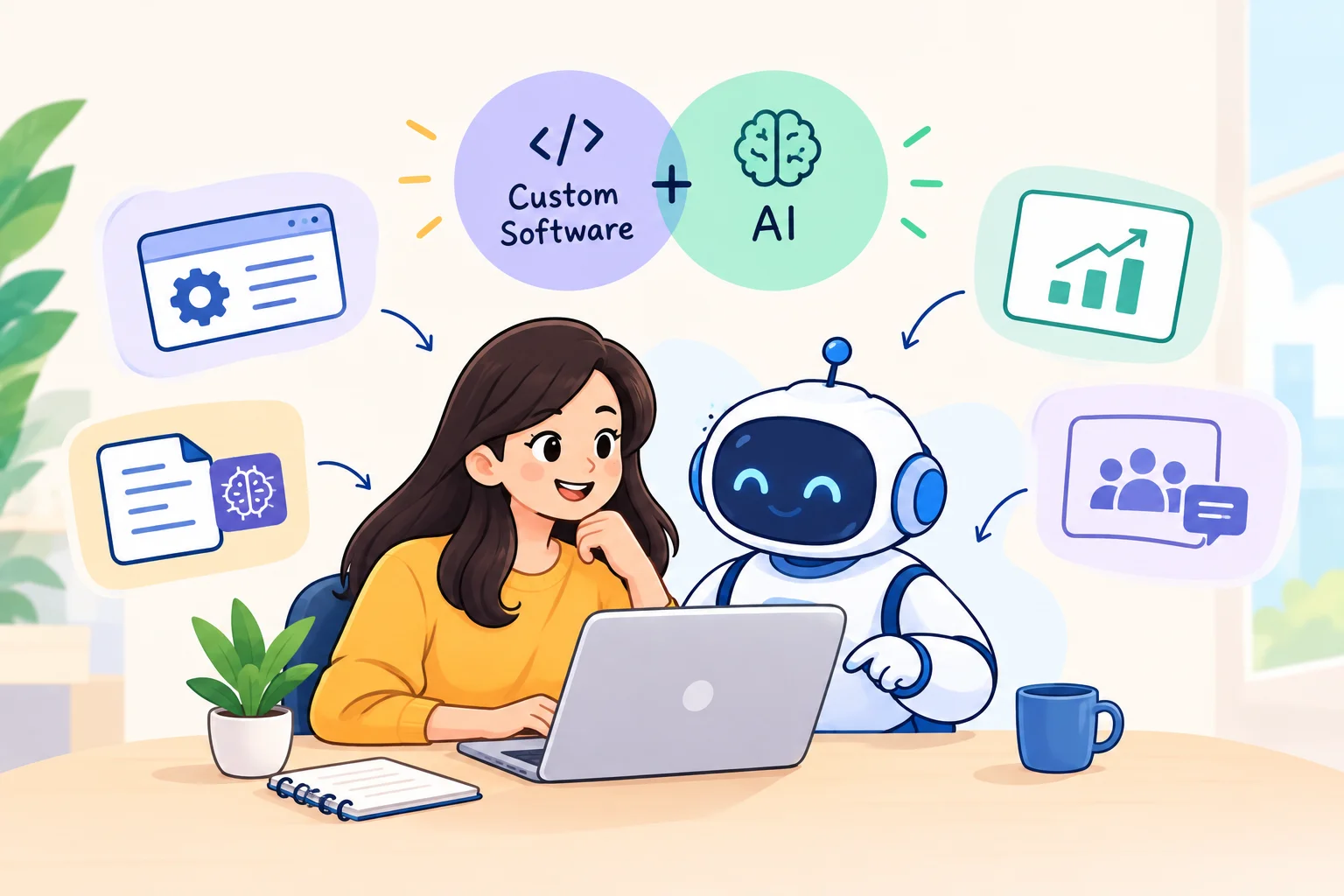
At this stage, businesses may start exploring custom software development as an option.
The purpose isn't to replace every existing tool. It is to create a solution around the processes that are causing the biggest problems.
The Third Sign: Teams Can't Access the Same Information
Another problem appeared when the sales team needed information from the support team.
Employees had to send messages, check emails, or ask someone to update a spreadsheet.
This slowed down simple decisions.
A better-connected system could allow teams to access the information they need from one place, depending on their permissions.
Should Every Business Replace Its Software?
Not necessarily.
Sometimes a small upgrade, better integration, or a change in workflow can solve the problem.
Before making a major decision, businesses should ask:
- Is the current software still meeting our main needs?
- How much time is spent on manual work?
- Can the software handle future growth?
- Are important systems able to communicate?
- Are employees struggling to use it?
The answers can help determine whether an upgrade is actually needed.
A Better Approach
Northline eventually decided not to rebuild everything.
Instead, the company identified the processes that created the most unnecessary work. It focused on connecting important information, reducing repetitive tasks, and creating a simpler workflow for employees.
The result was not about having more software.
It was about having software that matched the way the business actually worked.
Final Thoughts
Software problems rarely appear overnight. They usually begin with small frustrations: repeated data entry, slow reports, disconnected systems, and features that no longer meet business needs.
Recognizing these signs early can help businesses make better technology decisions.
Sometimes the answer is an upgrade. Sometimes it is integration. And in some cases, custom software development can provide a more flexible solution.
The important thing is to start with the problem and choose technology that makes everyday work easier—not more complicated.