
 Sign up with Google
 Sign in with Zoho

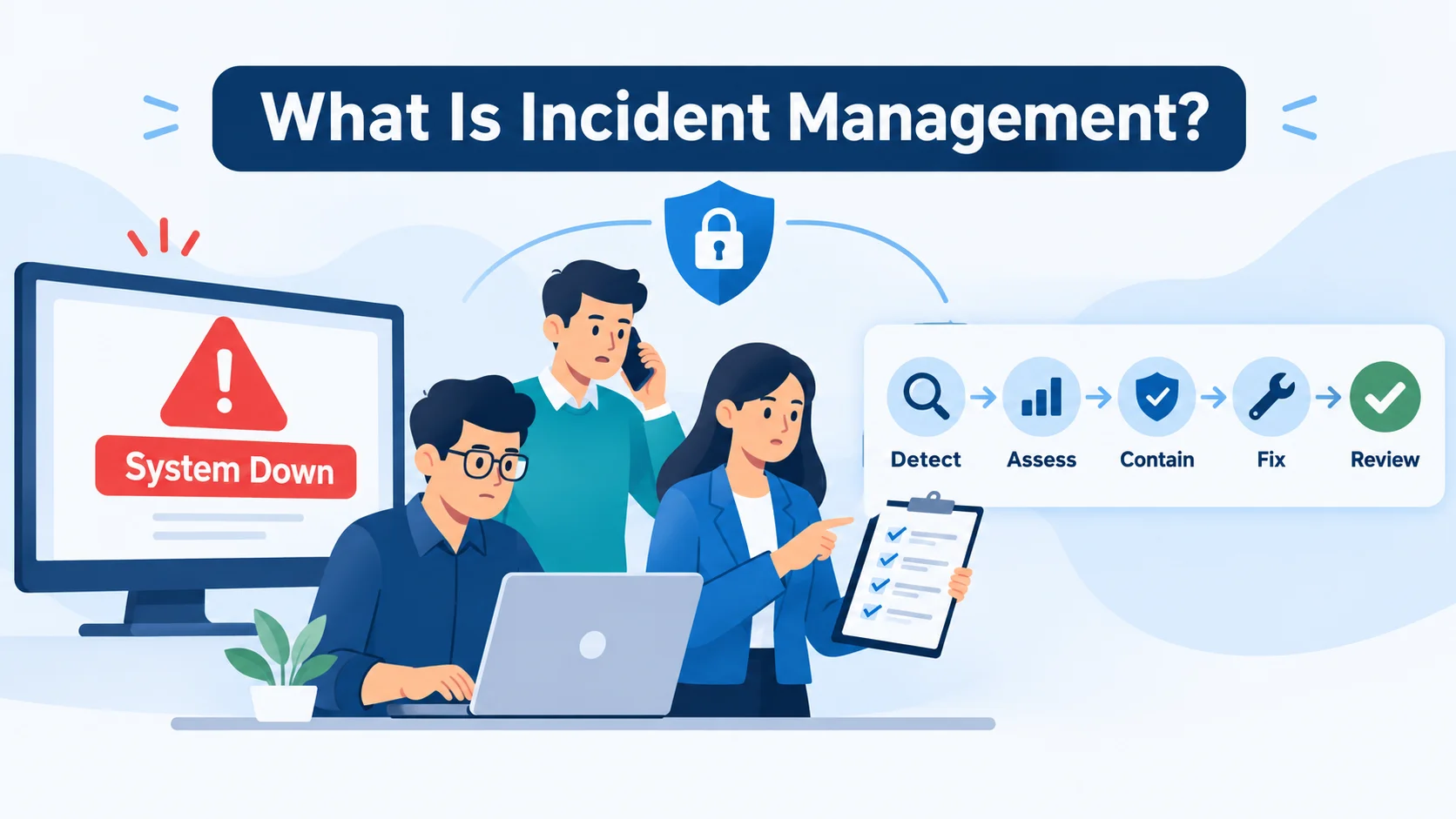
It's 9:40 on a Monday morning. Your payment page stops loading. Customers start emailing. Someone in sales messages the tech team. Someone else posts in three different chat groups. Nobody is sure who is fixing what.
That mess has a name. It's an incident with no process behind it.
Incident management is how a business handles the unexpected, so that when something breaks, people know what to do. This guide explains it in plain words, with no jargon.
What is an incident?
An incident is any event that disrupts your normal work or puts your data, systems or customers at risk. It doesn't have to be dramatic.
Some everyday examples:
- A website or app goes down
- An employee clicks a phishing link
- A laptop with customer data is lost
- A vendor accidentally exposes a file
- A server fails during a busy sale
Some are small. Some are serious. All of them need a response.
So what is incident management?
Incident management is the set of steps your team follows from the moment something goes wrong until things are back to normal, and you've learned something from it.
Think of it like a fire drill. Nobody enjoys it. But when smoke appears, nobody stands around wondering where the exit is.
A good process answers a few simple questions:
- What happened?
- How serious is it?
- Who is in charge?
- Who needs to be told?
- How do we fix it, and stop it from happening again?
Why growing businesses need it
When a company has ten people, everyone knows everyone. A problem gets shouted across the room and someone deals with it.
At fifty or a hundred people, that stops working. Teams get split. Tools multiply. Customer data lives in more places than anyone can name. One small issue can travel fast, and people waste hours just working out who owns it.
Here is what usually goes wrong without a clear process:
Slow response. Time is lost before anyone even starts fixing the problem.
Repeated mistakes. The same issue returns every few months because nobody wrote down the cause.
Confused communication. Staff, customers and management all get different stories.
Compliance trouble. In India, the Digital Personal Data Protection Act expects organisations to handle personal data responsibly. If a data breach happens and you can't show what you did and when, that's a problem on top of a problem.
Customers also notice. People forgive a business that has a bad day and handles it well. They are far less forgiving when the response looks careless.
The six stages of incident management
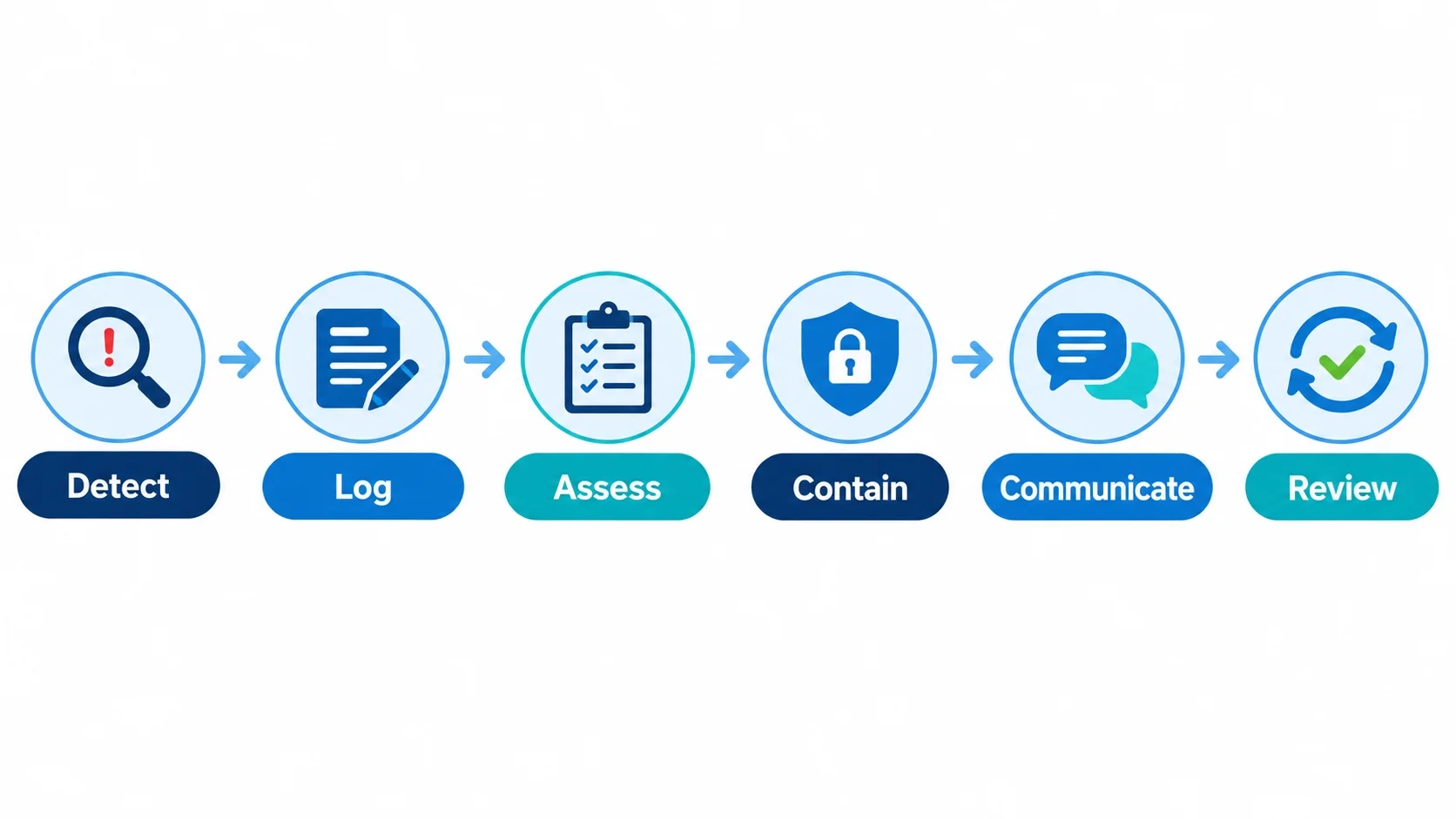
You don't need a huge framework. Most good processes follow these six stages.
1. Detect
You can't fix what you don't know about. Detection comes from monitoring tools, employee reports, customer complaints or alerts from your systems. Make it easy for anyone in the company to raise a flag. Some of the best early warnings come from the person who simply says, "this looks odd."
2. Log and record
Write it down as soon as it's reported. Note the time, what was seen, who reported it and which system or data is involved. This feels like extra work in the moment. Later, it becomes your most useful record.
3. Assess and prioritise
Not every incident is equally urgent. A typo on a blog page can wait. A leak of customer data cannot.
Many teams use simple levels such as low, medium, high and critical. The level decides how fast you move and who gets pulled in.
4. Contain and fix
First, stop the damage from spreading. That might mean disconnecting a device, resetting passwords or switching off a faulty feature. Then fix the root problem. Containing first and fixing second is usually the safer order.
5. Communicate
Tell the right people at the right time. That can include your leadership, affected customers, partners and, in some cases, regulators. Keep messages short, honest and free of guesswork. If you don't know something yet, say so.
6. Review and learn
Once things are calm, sit down and ask what happened, why it happened and what you'll change. This review is where the real value is. Skip it and you'll probably meet the same incident again.
Who does what?
Clear roles save a lot of confusion. Even a small team can assign these:
- Incident owner: leads the response and makes the calls
- Technical lead: investigates and fixes the issue
- Communications lead: handles updates to staff and customers
- Compliance or legal contact: checks whether any reporting duty applies
One person can wear two hats in a small company. What matters is that the roles are written down before the incident, not invented during it.
Spreadsheets, chat groups and their limits
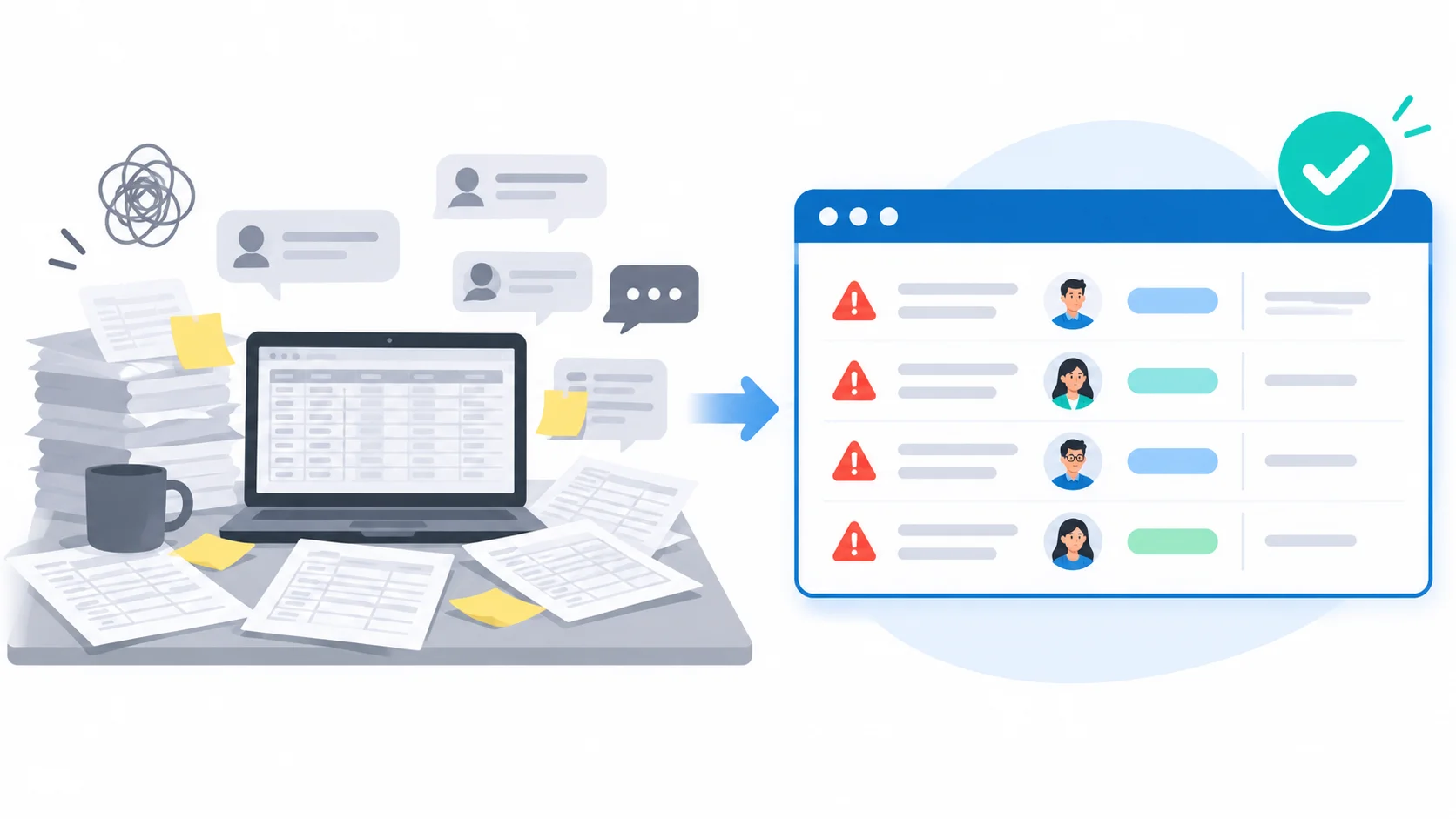
Many growing businesses start with a shared spreadsheet and a chat group. Honestly, that's fine at the start.
It stops being fine when incidents pile up. Spreadsheets don't send reminders. Chat messages get buried. Nobody can easily see which incidents are still open, who is handling them or how long they've been sitting there. And when an auditor or a customer asks for proof of what you did, digging through old messages is painful.
This is where Incident Management Software helps. It gives your team one place to log incidents, assign owners, track progress, keep an audit trail and review what happened afterwards. The goal isn't to add more tools. It's to stop information from scattering.
Simple tips to get started
You don't need a big budget to improve. Start here:
- Write a one-page plan. List what counts as an incident, who to call and the basic steps.
- Set severity levels. Keep them simple so everyone uses them the same way.
- Name an owner for every incident. A problem that belongs to everyone belongs to no one.
- Keep a central log. One place, always up to date.
- Run a practice drill. Pick an imaginary scenario, such as a lost laptop, and walk through it as a team. You'll spot gaps within half an hour.
- Review every serious incident. Keep it blameless. People share problems early when they don't fear being punished for them.
Common mistakes to avoid
- Treating it as only an IT job. Incidents touch operations, HR, legal and customer support too.
- Hiding small issues. Small problems often warn you about bigger ones.
- Having a plan but never testing it. An untested plan is a guess.
- Blaming individuals. It silences people, and you lose early warnings.
- Forgetting to update the plan. As your business grows, your process should grow with it.
A final thought
Incidents will happen. Systems fail, people make mistakes and attackers keep trying. No company is immune.
What separates a calm response from a chaotic one is preparation. A simple plan, clear roles, a single record of what happened and a habit of learning from each event will take you a long way. You can build all of that step by step, starting this week.
So pick one thing from this guide and do it. Write the one-page plan. Name the owners. Run the drill. Your future self, on some busy Monday morning, will be glad you did.