Sign up with Google
 Sign in with Zoho

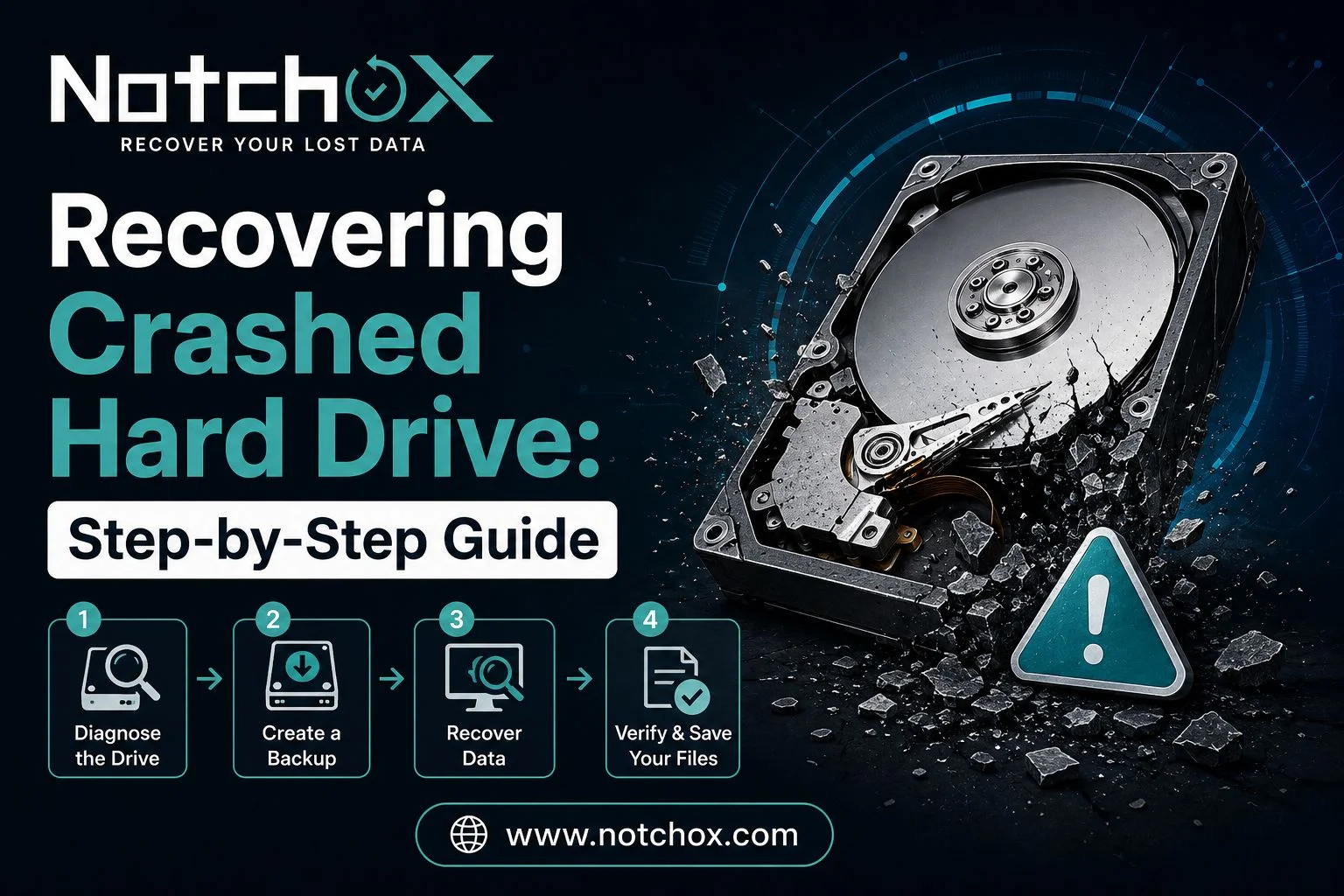
Dealing with a crashed hard drive can be a very stressful experience, especially if you have stored essential files on your hard drive. Whether this crash has happened because of an accidental deletion, file corruption, or even software failure, acting immediately can quickly improve your chances of recovering crashed hard drive data. The article will present you with a step-by-step guide that you can use to ensure that you can recover your crashed hard drive with ease.
Step 1: Stop Using the Hard Drive Immediately
Once you realize your hard drive crashed, or it became inaccessible, just stop using it. Don’t keep trying to copy files, don’t install stuff, and don’t restart it over and over, ok. If you keep using it you can overwrite still-recoverable data or make the existing harm worse. Unplug the drive in a safe way, and leave it powered off until you actually want to start the recovery steps.
Step 2: Figure Out What Kind of Hard Drive Failure This Is
Try to tell whether it’s a logical failure or a physical one. Logical failures tend to be things like corrupted files, formatting glitches, or accidental deletion. Physical failures are more like odd clicking, overheating, or the drive not showing up in the system at all. Once you identify what’s going on, you can select a better recovery approach and avoid more trouble from wrong handling.
Step 3: Look at Hardware Connections
Before you assume it’s permanently done, check cables, connectors, and the power supply situation. Try a different USB port, or swap in another SATA and USB cable. Also, if possible, test it on another computer. Sometimes it’s only a faulty cable or a loose connection, and the drive only looks inaccessible because of that.
Step 4: Rely on Good Data Recovery Software
If your computer recognizes the drive but the files won’t open, use reputable data recovery software. Run a careful scan, and preview what can be restored before you bring anything back. When you do recover stuff, save it onto a different storage device, not the same hard drive. That way you reduce the risk of overwriting data that you haven’t recovered yet.
Step 5: Go With Professional Recovery Services
If the drive is making strange noises, if it’s not detected at all, or if it seems physically damaged, don’t open it yourself. To retrieve data from crashed hard drive, you can rely on professional recovery services that use specialised tools, including clean-room environments that allow you to recover data safely.
Step 6: Create Regular Backups to Prevent Future Data Loss
After you have recovered your data, you need to establish a regular backup routine to ensure that you do not end up in a similar situation in the future. It becomes essential for people to store important files on external drives or secure cloud storage. You can also enable automatic backups whenever possible to make sure that your data is never lost.
In case you are looking for more details, you can also use the website Notchox, they offer data recovery software with a free plan, and also offer step-by-step guides, which will guide you through the recovery process.