Sign up with Google
 Sign in with Zoho

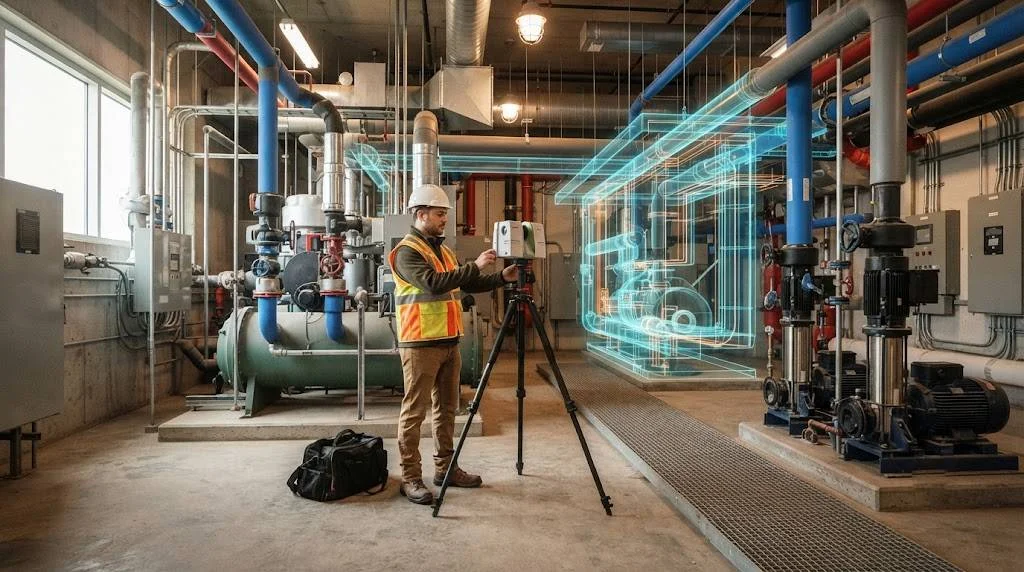
A laser scan can capture millions of points in minutes, but the model built from it is only as reliable as the alignment behind it. On renovation, retrofit and adaptive reuse projects across the United States, small registration errors turn into clashes, fabrication misfits and change orders. For teams that depend on Scan to BIM Model Accuracy, alignment is the step that decides whether the final model can be trusted.
This article explains what data alignment means, where errors enter the workflow, and how to control them from site capture through delivery.
What Data Alignment Means in a Scan to BIM Workflow?
Data alignment is the process of placing every scan, survey control point and model element into one consistent coordinate system. It covers three layers.
- Registration. Joining individual scan setups into a single unified point cloud.
- Georeferencing. Tying the point cloud to a known project, state plane or local coordinate system.
- Model alignment. Making sure the Revit or other BIM model sits correctly against the cloud and against existing project files.
Professional Scan to BIM Services treat these as separate quality checkpoints rather than one background task. A cloud that is well registered but poorly georeferenced still causes problems when the model is linked to a structural or MEP file.
Why Alignment Errors Hurt Model Accuracy?
Alignment errors rarely look dramatic in the point cloud. A drift of half an inch across a long corridor can be hard to spot in a 3D view. Once modeled, that drift shifts walls, columns and ductwork away from their true positions.
Common consequences include the following.
- Walls that do not close properly between floors
- Slab elevations that vary between scan areas
- Structural grids that do not match existing drawings
- MEP routing that clashes with real conditions
- Fabrication drawings that fail at installation
For a general contractor, each of these means field correction, delay and cost. For a BIM manager, it means a model that cannot be used as a reliable existing conditions baseline.
Key Steps That Improve Point Cloud Alignment
Plan Survey Control Before Scanning
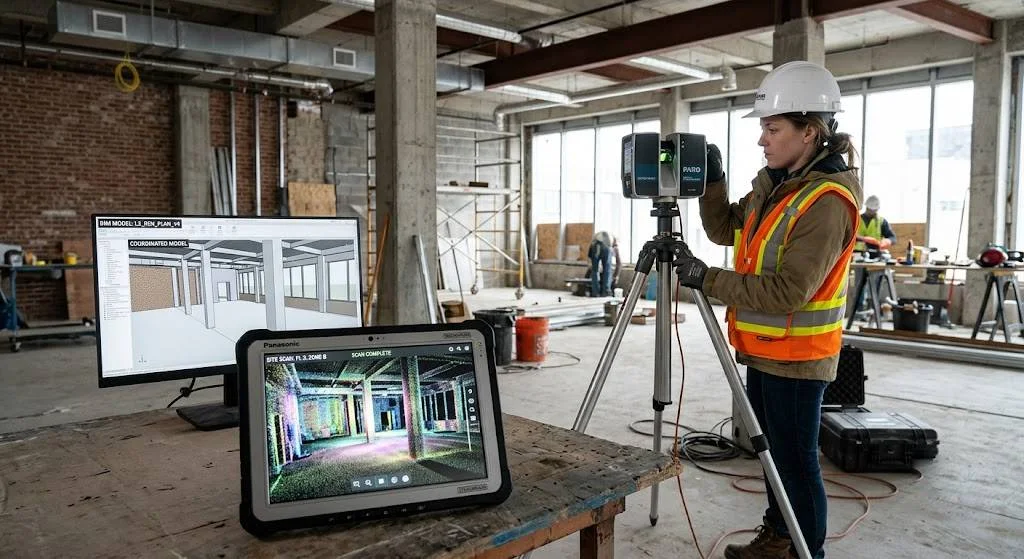
Good alignment starts before the scanner is set up. Place control points or targets in locations visible from several setups, and record them with a total station or GNSS where outdoor tie-in is needed. Targets spread across floors, stairwells and the building exterior give the registration software strong geometry to work with.
Use Target-Based and Cloud-to-Cloud Registration Together
Target-based registration gives reliable control, while cloud-to-cloud registration uses overlapping geometry to refine the result. Using both, with enough scan overlap, produces a tighter registration report. Review the reported residuals for every setup instead of accepting the software result without checking. Strong Point Cloud Alignment depends on this kind of verification.
Control Vertical Alignment Across Floors
Multi-story buildings are where many errors accumulate. Elevators, stair towers and shared shafts give natural vertical links between levels. Tying each floor to the same control network prevents the stepped drift that makes floor-to-floor heights unreliable in the final model.
Establish One Origin and Coordinate System
Agree on the project base point, survey point and rotation at the start. Mixing coordinate systems between the scan team, architect and engineers is one of the most common causes of misaligned linked models. Document the setup in the BIM execution plan so every discipline works from the same reference.
From Point Cloud to BIM Without Losing Accuracy
Once the data is aligned, the Point Cloud to BIM conversion becomes more predictable. Modelers can extract wall faces, slab edges, columns and openings with confidence because the underlying geometry is consistent.
Strong Scan to BIM Modeling practice at this stage includes the following.
- Slicing the cloud at set heights to model plans and sections consistently
- Using deviation analysis to compare the model surface against the cloud
- Setting a target tolerance by element type, since a structural column needs tighter control than a ceiling plenum
- Keeping unit settings and project base point consistent between the cloud and the BIM software
Accuracy targets should be written into the scope. The U.S. Institute of Building Documentation Level of Accuracy specification gives a common way to define tolerances so the scanning provider and the project team agree on what accurate means before work begins. Teams that want to see how federal projects approach this can also review the GSA 3D-4D Building Information Modeling program, which sets expectations for spatial data quality on public work.
Quality Control Checks That Catch Alignment Problems Early
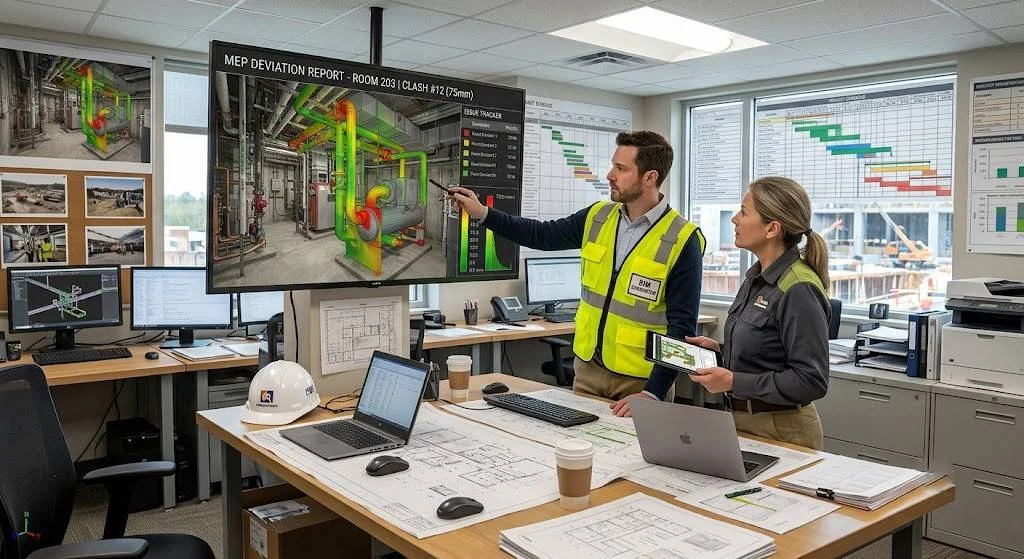
Alignment should be verified, not assumed. A practical QC process includes the following.
- Review registration reports and flag any setup that exceeds the project tolerance.
- Check known dimensions on site, such as a door width or a floor-to-floor height, against the cloud.
- Overlay the model on the point cloud using clipping boxes and section views.
- Run deviation maps to confirm that modeled surfaces fall inside tolerance.
- Compare the model against existing drawings and note any discrepancies for the design team.
Recording these checks in a short QC report gives the owner and design team evidence of model reliability. It also shortens review cycles because questions about accuracy can be answered with data.
Aligning the Model With Project Standards
Accurate geometry is only part of the deliverable. The model also has to follow naming, level of development and file structure requirements. The National BIM Standard-United States offers a reference framework that many US teams use for consistent information exchange. When alignment, tolerance and information standards are agreed together, handoff to architects, structural engineers and MEP teams is smoother.
If your team is building a workflow or choosing a provider, review our Scan to BIM Services page, explore our Point Cloud to BIM capabilities, or read more about laser scanning for existing conditions.
Practical Takeaways for US Project Teams
- Define accuracy tolerances in the contract before scanning begins.
- Plan control points and scan overlap as carefully as the model scope.
- Keep one coordinate system across scan, survey and BIM files.
- Verify registration residuals and run deviation checks before delivery.
- Document QC results so decisions can be traced.
Conclusion
Strong point cloud alignment is the foundation of reliable Scan to BIM work. When registration, georeferencing and model placement are controlled and checked, the resulting model supports clash detection, design coordination and prefabrication with far fewer surprises. For renovation and retrofit projects in the US, that reliability saves time, protects budgets and gives every discipline a dependable record of existing conditions.
Ready to improve the accuracy of your next project? Contact our team to discuss your scanning and modeling requirements.