 Sign up with Google
 Sign in with Zoho
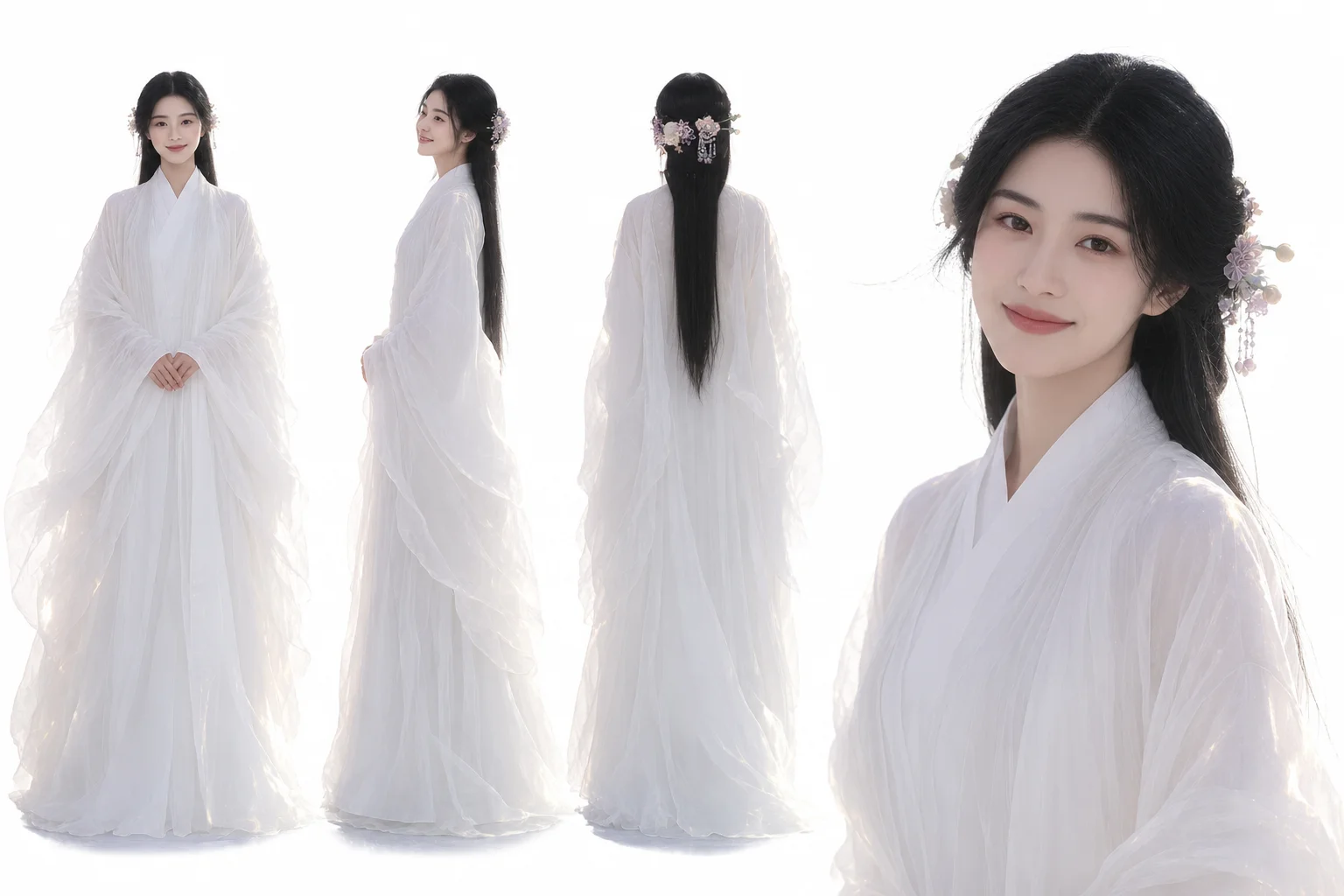

I learned this the awkward way. A friend in Berlin sent me a half-finished song last spring — just a voice memo and a note: “We should shoot something for this.” The other singer lived in Toronto. Neither of them could fly anywhere that month, and neither had a budget for two camera crews. So the song sat there for weeks, finished except for the video.
That is the usual trap with long-distance music. Recording across time zones is easy now. You send a stem, you get a vocal back overnight, you argue about the mix in a group chat at 2 a.m. Filming is the part that still assumes everyone is in one room. And when you try to fake it — one shaky phone clip from a bedroom, one brighter clip from a kitchen — the mismatch is the first thing anyone notices. It does not look like a collaboration. It looks like two solo videos glued together.
Nail the song down first
Here is what I would do now, and what I wish we had done then. Lock the track before you touch any visuals. Not “almost locked.” Locked. One exported file, mixed and mastered, with the intro, the bridge, and the final vocal exactly as they will be released. Use that same file for everything, because the moment the music shifts by even a few seconds, the video stops lining up — and fixing that later is a miserable job. We learned that after re-cutting a chorus three times for a version that was never going to be the final one.
Pick photos that actually look like you
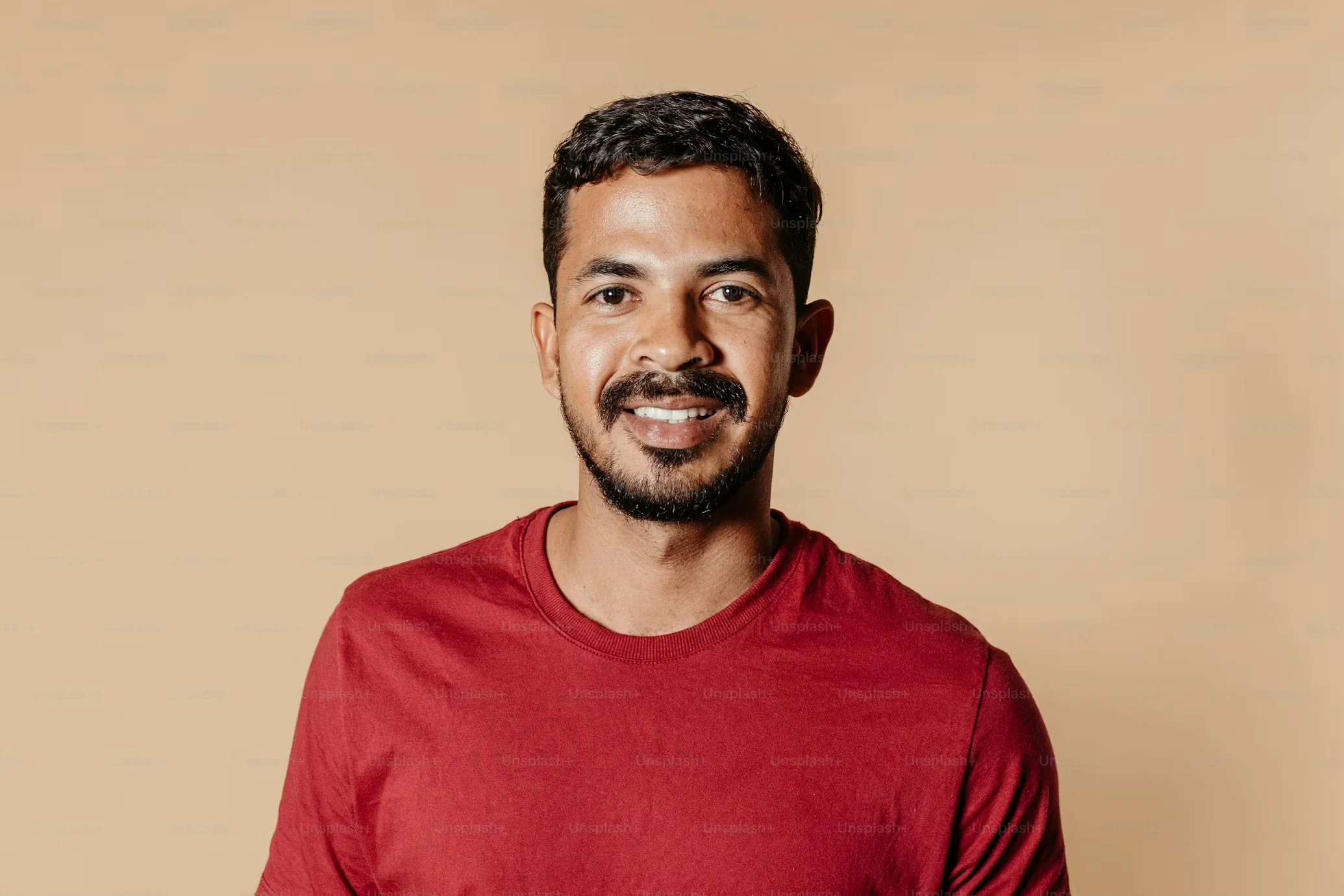
Then comes the photo. One per musician, and it matters more than people think. Pick a clear portrait in decent light, face visible, no sunglasses, no hat pulled low, no mic covering half your mouth. The backgrounds do not have to match — Berlin and Toronto are not going to look like the same room, and pretending otherwise is pointless. What matters is that the picture looks like the person singing that verse. And send the original file. Not the one your chat app shrank to a thumbnail. I have seen a perfectly good portrait turn soft and smeary the moment it was stretched across a video frame, and there is no filter that saves it after that.
One photo, one song, one video
With the finished song and a good photo ready, you do not need a camera crew, a set, or a shooting schedule. You can use an ai music video maker such as 1MV to turn one image and one ready-made song into a complete music video. 1MV does not generate music, so the song you upload is the song people hear. Its lip-sync supports any language, and you do not need to upload lyrics, which is useful when a collaboration mixes languages or switches between verses in different tongues. You also do not need a storyboard or written prompts. Instead, you can choose a director style and let the tool build the visuals around the image and the track.
Test twenty seconds before you commit
A new account gets 100 free credits to start, just the once, and a free generation runs up to 20 seconds, watermark included. That is plenty for a test. I would try the chorus first — that is where both voices usually show up, and where a bad match is hardest to hide. Watch it with the sound on, properly, not muted while you scroll. Does the face move with the beat? Does the switch from one singer to the other feel like a handoff, or like a jump cut? If the photo is wrong, swap the photo. Do not keep tweaking effects around a portrait that was never going to work.
Then treat it like a release
When the short test feels right, make the full version and export it for wherever you are releasing it. Put both names on it. Post it from both accounts, tag each other, and answer the comments together when you can. People love a collaboration with a bit of distance in it, as long as the video itself does not feel distant. Ours eventually came out that way, a few weeks late and with no plane tickets involved, and honestly, nobody watching it could tell how it was made. That is the point.
Distance changes the shoot. It does not have to change the song.