 Sign up with Google
 Sign in with Zoho

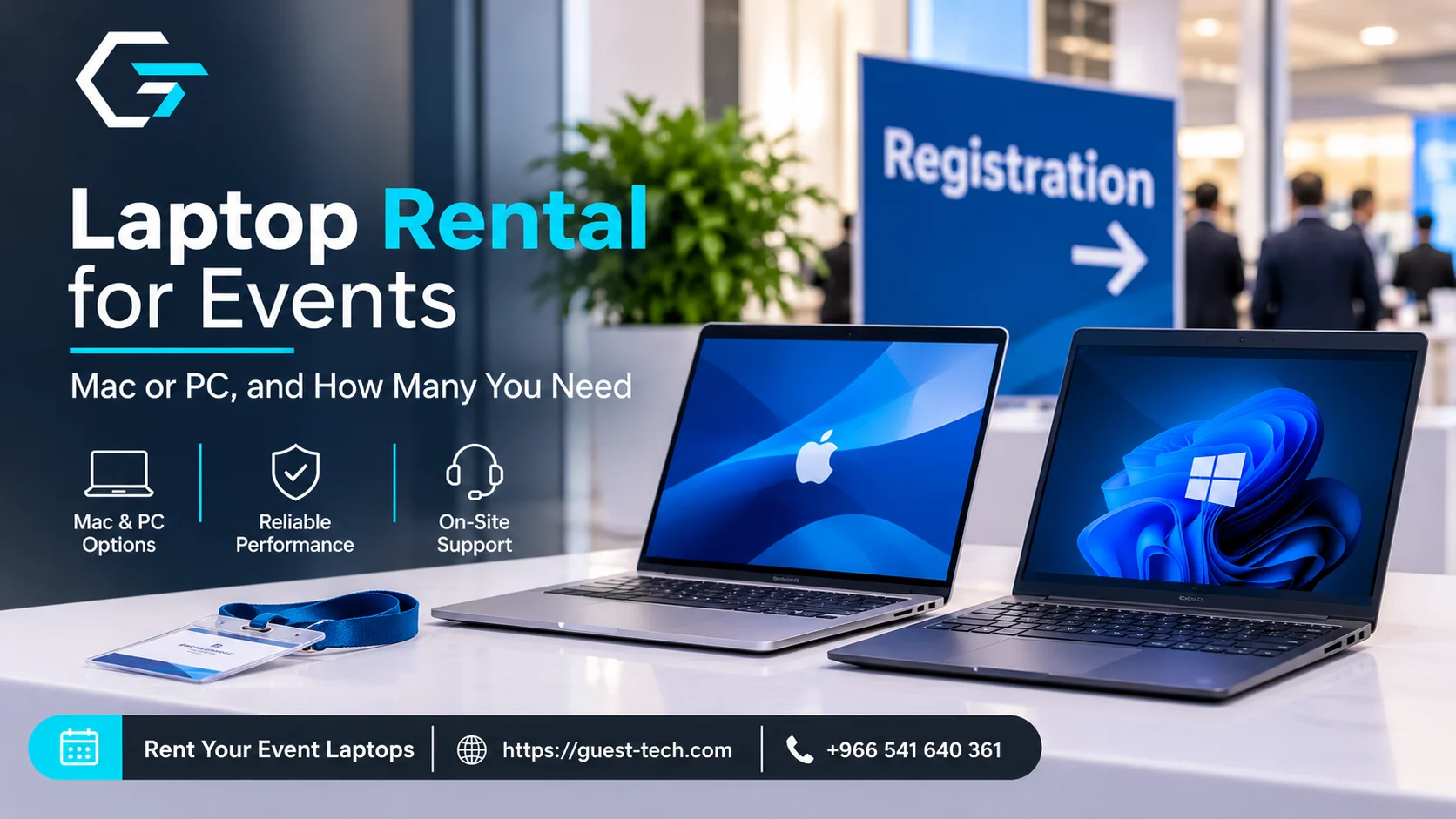
Most event registration desks run on a laptop, even when the rest of the setup looks high-tech. The laptop holds the attendee list, runs the check-in software and sends the print job to the badge printer. When it slows down or drops off, the whole line stops with it. That's why laptop rental is worth planning carefully, rather than borrowing whatever is in the office.
This guide covers what a laptop rental should include, how corporate teams use rental laptops differently from event staff, how to choose between Mac and PC, and how many machines a desk actually needs.
What event laptop rental should include
A laptop on its own is not a working check-in station. Ask for the machine with the registration software, the badge template software and the printer drivers already installed, tested and signed in where needed. Ask for it charged, cabled and labelled for the desk it will sit on.
Guest Tech says each device is tested before deployment. That's a useful starting point, but ask for the test to match your setup. A laptop that passes a general check can still fail when it's asked to print a badge from your template on your printer. Run that exact sequence before the event.
Corporate laptop rental versus buying
Corporate laptop rental makes sense when the need is short and specific. A conference, a product launch or a three-day exhibition needs machines for a few days. Buying them means paying for hardware that sits in a cupboard between events, and it means someone has to set them up each time.
Rental also lets you match the fleet to the event. A small board meeting needs one laptop for the sign-in table. A two-thousand-person conference needs a desk with several machines and a spare. You can plan that as a one-off cost, rather than building a fleet for the largest event you might ever run.
The case for buying is different. If your team runs events every month and the same software is used every time, owning the hardware may cost less over the year. For most organisers, though, rental is the simpler option.
Mac or PC for event work
Guest Tech offers laptop rental in both Mac and PC configurations. The choice depends on the software you'll run, not on personal preference.
If your registration system, badge design tool or printer driver is built for Windows, a PC is the safer choice. Some printer drivers and kiosk management tools were written for Windows first, and a Mac can need extra steps to work with them. If your team already designs badges or runs marketing material on a Mac, a Mac may suit the exhibition stand, where design files need to be edited on site.
Whichever you choose, confirm the software version before delivery. A version mismatch is one of the most common reasons a laptop that worked in the office fails at the venue.
How many laptops a registration desk needs
Count the desks first, then the people. A single check-in point may need one laptop for the attendee list, one for search and reprints, and a backup. A busy entrance with several lanes needs one machine per lane, plus a spare that can take over if a lane fails.
Peak arrivals matter more than total attendance. If 600 people arrive in the first hour, the desk needs enough machines to handle that surge, not the average across the day. Build the plan around the busiest window, then add a spare for each cluster of desks.
Don't share one laptop across the printer, the scanner and the search screen at the same time. When a single machine is doing three jobs, every queue slows down together.
Laptop rentals for exhibitions and lead capture
Exhibitions use laptops differently. Exhibitors often need a laptop at the booth to capture visitor details, check a contact list or update a presentation. Here the machine has to be dependable for a whole day of use, with the battery holding up and the software staying open.
Ask the provider whether the laptop comes with a charging plan. A machine that runs out of battery at lunchtime is a common problem on busy stands, and it's easy to prevent with a spare charger and a power strip at the booth.
Common laptop rental mistakes
The first mistake is leaving setup until the day before the event. Software installs fail, updates restart at the wrong moment and licences need activating. Set up and test the machines at least a few days before the event, with the real badge printer and the real network.
The second is forgetting the network. Venue Wi-Fi is often shared with other events, and it can slow down at peak times. Decide whether the laptop will run offline for the check-in, or whether it needs a reliable connection, and test that under load.
The third is skipping the handover. Staff need to know how to log in, restart the software and clear a stuck print job. A short briefing before doors open is cheaper than a long queue.
Getting a quote for your event
Start with the number of desks, the number of staff per desk, the peak arrivals and the length of the event. Add the software you'll run and whether you need Mac or PC. With those details, a provider can recommend the number of laptops, the spares and the setup time.
You can request a quote for laptop rental from Guest Tech and send those details through the page. Clear information gets a faster and more accurate reply, and it lets you compare providers on the same basis.
Frequently asked questions
Can I rent laptops for a single day?
Yes. Many events need machines for one or two days, including setup and packing down. Ask whether the rental period includes delivery, setup and collection, so the price you compare is the full cost.
Which is better for event registration, a Mac or a PC?
It depends on your software. If your registration or badge printing software is built for Windows, a PC is usually the safer choice. Confirm compatibility with your vendor before you choose.
Do the laptops come with software installed?
That should be part of the quote. Ask the provider what is installed, what licences are included and what you need to supply. Request a test run with your registration software and printer before the event.
How many laptops should I rent for an event?
Plan for the busiest hour, not the average. Count the desks, add a spare for each cluster of desks and check the number against your peak arrivals.