 Sign up with Google
 Sign in with Zoho

What is document workflow automation?
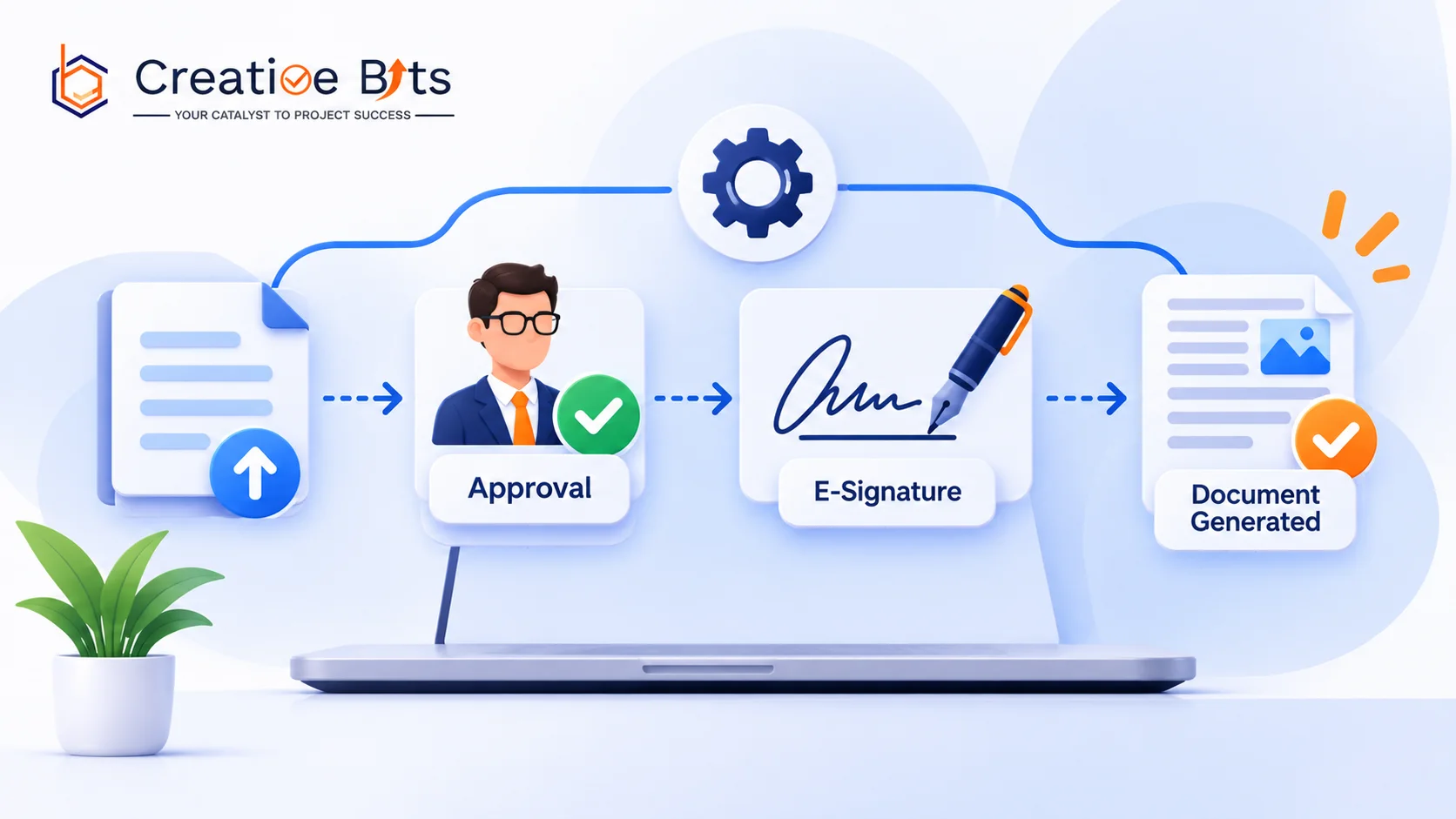
Document workflow automation moves a document through its whole life, from creation to approval, signature and storage, without people forwarding files by email. A trigger starts the process, rules decide who reviews it, and the system tracks every step. It is one practical branch of digital workflow automation.
Why do document processes go wrong?
Most delays are handoff problems: a contract sits in someone's inbox, a reviewer does not know it is waiting, or three versions circulate at once. Manual processes also leave no clear audit trail, which matters for finance, legal and HR documents.
How does one connected flow work?
A good flow has four stages, and each can be automated:
- Generation: data from your CRM or project board fills a template to create the document automatically, such as a proposal, contract or purchase order.
- Approval: the document routes to the right reviewer based on rules, such as value, department or region. Reminders go out if no one responds.
- E-signature: once approved, it is sent for signature and the status updates on its own.
- Storage: the signed copy is filed in the right folder and linked to the original record.
What are some examples?
- Sales proposals: a won deal generates a proposal, sends it for sign-off, then creates the project.
- Purchase orders: a request over a set value routes to finance before it goes to the supplier.
- HR contracts: an accepted offer creates the contract, collects signatures and starts onboarding.
- Client agreements: a signed agreement triggers account setup and a kickoff task list.
Which tools can you use?
The choice depends on where your data lives. Many teams use monday.com as the central board, with Make, Zapier or n8n connecting document generation and e-signature tools. Compare options in our guide to a workflow automation platform before you commit.
How do you set it up?
- List the document types you handle most.
- Map each one: who creates, who approves, who signs.
- Build templates with fields that pull from your records.
- Set approval rules and a deadline for each reviewer.
- Connect the signature tool and test with a sample document.
- Add a status field so everyone sees where a document stands.
- Review turnaround time after 30 days and adjust.
What should you watch for?
Keep access controls tight so only the right people see sensitive documents. Keep a clear audit trail. Avoid automating a messy approval chain, because simplifying it first usually saves more time than any tool. Plan for exceptions, such as urgent approvals or a missing reviewer.
If you want a partner to map and build the whole flow, explore our workflow automation services.
FAQ
Are e-signatures legally valid?
In the US, electronic signatures are generally recognised for most business documents. Check requirements for regulated documents with your legal advisor.
Can I keep using my current signature tool?
Usually yes. Most automation platforms connect to common ones.
How long does setup take?
A single document type often takes days to a couple of weeks, depending on approvals and integrations.