Sign up with Google
 Sign in with Zoho
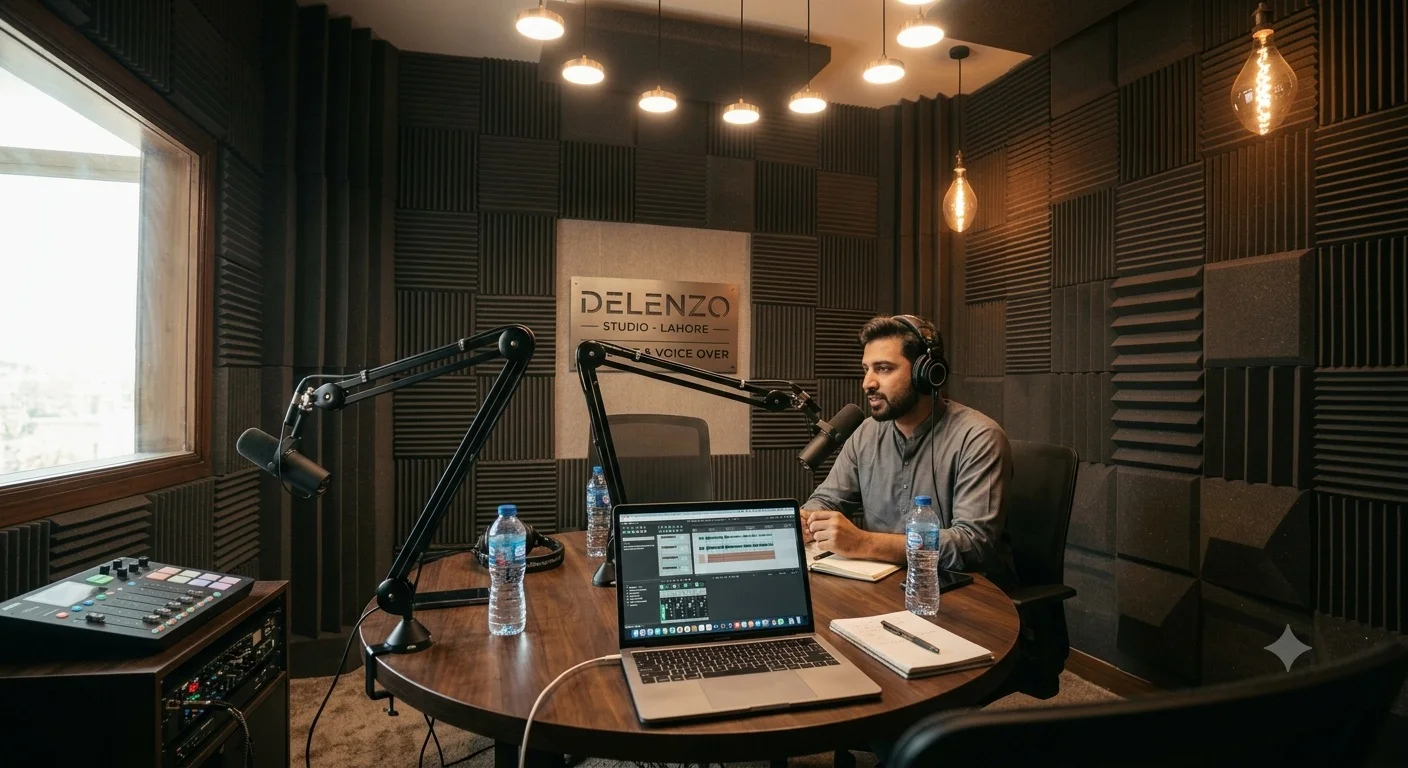
If you're recording solo, you're probably wondering whether a full podcast studio in Lahore setup even makes sense for one person, or if you're paying for space and gear you don't need. Booking a podcast studio as a solo creator is genuinely different from booking one for a two- or three-host show, and most pricing and setup advice online doesn't account for that.
This guide covers what to actually ask for, what you can skip, and how to avoid overpaying for a multi-host setup when you're the only one in the room.
What a Solo Creator Actually Needs vs. What Studios Push
Most studio packages are built around multi-host recording by default, which means you'll often get quoted for equipment and setup you won't use.
For a single host, you need one good microphone, a quiet treated room, and basic monitoring. You don't need a four-mic mixer setup, multiple boom arms, or a producer running a separate control room. Some studios will still quote you their standard multi-host rate unless you specifically ask for a solo-adjusted package.
Example scenario: A solo founder recording a weekly 30-minute LinkedIn audio series doesn't need the same setup as a three-host panel show. Asking the studio directly, "what does your solo single-mic rate look like" often reveals a lower price point than their published starting rate, since some studios price down for reduced mic count and setup time.
Audio-Only or Video: What Solo Creators Should Actually Choose
This decision affects both cost and workload more than most first-time solo podcasters expect.
Audio-only is simpler, cheaper, and faster to produce. One mic, one room, and you're recording within minutes of arriving. Video adds a camera, lighting setup, and framing considerations, but it also opens up YouTube and Instagram Reels distribution, which matters if your growth strategy leans on social clips.
Example scenario: A solo creator building a personal brand around career advice found their audio-only episodes performed fine on Spotify, but adding a single stationary camera for YouTube let them repurpose 60-second clips for Reels without any extra editing complexity. They didn't need multi-camera coverage since there was only one speaker to frame.
If you're unsure, start audio-only for a few episodes. You can always add a single-camera video option later without needing a bigger crew or setup, since a solo shoot only ever needs one clean angle.
How Much Solo Studio Time You Actually Need
New solo podcasters consistently overbook their first few sessions, which inflates cost without improving the episode.
A 30-minute solo episode typically needs 45 to 60 minutes of studio time once you account for mic setup, a sound check, and a couple of restarts if you flub an intro. A 60-minute episode usually needs 75 to 90 minutes total. Booking beyond that for a single-host format is usually paying for buffer you won't use.
Example scenario: A first-time solo podcaster booked a 3-hour session for a single 40-minute episode, assuming they'd need extra time to feel comfortable. They finished recording, including retakes, in 70 minutes and paid for nearly two hours of unused studio time. After the first session, they rebooked in 1-hour blocks and found that plenty.
Setting Up Your Own Recording Flow as a Solo Host
Without a co-host or producer in the room, you're managing your own pacing, notes, and technical checks, which changes how you should structure your booking.
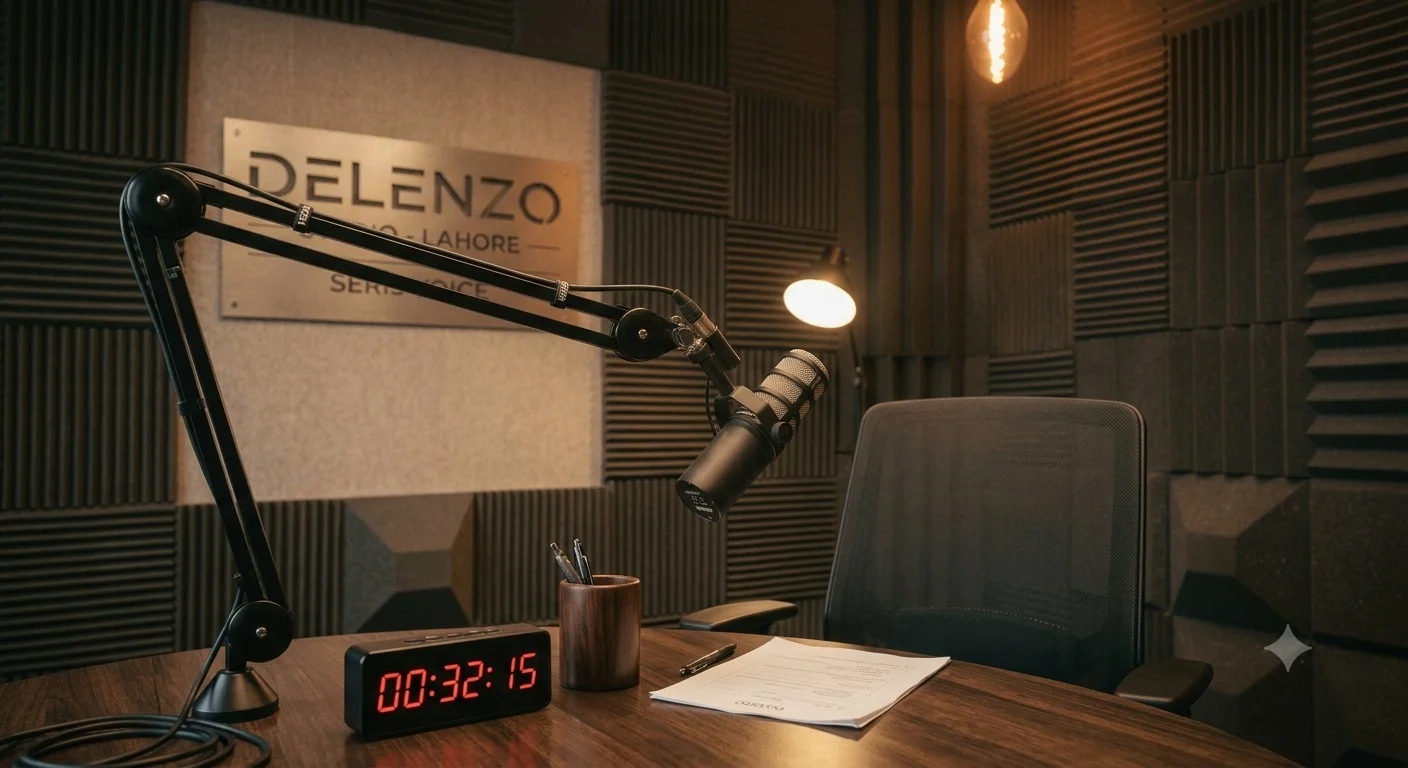
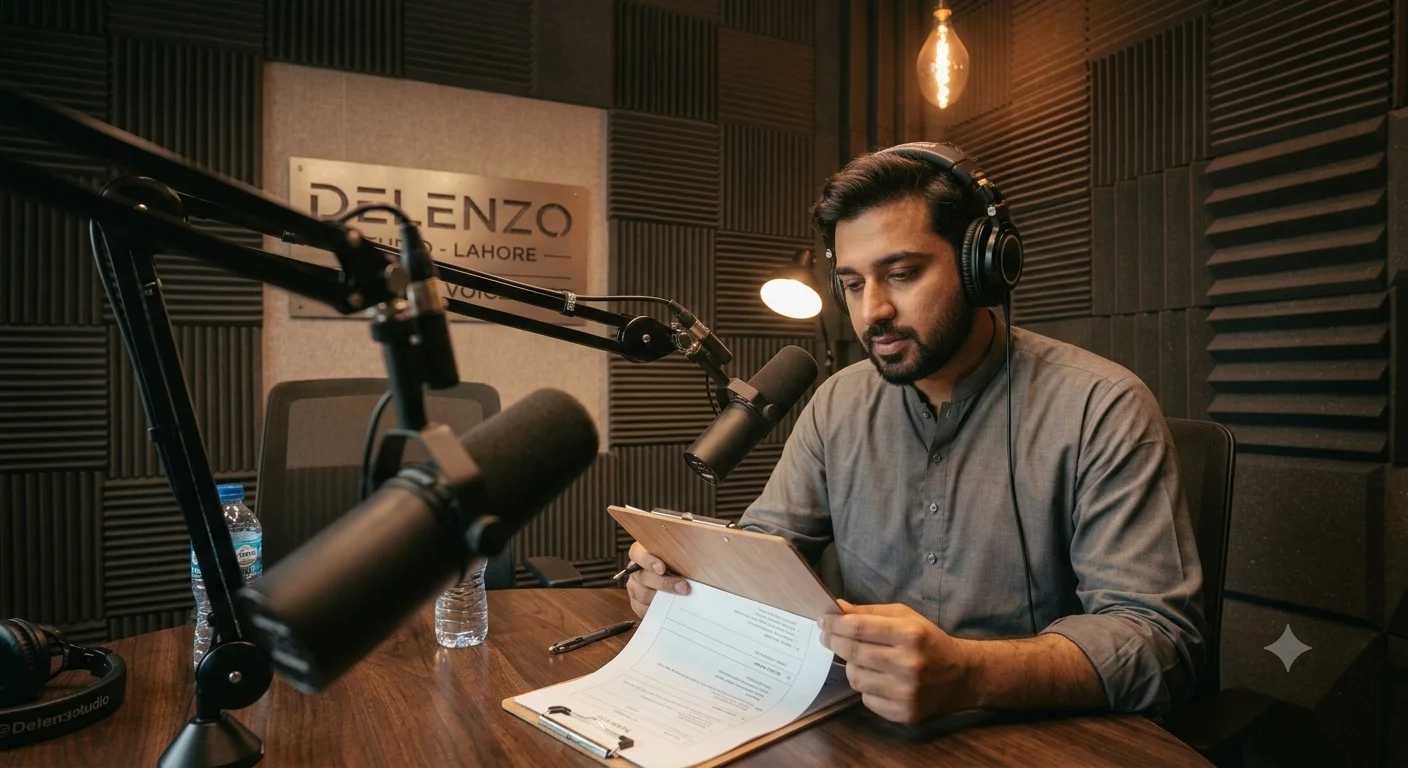
Bring a printed or tablet outline rather than relying on memory, since there's no one to bail you out mid-sentence if you lose your thread. Ask the studio if they can leave a visible timer or clock in your eyeline, since solo hosts tend to lose track of pacing without a second person's reactions to gauge against.
Do a 2-minute test recording before your actual episode starts, even if you've recorded there before. Room conditions, mic gain, and your own vocal warm-up level change session to session, and catching a hot mic or a hum during a test clip is far easier than catching it after a 40-minute take.
Example scenario: A solo interview-format host started leaving 5 minutes at the start of every session purely for a level check and a warm-up sentence or two, after an early episode came back with slightly clipped audio because the mic gain hadn't been adjusted from a previous multi-host session.
Mid-Content Image Prompt #2: Realistic photo of a solo creator reviewing a printed outline on a clipboard while seated at the recording table in Delenzo Studio's Gulberg V podcast room, microphone visible in the foreground slightly out of focus, warm ambient studio lighting, candid documentary photography style.
Questions to Ask Before You Book as a Solo Creator
A short message to the studio before booking can save you money and a wasted session.
- Ask whether they offer a solo or single-mic rate distinct from their multi-host pricing.
- Confirm the minimum booking block and whether shorter sessions are available.
- Ask if raw audio files are included, or if editing is a separate charge.
- Request a room tour or short voice clip so you know the acoustic quality before committing.
- Ask if you can bring your own laptop for notes or teleprompter use during the session.
- Confirm whether a single-camera video add-on is available if you might want YouTube clips later.
Where This Fits at Delenzo Studio
If you're comparing options in the Gulberg area, our podcast studio in Gulberg V, Lahore offers solo-adjusted single-mic booking so you're not paying for a full multi-host setup you won't use. Book a session via WhatsApp at +92 325 1111082 or visit delenzostudio.com.pk.
Booking as a solo creator doesn't have to mean paying multi-host rates or overbooking time you won't fill. Ask specifically for solo pricing, book slightly less time than you think you need, and build in a short test recording before every session. Those three habits alone will save you more than shopping around for the cheapest studio on paper.
FAQs
Can solo podcasters get a lower rate than multi-host bookings? Many studios will offer a reduced rate for single-mic, self-operated sessions since they involve less setup and equipment. It's worth asking directly rather than assuming the published multi-host rate applies to you.
How much studio time does a solo podcaster actually need? A 30-minute episode typically needs 45 to 60 minutes of studio time to account for setup and retakes, while a 60-minute episode usually needs 75 to 90 minutes. Booking significantly more than that often means paying for unused time.
Should a solo creator record audio-only or add video? Audio-only is simpler and cheaper, and works well if your main platforms are Spotify or Apple Podcasts. Adding a single stationary camera is a low-cost way to unlock YouTube and Reels clips without needing a multi-camera crew.
Do solo podcasters need a producer or engineer present? Not usually. A single host with one mic and basic monitoring can self-operate most sessions, though it helps to do a short test recording at the start to catch mic gain or level issues before the real take.
What should a solo creator bring to their first studio session? Bring a printed or tablet outline rather than relying on memory, since there's no co-host to help you recover mid-sentence. A water bottle and a few extra minutes for a vocal warm-up and level check also help the first take go smoothly.

.webp)