 Sign up with Google
 Sign in with Zoho

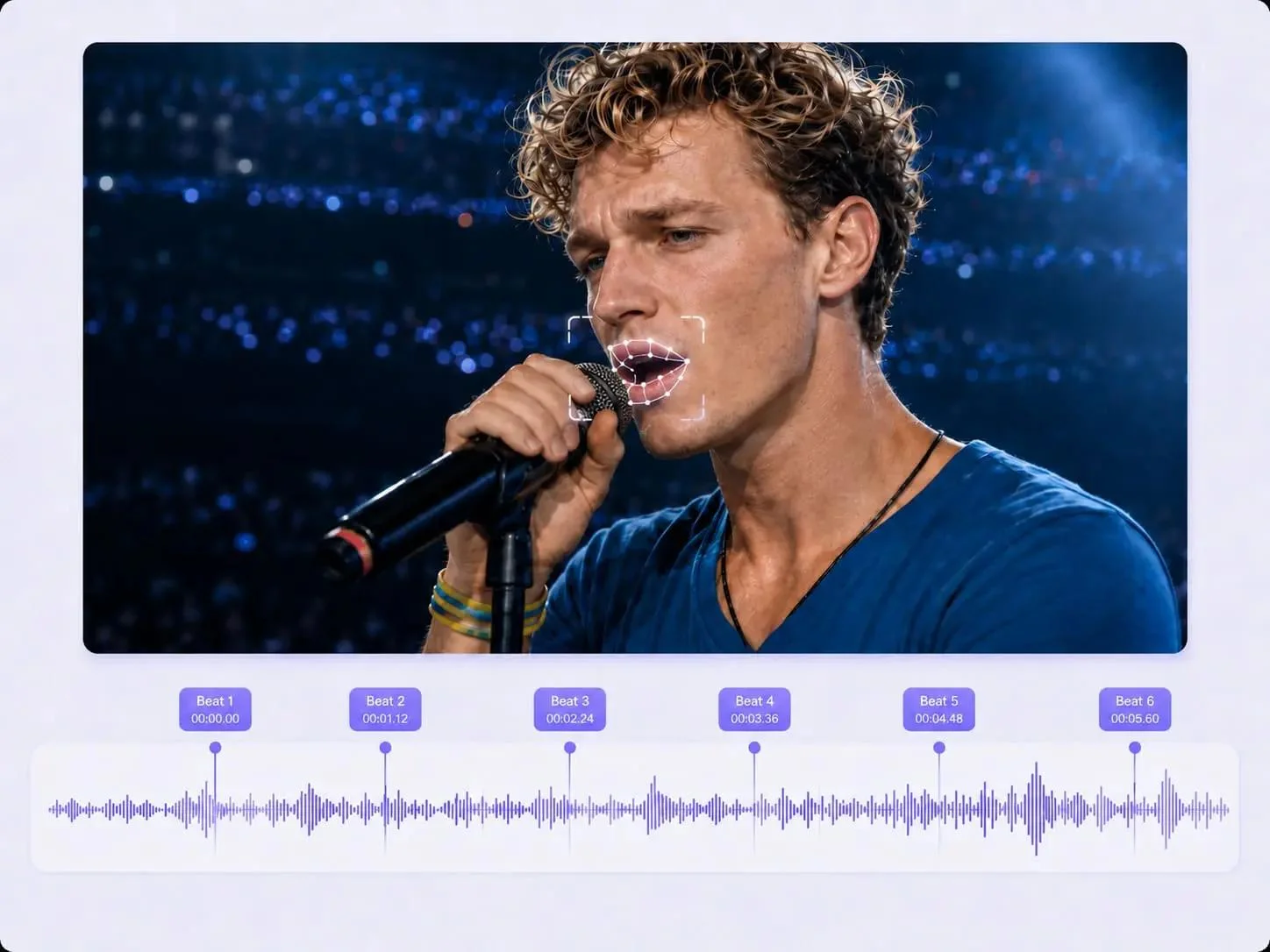
1. Making a Song with Suno Was Easy. Giving It a Visual Identity Was Another Story.
I've been using Suno to experiment with music ideas, and one thing I genuinely enjoy is how quickly a rough musical concept can become a complete track.
Sometimes I start with a genre, sometimes with a few lyrics, and sometimes with nothing more than a mood I want to capture. A few generations later, I might have something that actually sounds like a song I'd want to share.
But there's a problem I kept running into.
The music was ready, but the visual side wasn't.
I could download the finished track and use its cover artwork, but a static image didn't really communicate the feeling of the song. I wanted something closer to an actual music video: a character singing, camera movements that followed the music, and cuts that made sense with the rhythm.
I wasn't particularly interested in learning a complicated editing workflow just to publish one independent track.
While looking for a Suno music video generator, I came across 1MV.ai.
Its approach caught my attention because it was designed around something I already had: a finished song and an image.
2. Getting the Right Audio File from Suno
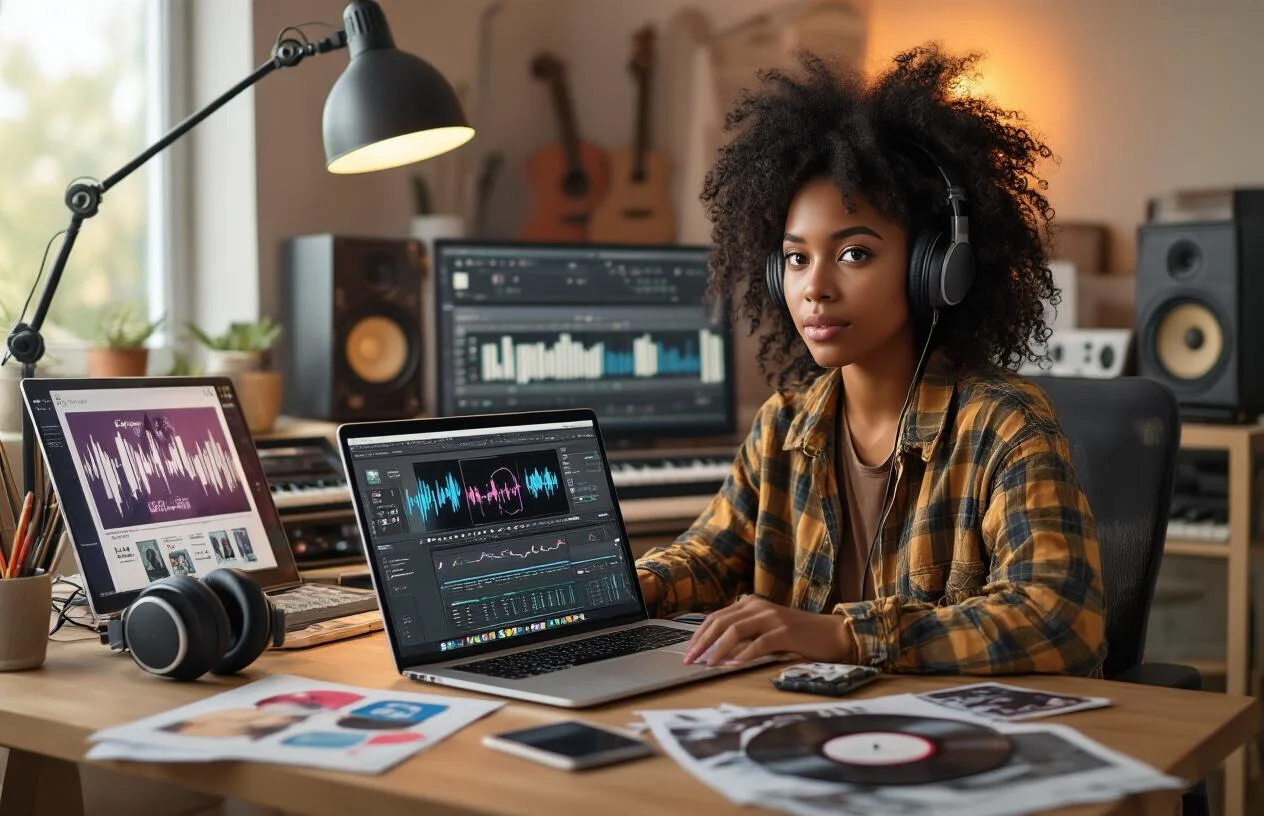
Before opening 1MV, I would start with the original audio export.
Suno provides MP3 downloads across its plans. WAV downloads are available to Pro and Premier subscribers on the Suno website, subject to the applicable download options.
For this workflow, the important thing is to download the audio file rather than simply saving a video version of the song.
I would prepare the following:
- MP3 for a straightforward upload and smaller file size.
- WAV when a higher-quality source file is available.
- The final version of the song rather than an unfinished generation.
- A trimmed chorus or highlight section if I only want to create a short promotional video.
One thing I would check before uploading is the beginning and ending of the track. AI-generated songs can sometimes have unexpected instrumental introductions, long fades, or sections that I wouldn't necessarily want in a promotional video.
A little preparation here can save time later.
3. Choosing an Album Cover or Character Image
The next decision is the visual identity of the video.
I like the idea of using the original Suno cover artwork because it keeps the music and its visual presentation connected.
However, not every album cover is equally suitable for AI animation.
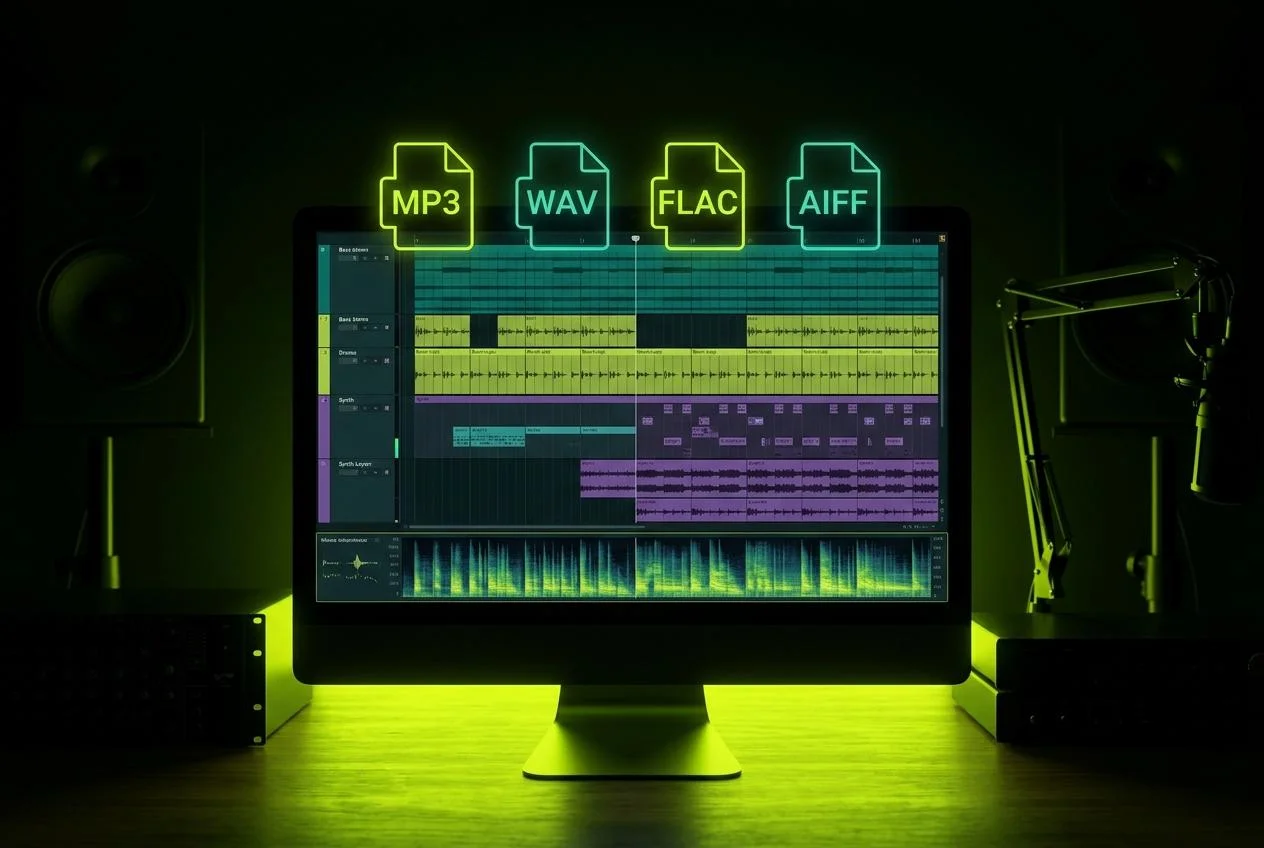
If the artwork contains a clearly visible person, it can provide a natural starting point for a singing performance. If it contains abstract shapes, landscapes, or multiple characters, the visual result may be different from what someone expects from a singer-focused music video.
For this experiment, I would compare three image types:
- Album artwork: Best for maintaining the original identity of the release.
- A front-facing portrait: Useful when the goal is a recognizable singing performance with visible facial movements.
- An original character illustration: Interesting for virtual singers, animated music projects, and creators who don't want to use their own photographs.
For the clearest facial animation, I would choose a single face with good lighting and an unobstructed mouth.
1MV supports JPG, PNG, and WebP images.
4. Turning a Suno Track into a Music Video with 1MV
The workflow is relatively simple.
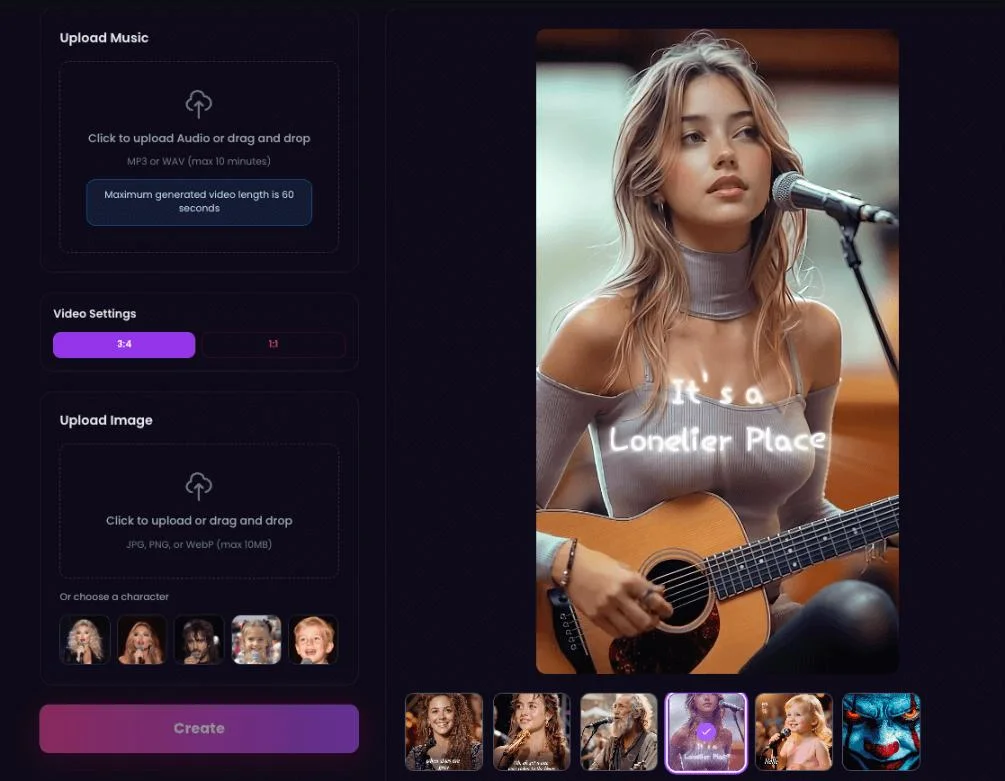
Step 1: Open the 1MV Workbench
Start by opening 1MV and accessing the video creation interface.
Step 2: Upload the Image
Choose the album artwork, portrait, or character image you prepared earlier.
The person in the image becomes the visual performer, so image selection matters.
Step 3: Upload the Suno Audio
Add your MP3 or WAV file. 1MV also supports M4A, FLAC, and OGG.
The audio can contain vocals in different languages or be instrumental.
Step 4: Choose the Aspect Ratio
There are six available formats:
- 16:9 for YouTube and conventional music videos.
- 9:16 for TikTok, Reels, and Shorts.
- 1:1 for square social posts.
- 4:3 and 3:4 for alternative compositions.
- 21:9 for a cinematic widescreen look.
Step 5: Adjust the Creative Settings
The workbench provides director styles, resolution settings, and music tags.
I would treat these as creative choices rather than technical requirements. If the song is a slow acoustic track, the visual direction should ideally feel different from an energetic electronic release.
Step 6: Check the Credit Cost and Generate
Before generating, review the displayed credit cost and confirm that you have the rights to use both the song and the image.
Once generation begins, the video is processed in the background. When ready, it appears in My Videos.
5. What Makes It Different from Putting a Song over an Image?
This was the feature distinction I found most interesting.
A conventional music slideshow simply displays artwork while the audio plays. You can add zoom effects and transitions, but the person in the image doesn't actually perform the song.
1MV takes a different approach.
It generates a singing performance using the uploaded image, with lip synchronization following the vocals. The camera can move, viewing angles can change, and cuts are planned around the music.
For a Suno creator, this changes the purpose of the cover artwork.
Instead of functioning only as a thumbnail or static visual, it can become the starting point for an animated music-video character.
The multilingual aspect is particularly relevant. Suno users create songs in English, Japanese, Korean, Spanish, Chinese, and other languages. 1MV states that its lip-sync workflow follows vocals in different languages, including AI-generated singing.
I would still inspect the actual output carefully, especially during fast lyrics, sustained notes, and layered vocal passages.
6. Checking the Result: Does the Video Match the Song?
I wouldn't consider the project finished just because the AI has generated a video.
There are several details worth checking before downloading it.
I would pay particular attention to the chorus.
That's usually where a song becomes more energetic, and where a static-looking visual sequence can feel especially repetitive.
A good music video needs more than technically correct timing. The visual changes should contribute to the atmosphere of the music.
I would also listen to the exported file from beginning to end, checking for unexpected silence, missing sections, or audio problems.
7. Exporting: From a Finished Video to a Social-Media Release
After reviewing the generated video, the next step is downloading it.
The available duration and resolution depend on the membership plan.
The platform supports resolutions up to 4K on eligible paid plans. Credits vary according to video duration and resolution, and the estimated cost is displayed before generation.
Downloads do not require additional credits.
For publishing, I would prepare different versions depending on where the song will appear.
- YouTube: 16:9 widescreen.
- TikTok: 9:16 vertical.
- Instagram Reels: 9:16 vertical.
- YouTube Shorts: 9:16 vertical.
One important point for creators: Suno's commercial-use rules depend on the plan under which the song was created. A paid 1MV membership does not automatically grant commercial rights to a Suno track. Check both services' terms before monetizing a release.
8. Who Is This Workflow Useful For?
I can see several types of creators benefiting from this approach.
Suno beginners: People who have generated their first song and want to give it a visual presentation without learning traditional video editing.
Independent musicians: Artists who already have finished tracks but don't have the budget for a music-video shoot.
AI music producers: Creators who publish multiple tracks and need a consistent visual identity for their releases.
Virtual artists: People developing original characters who want to turn them into recognizable singing personalities.
Social-media creators: Users who need visual content for music previews, short-form releases, and promotional posts.
Of course, this doesn't mean that an AI-generated video can replace every traditional music production technique. If a project requires several real locations, actors, or a carefully scripted story, conventional filming may still be the better choice.
But for a song that already exists, the image-plus-audio workflow offers a different starting point.
9. My Final Thoughts: Maybe Your Album Cover Shouldn't Just Stay an Album Cover
What I find interesting about 1MV is how naturally it fits into the workflow of someone who already creates music with Suno.
The song doesn't need to be recreated. The original audio can be downloaded, paired with existing artwork, and used as the foundation for a music video.
That makes the process particularly relevant to creators who have plenty of musical ideas but limited time, equipment, or video-editing experience.
I would still approach every generated result as an editable creative asset rather than assuming that the first version will always be perfect.
Check the vocals, inspect the cuts, listen to the audio, and make sure the final format suits the platform where you want to publish.
But the basic idea is exciting: the song you made yesterday could become a visual performance today.
And now I'm curious about something else.
If you already have a folder full of unfinished Suno tracks and unused album covers, which one would you turn into your first music video?
Easy to get started. Multilingual lip sync. Up to 6 minutes.
Explore the Suno Music Video Generator: