Sign up with Google
 Sign in with Zoho

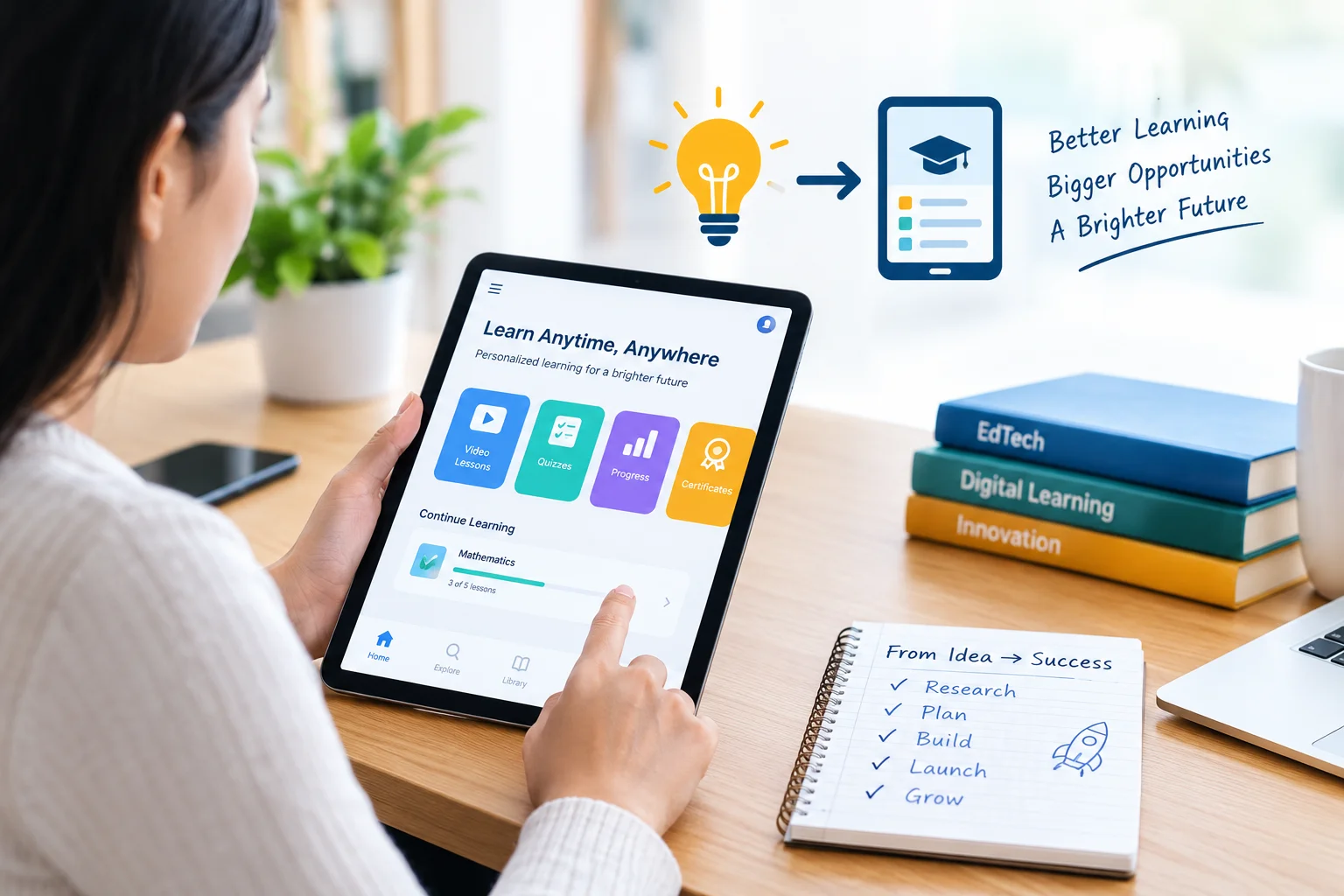
An education app can solve a real learning problem, create new opportunities for educators, and help businesses reach learners beyond traditional classrooms. But a promising idea alone does not guarantee success. The product must address a clear user need, offer a useful learning experience, and have a sustainable business model.
Whether you want to launch an online tutoring platform, a language-learning app, a school management solution, or an AI-powered learning product, the development process should begin with research rather than coding.
Here is a practical, step-by-step approach to turning an education app idea into a digital product that learners want to use and businesses can grow over time.
1. Identify the Learning Problem You Want to Solve
The first step is to define the problem your app will address. Starting with a long list of features can make development expensive without proving that anyone needs the product.
Consider the challenges faced by your intended users. Students may struggle to find reliable learning resources, parents may want better visibility into academic progress, and tutors may need a simpler way to manage bookings and lessons.
A few examples include:
- Students: Difficulty accessing personalized study materials or tracking learning progress.
- Teachers: Time-consuming lesson preparation, grading, and communication.
- Parents: Limited visibility into attendance, assignments, and academic performance.
- Tutors: Managing schedules, payments, student records, and online sessions.
- Educational institutions: Coordinating classes, student information, assessments, and administration.
Choose one primary problem for your initial product. A focused solution is easier to test, explain to potential customers, and improve based on feedback.
Before moving forward, speak with potential users. Ask how they currently solve the problem, what frustrates them, and which improvements would make the biggest difference. Their answers can reveal whether your idea addresses a genuine need.
2. Research Your Target Audience and Competitors
Once the problem is clear, determine who will use the app and who will pay for it. These are not always the same people.
For example, students may use a learning application while parents purchase subscriptions. In a school management platform, teachers and administrators may use the software while the institution pays for it.
Create a simple audience profile covering:
- Age group and learning requirements.
- Digital skills and preferred devices.
- Common learning or administrative challenges.
- Expected features and accessibility needs.
- Budget, purchasing preferences, and willingness to pay.
Next, study competing products. Look at established applications such as Duolingo for language learning and Coursera for online courses. Examine their onboarding process, learning formats, subscription options, engagement features, and user feedback.
The goal is not to copy an existing application. It is to understand what works, identify recurring complaints, and discover where your product could offer something more useful.
For example, a tutoring app might differentiate itself through verified tutor profiles, flexible scheduling, transparent pricing, or better communication between tutors and parents.
3. Select the Right Education App Business Model
Your business model affects the features you build, the audience you target, and the revenue you can generate. Choose it early enough to guide product planning, but remain open to testing different approaches.
Common education app business models include:
Subscription model: Learners pay monthly or annually for premium courses, practice exercises, tutoring resources, or advanced learning tools.
Freemium model: Users access basic features at no charge, with paid upgrades available for additional content or functionality.
Commission-based marketplace: A tutoring platform earns a commission on eligible bookings or transactions between learners and tutors.
Institutional licensing: Schools, colleges, training providers, or businesses pay for access to a learning platform.
One-time purchase: Users pay once for a particular course, learning package, or digital resource.
Each model has different operational requirements. A tutoring marketplace, for instance, may need payment processing, cancellation rules, tutor verification, and dispute management. A subscription learning app needs billing management, content access controls, and a way to measure retention.
Estimate potential revenue alongside ongoing expenses, including hosting, content production, customer support, maintenance, and user acquisition. A large number of downloads does not automatically translate into a profitable business.
4. Define the Minimum Viable Product (MVP)
A minimum viable product (MVP) is an early version of your application that includes enough functionality to test the core idea with real users.
Instead of building every feature at launch, identify the smallest set that can deliver the intended outcome.
For an online tutoring application, an initial feature set might include:
- Student and tutor registration.
- Tutor profiles and search.
- Session booking and scheduling.
- Video lesson integration.
- Basic payment functionality.
- Booking notifications and session history.
Features such as AI-generated study plans, advanced analytics, multilingual support, and complex recommendation systems can be considered after validating the core experience.
For a school management app, the initial priorities might instead be attendance, student records, announcements, and parent communication.
Rank features according to user value, development effort, business importance, and technical dependencies. This helps control the initial budget while keeping the product focused.
Most importantly, define what success looks like before launching. You might measure completed tutoring sessions, weekly active learners, course completion, repeat bookings, or the percentage of users who return after their first lesson.
5. Design an Experience That Supports Learning
Education apps must do more than look attractive. Their interfaces should help users understand what to do next and make learning easier.
Start by mapping the main user journeys. A student might register, select a course, complete a lesson, take an assessment, and review their progress. Every additional step or confusing screen can create friction.
Useful design principles include:
- Keep registration and onboarding straightforward.
- Organize lessons into clear modules or learning paths.
- Use readable typography and consistent navigation.
- Provide meaningful feedback after quizzes and activities.
- Support different screen sizes and accessibility needs.
- Make progress visible without overwhelming learners with data.
Gamification can also support engagement when used thoughtfully. Streaks, badges, milestones, and challenges may encourage learners to return, but they should reinforce learning goals rather than distract from them.
Test early designs with actual students, teachers, or tutors. Observe where users hesitate, misunderstand instructions, or abandon a task. These findings are often more useful than relying entirely on internal opinions.
6. Choose the Right Technology and Development Approach
Technology decisions should follow product requirements rather than trends. The right approach depends on your target platforms, integrations, expected usage, available budget, and future plans.
For example, a mobile-first learning product may require native iOS and Android applications, while a browser-based learning management system may prioritize a responsive web interface.
When evaluating your options, consider:
Platform strategy: Decide whether you need iOS, Android, web, or a combination. Cross-platform frameworks may help share code across mobile platforms, while native development can be appropriate when platform-specific capabilities are important.
Backend architecture: Plan how user accounts, lessons, assessments, payments, notifications, and learning records will be managed.
Third-party integrations: Determine whether the product needs video conferencing, payment gateways, learning management systems, analytics, or single sign-on.
Security and privacy: Identify what personal information the app collects, why it is necessary, how it is protected, and who can access it. Products serving children or educational institutions may need additional safeguards and compliance reviews.
Scalability: Consider how the system will handle additional learners, course content, integrations, and simultaneous sessions as usage grows.
Businesses evaluating education mobile app development should look for a development partner that understands learning workflows, product architecture, integration requirements, and ongoing maintenance—not just interface design and coding.
7. Estimate the Budget Before Development Begins
The cost of building an education app varies significantly according to its scope and technical complexity. A basic learning application with user accounts and course content has different requirements from a tutoring marketplace with real-time video, payments, and multiple user roles.
Important cost factors include:
- Number of platforms and supported devices.
- Complexity of the user interface and backend.
- Number and type of features.
- Third-party services and integrations.
- Security, accessibility, and testing requirements.
- Content creation and migration.
- Post-launch maintenance and improvements.
AI capabilities can introduce additional expenses. An AI tutor, for example, may require model or API usage, evaluation processes, content safeguards, monitoring, and ongoing optimization.
Ask development teams to provide a scope-based estimate that separates initial development from recurring operational expenses. The proposal should identify assumptions, exclusions, milestones, and potential cost changes.
If the budget is limited, prioritize the core learning experience and validate demand before investing in advanced features. This approach reduces the risk of spending heavily on functionality that users may not need.
8. Build, Test, and Validate the Product
Development should proceed through clear milestones rather than treating launch as the first opportunity to evaluate the product.
A typical process includes requirements planning, interface design, development, integration, testing, and deployment. Review working versions regularly so that problems can be identified before they become expensive to fix.
Testing should cover more than whether individual buttons work. Evaluate the complete user experience, including:
- Registration, login, and account recovery.
- Lesson access, assessments, and progress tracking.
- Payments, cancellations, and notifications where applicable.
- Performance on supported devices and network conditions.
- Accessibility and usability.
- Data protection and permission controls.
- Integration failures and error handling.
A pilot launch with a small group of representative users can reveal practical issues that internal testing misses.
Collect feedback through interviews, short surveys, support requests, and product analytics. If learners repeatedly abandon a particular step, investigate the cause before adding new features.
For applications serving children or schools, involve appropriate stakeholders in testing and review privacy, accessibility, and safeguarding requirements before wider deployment.
9. Plan Your Launch and User Acquisition Strategy
A successful launch requires more than publishing an app in an app store. You need a clear reason for the intended audience to try the product and a plan for helping users discover its value.
Start by defining a specific positioning statement. Explain who the application serves, which problem it solves, and why its approach is useful.
Your launch plan could include:
- A landing page explaining the product and its benefits.
- Demonstrations or tutorials showing key workflows.
- Partnerships with tutors, educators, or training organizations.
- Relevant educational content and search optimization.
- Outreach to schools, parents, or EdTech communities.
- A feedback channel for early users.
For search visibility, create useful content around the questions potential customers ask before choosing a product. These may include comparisons between learning formats, guides to choosing tutoring platforms, or explanations of how schools can evaluate digital learning tools.
Avoid promising learning outcomes that you cannot substantiate. Trust is especially important when an application handles student information or influences educational decisions.
10. Measure Results and Improve After Launch
The first release is the beginning of product development, not the end. Once users start interacting with the application, measure whether it solves the original problem.
Choose metrics that reflect the product's purpose.
For a learning application, useful measures may include lesson completion, learner retention, assessment participation, and progress toward learning objectives.
For a tutoring marketplace, track search-to-booking conversion, completed sessions, repeat bookings, cancellations, and tutor availability.
For a school management platform, examine feature adoption, task completion, support requests, and the time required to complete common administrative activities.
Review these results alongside user feedback. A feature with high usage is not necessarily improving learning, and a large user base does not necessarily mean users are satisfied.
Prioritize improvements based on evidence. Fix recurring usability problems, strengthen reliability, and refine features before expanding into new product categories.
Common Mistakes to Avoid When Building an Education App
Even a well-researched idea can struggle when important decisions are overlooked.
Building too many features at once: A large initial scope increases cost and makes it harder to determine which features create value.
Ignoring the needs of different users: Students, parents, tutors, teachers, and administrators may have different goals. Design for the relevant user roles instead of assuming one interface will work for everyone.
Treating privacy as a final-stage task: Data protection and access controls should be considered during planning and architecture, not added only before launch.
Choosing technology without considering future requirements: A quick initial solution may become difficult to maintain if integrations, user roles, or usage grow beyond its original design.
Skipping real-world validation: Positive opinions about an idea do not prove that users will adopt it or pay for it. Test the core assumptions before committing to a large investment.
Neglecting maintenance: Operating systems change, integrations need updates, security issues emerge, and user expectations evolve. Reserve time and budget for ongoing support.
Final Thoughts
Turning an education app idea into a successful digital product requires a clear understanding of learners, a validated business model, focused feature planning, thoughtful technology decisions, and continuous improvement.
Start with a specific problem, speak with the people who experience it, and build an MVP that addresses their most important needs. Test the product before scaling, measure meaningful outcomes after launch, and use feedback to guide future investment.
The strongest education apps are not necessarily those with the most features. They are the ones that make a meaningful learning or teaching task easier, provide a reliable experience, and continue to improve as user needs change.