Sign up with Google
 Sign in with Zoho
Google's Gemini Pro has quickly become one of the most capable AI assistants on the market, handling everything from deep research and document analysis to coding and creative work. But the $19.99/month price tag for Google AI Pro stops a lot of people before they even try it.
The good news: there are several legitimate ways to get Gemini Pro for free — no cracked APKs, no sketchy "unlimited access" browser extensions, no shared account risks. This guide walks through every real method available right now, who qualifies, and how to avoid the auto-renewal traps that catch most people off guard.
1. Claim the Free 1-Month Google AI Pro Trial
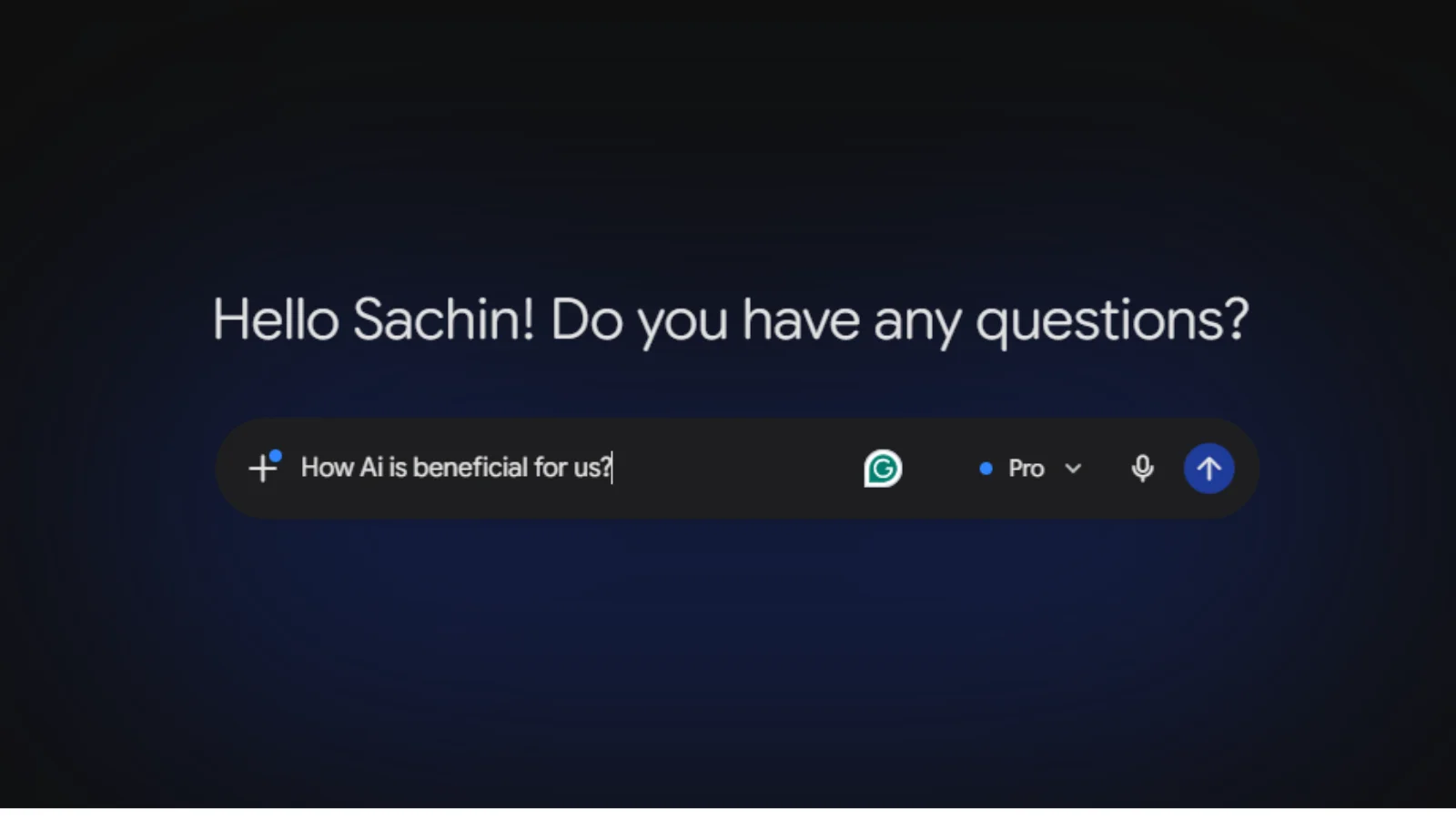
Every new Google account is eligible for a free 1-month trial of Google AI Pro, which unlocks Gemini's most advanced model, higher usage limits, Deep Research, NotebookLM Plus, and 2TB of Google One storage.
How to claim it:
- Go to gemini.google.com and sign in with a personal Google account
- Navigate to Settings > Upgrade or visit the Google One AI Pro page directly
- Select the free trial option and add a payment method (required, but not charged until the trial ends)
- Set a calendar reminder to cancel before the billing date if you don't want to continue
This is the fastest option for anyone who just wants to test Gemini Pro's full feature set without committing.
2. Use the Gemini for Students Offer
Google's student program is currently the single best way to get extended free access. As of the 2026 campaign, eligible U.S. college students can claim a full year of Google AI Pro free, while students in 140+ other countries can claim a year of Google AI Plus free. The offer runs through December 31, 2026.
Eligibility requirements:
- Must be 18 or older
- Enrolled at an accredited college or university
- Verified through SheerID using a personal (not university Workspace) Google account
- Valid payment method on file for when the free period ends
Once verified, head to gemini.google.com/students to activate the offer. This also unlocks the Student Hub, with adaptive study notebooks and Deep Research tools built for coursework.
Important: the plan auto-renews into a paid subscription once the free period ends, so mark the renewal date and cancel in advance if needed.
3. Try Google AI Studio (Free, No Trial Required)
If you mainly want to use Gemini's underlying models for building, testing prompts, or experimenting with AI outputs rather than the consumer chat app, Google AI Studio offers free access to Gemini models with generous rate limits — no subscription or trial required. It's aimed at developers, but anyone can use the interface to run prompts against Gemini's latest models at no cost.
4. Check for Carrier and Device Bundles
Several telecom carriers and device manufacturers periodically bundle Google AI Pro or AI Plus subscriptions with phone plans or new device purchases. These promotions rotate by region and season, so it's worth checking your carrier's current offers page or the terms that came with a recent phone upgrade before paying for Gemini directly.
5. Use Google One Family Plan Sharing
If anyone in your household already pays for Google One with an AI Pro tier that supports family sharing, you may be able to get access added to your account through the family group — worth a quick check before signing up separately.
6. Watch for Seasonal Promotions
Google has run multiple back-to-school and product-launch promotions in 2026, each with different eligibility windows and regional availability. These aren't permanent, so the safest approach is to check Google's official Gemini pricing page directly before assuming an old deal (like the original 12-month "just verify with a .edu email" offer) is still active — several of these have already expired or been replaced.
7. Start on the Free Gemini Tier
If none of the above apply to you yet, Gemini's standard free tier still gives access to a solid model with a real context window — enough for everyday tasks, though it caps out well below what Gemini Pro handles (Pro supports over 1 million tokens of context, versus roughly 25 pages on the free tier). It's a reasonable way to evaluate whether upgrading is worth it for your workflow.
A Word of Caution
Search around this topic and you'll find sites promoting "free Gemini Pro forever" hacks, modded APKs, or shared premium logins. These typically violate Google's terms of service, put your account at risk of suspension, and in some cases expose your data to third parties. None of the methods above require bypassing Google's systems — they're all official programs Google runs itself.
Frequently Asked Questions
Is Gemini Pro really free for students? Yes, through Google's official student program — but it requires identity verification through SheerID and converts to a paid plan automatically once the free period ends unless you cancel.
Can I get Gemini Pro free without being a student? Yes. The 1-month trial available to all new users, Google AI Studio's free tier, and periodic carrier/device promotions are all open to non-students.
Does the free trial require a credit card? Yes, Google requires a valid payment method to activate the trial, even though you won't be charged until the trial period ends.
What's the difference between Google AI Pro and Google AI Plus? AI Pro is the higher tier (available free to U.S. students and via the standard $19.99/month plan), offering the most usage headroom and storage. AI Plus is a lighter, lower-cost tier offered free to students in many countries outside the U.S.
Final Thoughts
Getting Gemini Pro for free in 2026 comes down to picking the legitimate path that fits your situation — student verification, the standard free trial, or Google AI Studio for hands-on model access. Each route is official, safe, and doesn't put your Google account at risk the way "free forever" workarounds do. Check Google's current offer terms before signing up, since availability and pricing shift by region and by campaign.