Sign up with Google
 Sign in with Zoho
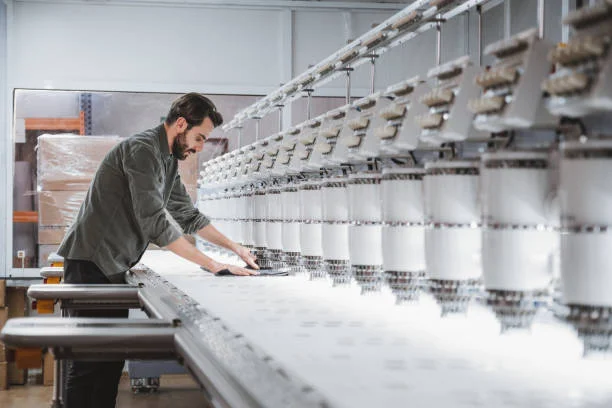
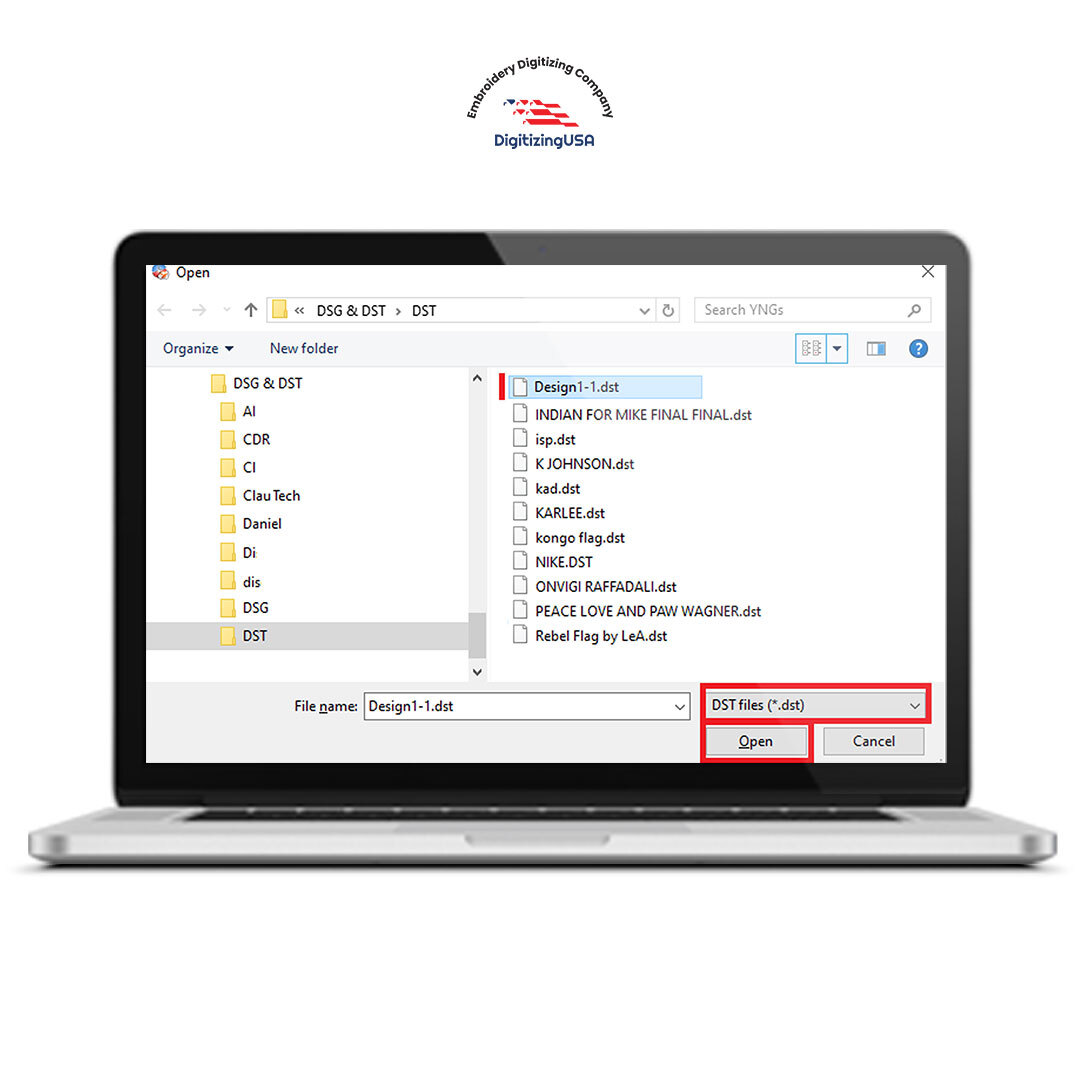
If you are in the embroidery business, you have probably heard terms like DST file and PES file for embroidery many times. These file formats are the backbone of machine embroidery. Without them, even the most beautiful logo or design cannot be stitched properly.
Many beginners think embroidery machines read image files like JPG or PNG. In reality, embroidery machines need special stitch files that tell them exactly how to move the needle, when to change thread, and where to place each stitch. That is where DST file and pes file for embroidery come in.
In this detailed guide, we will explain what these file formats are, how they work, their differences, and how to choose the right one for your embroidery machine.
What Is a DST File?
A DST file is one of the most widely used embroidery file formats in the industry. It was originally developed for commercial embroidery machines and remains a standard format for many industrial setups.
The name DST comes from “Data Stitch Tajima,” as it was created for Tajima embroidery machines. Over time, many other machine brands adopted compatibility with DST files because of their reliability and simplicity.
Key Features of a DST File:
- Contains stitch coordinates
- Includes trim and stop commands
- Compatible with most commercial embroidery machines
- Does not store detailed color information
- Lightweight and efficient format
Because of its universal compatibility, the DST file is often considered the safest option when sharing embroidery designs across different machine brands.
What Is a PES File for Embroidery?
A PES file for embroidery is commonly used with Brother embroidery machines and Baby Lock machines. Unlike DST, PES files store more detailed information about the design.
Key Features of a PES File for Embroidery:
- Contains stitch data
- Stores thread color information
- Includes design preview
- Supports additional design settings
- Ideal for home and small business embroidery machines
The PES file for embroidery is especially useful for users who want to see a visual preview of the design directly on their machine screen.
Why File Formats Matter in Embroidery
Choosing the correct embroidery file format is critical. If you load the wrong file type, your machine may:
- Not recognize the design
- Display errors
- Stitch incorrectly
- Miss color changes
A professional digitizer always asks which machine you are using before delivering the final file. That ensures you receive the correct DST file or PES file for embroidery.
Main Differences Between DST File and PES File for Embroidery
Let’s compare both formats in simple terms.
1. Compatibility
- DST file: Widely compatible with industrial and commercial machines.
- PES file for embroidery: Primarily used for Brother and Baby Lock machines.
2. Color Information
- DST file: Does not store thread color details clearly.
- PES file for embroidery: Stores complete thread color data.
3. Design Preview
- DST file: Limited or no preview image.
- PES file for embroidery: Includes design preview on the machine screen.
4. Usage Environment
- DST file: Common in large production setups.
- PES file for embroidery: Popular among small businesses and home users.
Both formats are important, but the right choice depends on your machine type and production needs.
How DST and PES Files Are Created
Neither DST file nor PES file for embroidery is created automatically from an image. They are generated through embroidery digitizing software.
The process includes:
- Importing artwork into digitizing software.
- Assigning stitch types (satin, fill, run).
- Setting stitch direction and density.
- Adding underlay.
- Adjusting pull compensation.
- Sequencing design elements.
- Exporting the file in DST or PES format.
This process requires skill and understanding of how stitches interact with fabric.
When Should You Use a DST File?
A DST file is ideal when:
- You are running a commercial embroidery machine.
- You need universal compatibility.
- You are sending designs to multiple production units.
- You want a simple and efficient file format.
Many embroidery businesses request DST files as their standard format because it reduces compatibility issues.
When Should You Use a PES File for Embroidery?
A PES file for embroidery is ideal when:
- You own a Brother embroidery machine.
- You need thread color details saved in the file.
- You prefer seeing a preview before stitching.
- You operate a home-based embroidery setup.
The PES file for embroidery provides more design information, making it user-friendly for smaller operations.
Common Mistakes When Handling Embroidery Files
Many embroidery problems occur not because of digitizing errors but because of file handling mistakes.
Mistake 1: Renaming File Extensions
Changing a .DST file to .PES does not convert it. It only changes the name, not the internal structure.
Mistake 2: Using Incorrect Machine Format
Always confirm your machine’s supported formats before requesting files.
Mistake 3: Skipping Test Stitch
Even with a proper DST file or PES file for embroidery, testing the design is important to ensure fabric compatibility.
Can You Convert DST to PES?
Yes, conversion is possible using embroidery software. However, conversion does not improve digitizing quality. It only changes the file structure.
For best results, ask your digitizer to export directly in the required format instead of converting later.
The Role of Professional Digitizing in File Quality
Whether it is a DST file or PES file for embroidery, the final stitch quality depends on digitizing — not just the format.
A well-digitized file ensures:
- Balanced stitch density
- Smooth thread flow
- Clean lettering
- Reduced thread breaks
- Proper underlay support
File format is the container. Digitizing quality is the foundation.
Why Embroidery Businesses Request Multiple Formats
Some businesses request both DST file and PES file for embroidery. This allows flexibility when working with:
- Different machine brands
- Outsourced production partners
- Backup systems
Having multiple file formats ensures smooth workflow without delays.
How to Store Embroidery Files Properly
To avoid data loss or corruption:
- Keep original files backed up.
- Store files in organized folders.
- Label designs clearly with size and version.
- Avoid editing files directly on USB drives.
Proper file management saves time and prevents costly mistakes.
Final Thoughts
Understanding the difference between DST file and PES file for embroidery is essential for anyone in the embroidery industry. These file formats are the bridge between digital artwork and physical stitching.
The dst file is known for its wide compatibility and simplicity, making it perfect for commercial production. The PES file for embroidery offers additional design information and is ideal for Brother and home embroidery machines.
No matter which format you use, remember that high-quality digitizing is the real key to clean and professional embroidery results.
Choosing the correct file format, working with experienced digitizers, and testing your designs will ensure smooth production and satisfied customers.