Sign up with Google
 Sign in with Zoho

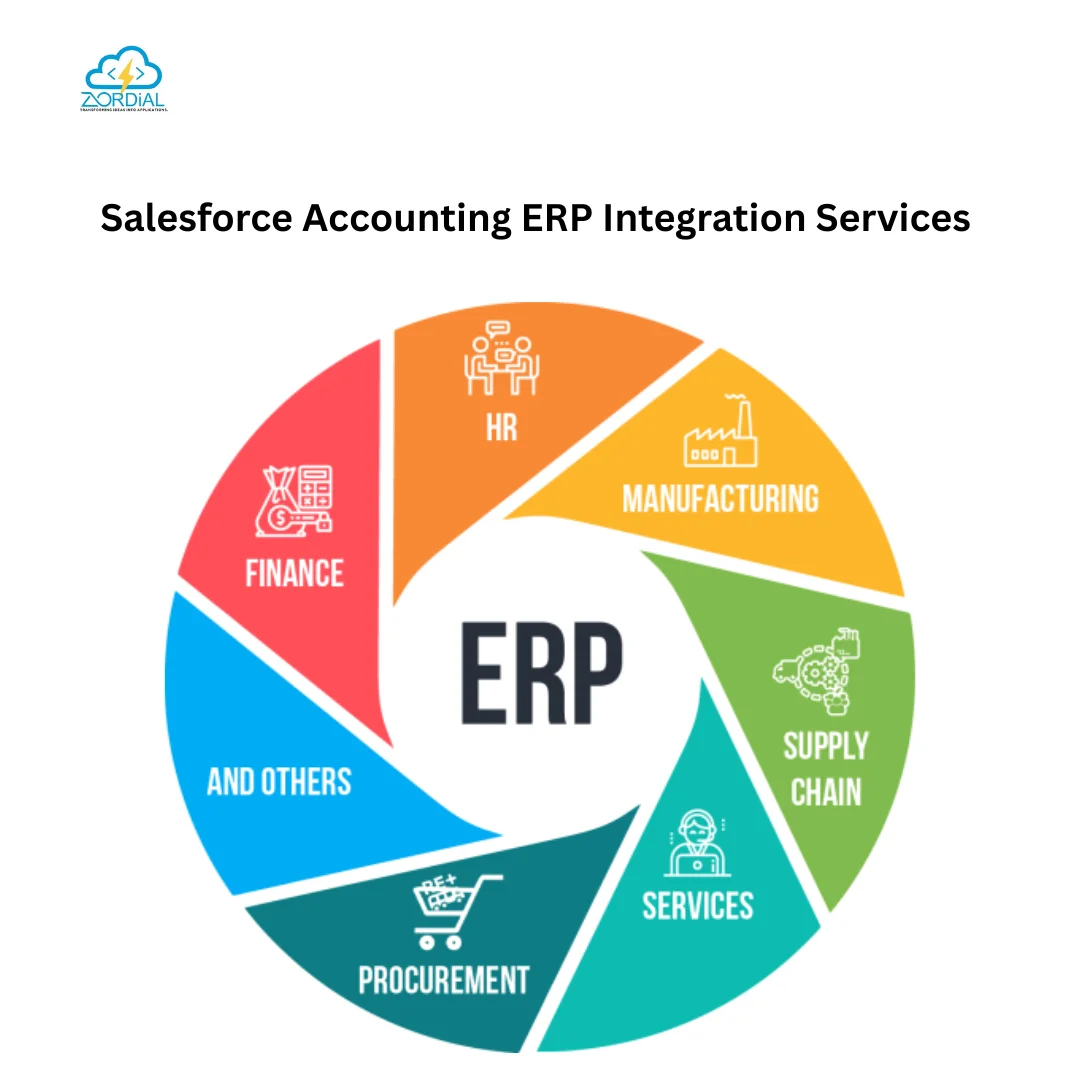
Salesforce Accounting ERP Integration helps businesses connect their CRM and financial systems to create a unified flow of customer, sales, billing, and accounting data. Instead of managing Salesforce and an accounting or ERP platform separately, organizations can synchronize critical financial information and improve visibility across departments. With solutions such as FinancialForce Accounting Integration, companies can bring ERP Financial Management in Salesforce closer to everyday sales and business operations.
What Is Salesforce Accounting ERP Integration?
Salesforce Accounting ERP Integration is the process of connecting Salesforce with an accounting or enterprise resource planning (ERP) system. The integration allows business data to move between CRM, accounting, finance, billing, and operational applications with less manual intervention.
Sales teams may work primarily in Salesforce, while finance teams use an ERP or accounting platform. Without integration, employees often have to enter the same information into multiple systems. This can result in duplicate records, delayed updates, reconciliation issues, and limited financial visibility.
An integrated environment helps synchronize information such as:
- Customer and account records
- Sales orders
- Invoices and payments
- Products and pricing
- Revenue information
- Tax details
- Purchase orders
- Financial transactions
- Customer balances
- Billing information
For growing organizations, this connected approach can make financial processes more consistent and easier to manage.
Why Businesses Need Salesforce and ERP Integration
Salesforce is widely used for managing customer relationships, sales pipelines, service interactions, and business opportunities. ERP and accounting systems, meanwhile, are designed to manage financial transactions, purchasing, inventory, billing, and reporting.
When these systems operate independently, teams may have difficulty accessing the same information.
1. Reduce Manual Data Entry
Manual data entry takes time and can introduce errors. When customer, order, or billing information needs to be entered into multiple platforms, the possibility of inconsistent data increases.
Salesforce Accounting ERP Integration can automate the movement of relevant information between systems, reducing repetitive work and allowing employees to focus on higher-value activities.
2. Improve Financial Data Accuracy
Accurate financial data is important for accounting, reporting, forecasting, and business planning. Integration can help keep customer and transaction information synchronized across Salesforce and the connected ERP system.
Automated data synchronization also creates a more consistent source of information for sales, finance, and management teams.
3. Create Better Visibility Across Departments
Sales representatives need to understand customer activity, while finance teams need accurate information about orders, invoices, and payments.
With integrated systems, authorized users can access relevant information without repeatedly requesting updates from another department. This can improve collaboration between sales, finance, customer service, and operations.
FinancialForce Accounting Integration
FinancialForce Accounting Integration is particularly relevant for organizations looking to connect Salesforce-based business processes with financial management capabilities.
FinancialForce, now associated with the Salesforce ecosystem under the Certinia brand, provides financial management capabilities designed around Salesforce. Integration can help organizations connect CRM activities with accounting and financial operations.
A connected environment can support processes such as:
- Quote-to-cash management
- Order processing
- Billing and invoicing
- Accounts receivable
- Revenue management
- Financial reporting
- Customer account management
- Payment tracking
The exact integration architecture depends on the organization's systems, data model, business processes, and reporting requirements.
ERP Financial Management in Salesforce
ERP Financial Management in Salesforce can help businesses bring financial processes closer to customer and sales activities.
For example, when a sales opportunity progresses into an order, the relevant information can be transferred to downstream financial processes. Finance teams can then work with the transaction without relying entirely on manual data entry from the sales team.
This approach can create a connected business process:
Lead → Opportunity → Quote → Order → Invoice → Payment → Financial Reporting
Connecting these stages can provide greater process visibility and reduce information gaps between CRM and accounting operations.
Key Financial Processes That Can Be Integrated
Depending on the ERP and Salesforce architecture, integration may support several financial workflows.
Accounts Receivable
Customer invoices, payment status, outstanding balances, and account information can be synchronized to help finance teams manage receivables more efficiently.
Billing and Invoicing
Sales transactions can trigger downstream billing processes. This can reduce the need for finance employees to manually recreate sales information in the accounting system.
Revenue Management
Businesses with recurring revenue, subscriptions, or complex contracts can benefit from connecting sales and financial information. Integration can provide better visibility into revenue-related transactions.
Financial Reporting
When relevant financial data is available across connected systems, organizations can build more consistent reports and dashboards for business analysis.
Benefits of Salesforce Accounting ERP Integration
A well-designed integration can provide benefits across the organization.
Faster Business Processes
Automation can reduce repetitive tasks and shorten the time required to move information between sales and finance.
Improved Data Synchronization
Integrated systems can keep important records aligned and reduce discrepancies caused by outdated information.
Better Customer Experience
Customer-facing teams can access relevant account, order, and billing information more quickly, helping them respond to customer questions with greater context.
Scalable Financial Operations
As transaction volumes increase, automated workflows can help businesses manage larger operational workloads without relying on proportional increases in manual data entry.
Stronger Business Reporting
Connecting CRM and financial information can give decision-makers a broader view of customers, sales activity, revenue, and financial performance.
How Salesforce Accounting ERP Integration Works
A typical integration includes several important components.
Data Mapping
The first step is determining which Salesforce records correspond to records in the ERP or accounting platform.
For example:
Salesforce Account → ERP Customer
Salesforce Product → ERP Item
Salesforce Opportunity/Order → ERP Sales Transaction
Salesforce Invoice Information → Accounting Invoice
Clear data mapping helps prevent synchronization problems.
Integration Workflows
Integration workflows define when and how data moves between systems. Some processes may operate in real time, while others may use scheduled synchronization.
For example, an approved order in Salesforce could initiate a workflow that sends the required transaction data to the financial system.
Data Validation
Validation rules help ensure that required fields, customer information, product details, tax information, and transaction values meet business requirements before data is synchronized.
Monitoring and Error Handling
A reliable integration should include logging, error notifications, retry mechanisms, and monitoring. These capabilities help technical and finance teams identify failed transactions and resolve issues quickly.
Best Practices for Salesforce ERP Integration
Successful integration requires more than simply connecting two platforms.
Define Business Requirements First
Before selecting an integration approach, identify the processes that need automation and the data that must be synchronized.
Maintain Data Quality
Clean customer, product, account, and transaction data should be maintained before integration. Poor-quality source data can create problems across connected systems.
Use Secure Integration Methods
Financial information requires appropriate access controls, authentication, encryption, and monitoring. Integration architecture should follow the organization's security and compliance requirements.
Plan for Scalability
The integration should be designed to accommodate future transaction volumes, additional Salesforce objects, new financial processes, and potential system changes.
Monitor Integration Performance
Regular monitoring helps organizations identify synchronization failures, data inconsistencies, and workflow issues before they affect business operations.
Why Choose Zordial Technologies for Salesforce Integration?
Zordial Technologies can help organizations plan and implement Salesforce integration solutions that connect CRM processes with accounting and ERP operations.
A successful Salesforce Accounting ERP Integration strategy should focus on business outcomes rather than simply connecting applications. From data mapping and workflow automation to synchronization, testing, and ongoing optimization, each component should support the organization's operational requirements.
Whether a business needs FinancialForce Accounting Integration, ERP connectivity, automated billing workflows, or broader ERP Financial Management in Salesforce, the right integration strategy can create a more connected and efficient financial ecosystem.
Build a Connected Salesforce and Financial Ecosystem
Salesforce and ERP integration can help organizations connect customer-facing activities with financial operations. By reducing manual data entry, improving data synchronization, automating financial workflows, and increasing visibility, businesses can create a more streamlined operating environment.
For organizations using Salesforce alongside accounting or ERP applications, Salesforce Accounting ERP Integration provides an opportunity to connect sales, finance, billing, and customer information within a coordinated workflow.
Zordial Technologies can support businesses in designing an integration approach aligned with their Salesforce environment, accounting requirements, and long-term growth objectives.