
 Sign up with Google
 Sign in with Zoho

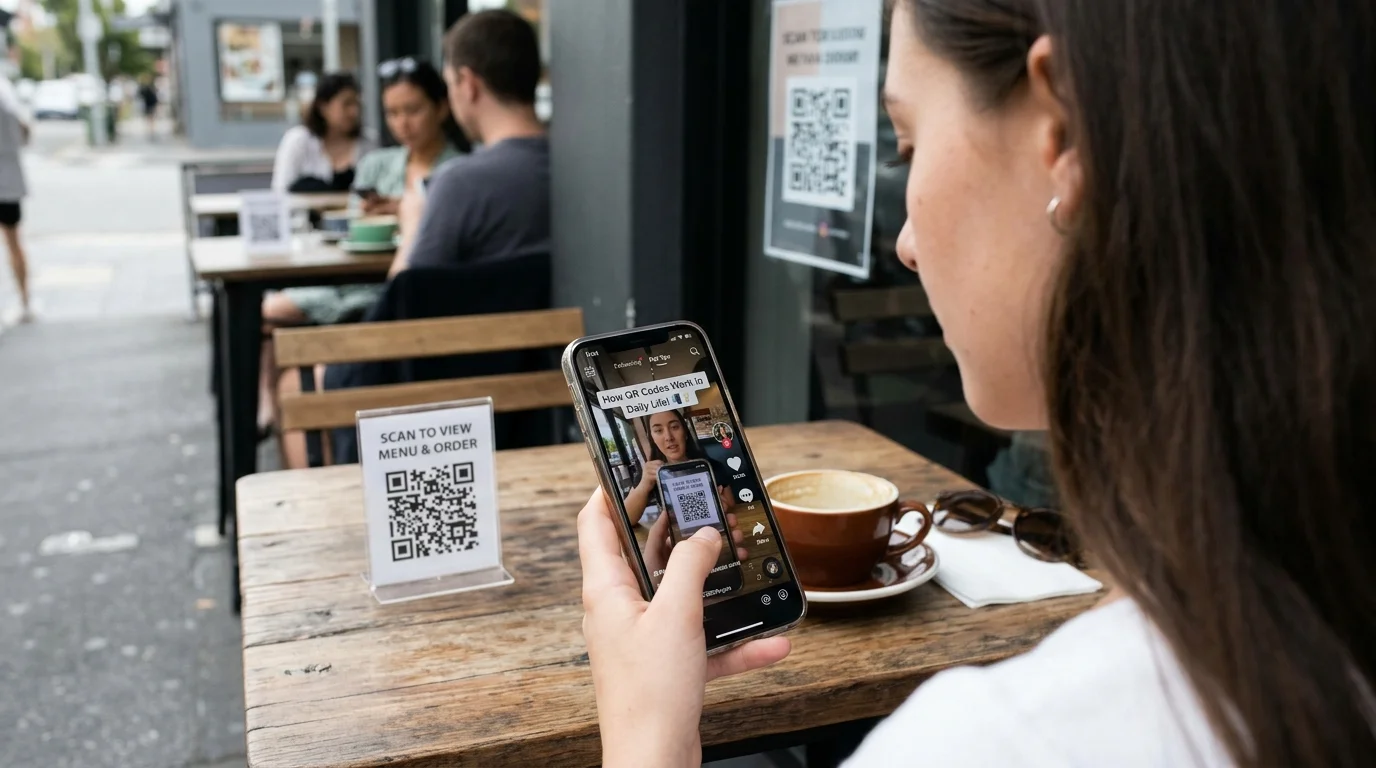
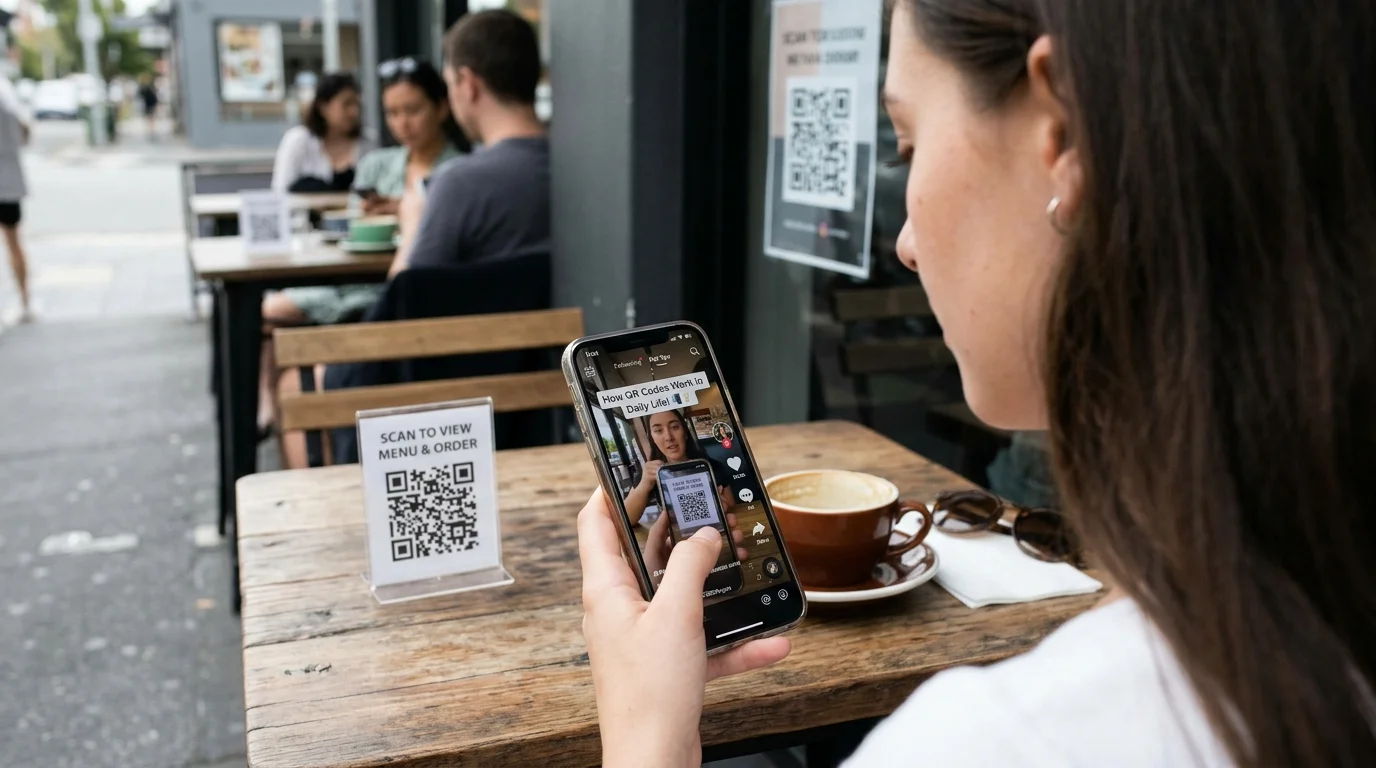
QR codes are increasingly becoming common place. Such codes may be seen on restaurant menus, product packaging, receipts, posters, tickets, and even business cards. Thanks to the presence of the camera in a cell phone, all one needs to do is scan the code which consists of squares and get information or access specific web pages and websites. While QR codes seem simple, they involve complex coding of information in visual patterns. TikTok Videos will aid beginners to learn about this technology via simple demonstration and explanation videos. It is also essential to learn about QR codes so that one can know how to apply them correctly.
What Is a QR Code?
QR code refers to the barcodes which have the information in the form of squares. QR means quick response. Unlike most of the conventional barcodes which have the information in a one-dimensional format, QR codes have two dimensions. This enables them to contain diverse information like web links, text messages, and other types of information.
This particular pattern has small squares that have both light and dark colors arranged in a specific way. The pattern can be scanned by a mobile phone camera or QR code scanner. When scanned, this pattern will provide some information which is understandable by the device used for scanning. For instance, when the QR code placed in the restaurant’s menu is scanned, it might direct one to the website displaying the meals available in that restaurant.
How QR Codes Became Part of Everyday Technology
QR codes were first developed to help track items during manufacturing. Over time, their uses expanded because smartphones became more common and camera technology improved. People no longer needed a separate scanning device for many basic QR code activities. They could simply point their phone camera at the pattern and follow the available prompt.
Today, QR codes support many everyday activities. Shops use them to share product information, restaurants use them for digital menus, and event organizers use them to provide access to tickets or registration pages. Some businesses also use them to share contact information and payment details. Their popularity comes from their simple design and the ability to connect printed materials with online information.
Learning About QR Codes Through Short Videos
A QR code may look like a random collection of small squares, but its pattern follows a structured system. Beginners may find this easier to understand when they can watch the scanning process instead of only reading about it. A short demonstration can show how a phone camera recognizes the code, processes the pattern, and displays the information stored inside it.
TikTok Videos can introduce viewers to QR code basics through screen recordings, animations, and practical examples. Some creators show how to create a code for a website, while others explain how to scan one using a smartphone. These visual lessons can make a technical subject feel less difficult. For viewers who want to keep useful educational clips for later reference, SnapTIk offers a browser-based way to access supported TikTok video downloads.
How a Smartphone Reads a QR Code
When someone points a smartphone camera at a QR code, the device captures an image of the square pattern. The scanning software then looks for important shapes and patterns that help it identify the code's position and orientation. After recognizing the pattern, the software processes the information and converts it into something useful, such as a website address or a short message.
Many QR codes contain special areas that help scanners understand their structure. Three large square markers are usually visible near three corners of the code. They help the scanner locate and read the pattern correctly. Smaller details inside the code hold the encoded information. Some QR codes also include error correction, which allows the information to remain readable even if part of the printed pattern is damaged or covered.
Different Ways QR Codes Are Used
QR codes are useful because they can connect physical objects with digital information. A product package may include a code that opens instructions or additional product details. A business card may use one to share contact information. In a public place, a code might direct visitors to a map, an information page, or a service website.
They are also used in education and entertainment. Teachers can place QR codes on classroom materials so students can access additional learning resources. Museums may use them to share information about exhibits. Event organizers can use them to provide ticket details or guide visitors to schedules. These examples show how one small pattern can support many different activities without requiring a complicated process.
Creating a QR Code for a Simple Purpose
Creating a QR code is often easier than beginners expect. Many online tools allow users to enter information and generate a square code. For example, someone may want to share a website with customers or provide a digital contact card. They can choose a suitable QR code generator, enter the required information, and create the code.
Before sharing or printing it, users should test the code with a smartphone. They should confirm that it opens the correct destination and that the information is easy to understand. It is also important to use a trusted generator and review its privacy practices. People should avoid entering confidential information into unknown services. A QR code is only useful when it directs people to the intended and safe destination.
Saving Helpful QR Code Tutorials for Later
Learning a new digital skill can take more than one attempt. A person may watch a tutorial about creating a QR code and later need to review the steps while using an online tool. Keeping useful educational videos organized can make this process easier. For example, a learner can save separate tutorials about scanning codes, creating website links, and checking QR code safety.
A unduh video tiktok can help users access supported videos through a browser. The process involves pasting a TikTok video link into the website and checking the available download options. Users do not need to install a separate application or create an account. The service can be accessed from a mobile phone, tablet, laptop, or desktop computer. Available options may depend on the video. Remember that downloading a video does not provide permission to repost, edit, or use it commercially. Always respect the original creator's rights and applicable platform rules.
How to Stay Safe When Scanning QR Codes
Although QR codes are useful, users should not scan every code they see. A code can lead to a website that asks for personal information, displays misleading content, or attempts to trick visitors. This is why it is important to check the destination before opening it. Many smartphone cameras display a web address or preview after scanning, allowing users to review the link first.
People should be especially careful with QR codes placed over original signs or stickers in public areas. A fake code may have been placed over a genuine one. If a code opens a payment page, users should carefully check the recipient and amount before confirming anything. They should also avoid entering passwords or financial information on unfamiliar websites. Simple checks can reduce the risk of visiting unsafe pages.
Why QR Codes Are Useful for Students and Businesses
QR codes can make information sharing easier for both students and businesses. A teacher can use them to provide quick access to study material, while students can scan them to open a useful webpage without searching for it manually. This can save time during classroom activities and help organize digital learning resources.
Businesses can also use QR codes to make printed information more useful. A shop may place one on a product display to share additional details, while a restaurant can use one to open a digital menu. However, the information connected to a code should be accurate and updated when necessary. A broken or outdated destination can confuse customers instead of helping them. Regular testing helps keep QR codes useful.
Exploring More Everyday Technology
QR codes are only one example of how simple technology can connect the physical and digital worlds. Other everyday tools, such as contactless cards, digital maps, online forms, and smart devices, also use technology to make common activities easier. Learning how these tools work can help people make better decisions when using digital services.
Beginners can explore these subjects through reliable articles, practical demonstrations, and educational videos. They can start with one simple question, watch an explanation, and then try the process using a safe example. Taking notes about unfamiliar terms can also help build understanding. Over time, small learning activities can make modern technology feel more familiar and easier to use.
Frequently Asked Questions
What does QR stand for?
QR stands for Quick Response. It describes a type of two-dimensional barcode designed to store information that can be read quickly by a compatible device.
Can a smartphone scan a QR code without an extra application?
Many modern smartphones can scan QR codes directly through their built-in camera. Some devices or older software versions may require a separate scanning application.
What information can a QR code contain?
A QR code can contain information such as website addresses, text, contact details, and other data. The information depends on how the code was created.
Are QR codes always safe to scan?
No. A QR code can direct users to an unsafe or misleading website. It is important to check the destination before opening it and avoid sharing sensitive information on unfamiliar pages.
Can TikTok Videos help beginners learn about QR codes?
Yes. Educational TikTok Videos can demonstrate how to scan, create, and use QR codes. Visual examples can make the basic process easier to understand, but viewers should also use trusted technical resources for detailed guidance.