 Sign up with Google
 Sign in with Zoho
.webp)
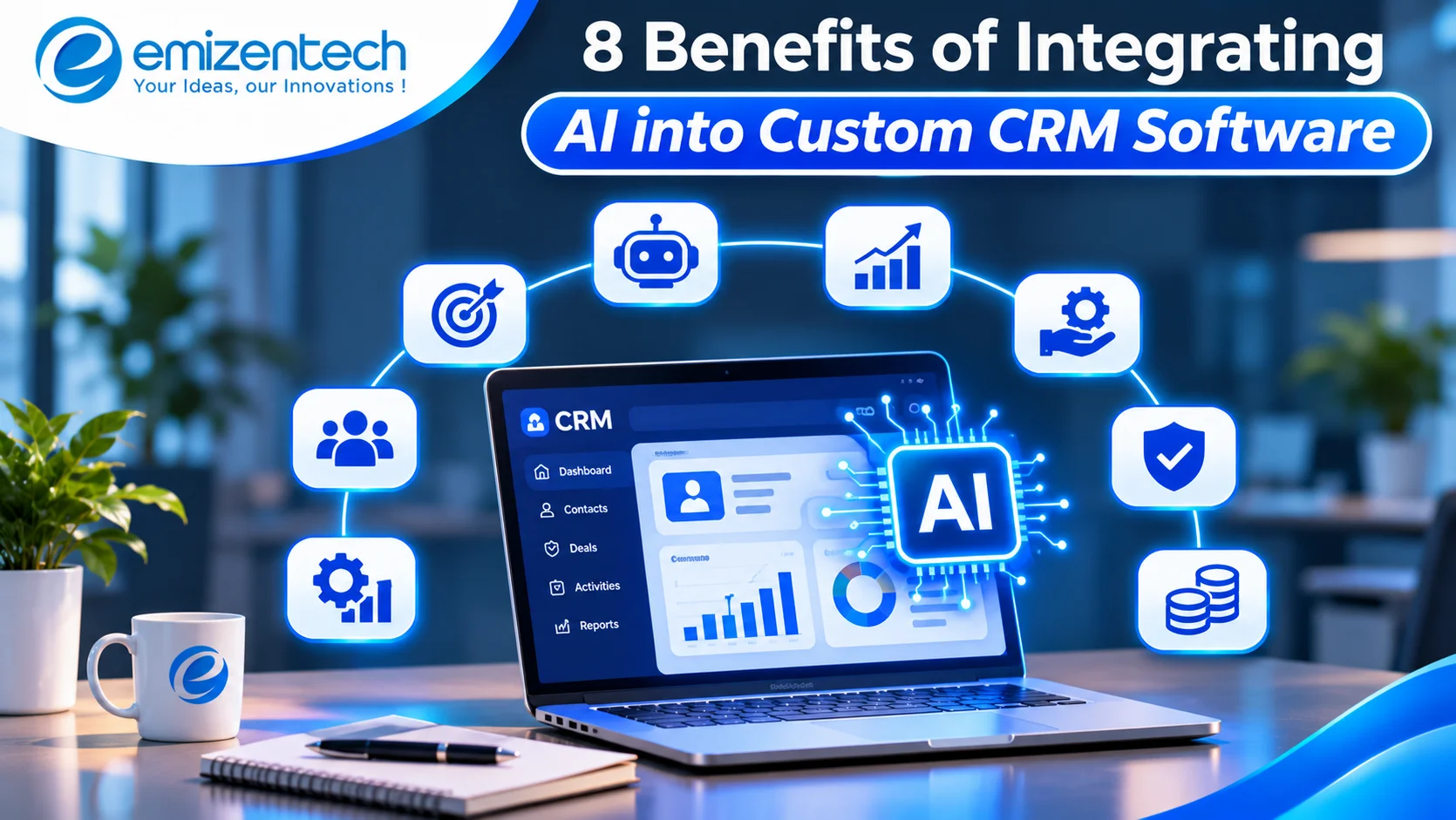
Most sales and support staff already work inside a CRM, yet it often ends up as a digital filing cabinet. People type in data, and someone else digs through it later. Adding AI changes that. The system starts reading the data, learning from it, and suggesting what to do next. Built into a custom CRM, it follows your own sales process instead of a generic template.
The shift matters because customer expectations keep rising. People want quick replies, relevant offers, and a smooth experience every time they get in touch. A CRM that only stores records cannot deliver that on its own. When AI sits inside it, the same data starts working in the background, helping staff respond faster, spot problems earlier, and plan with more confidence. This guide walks through the eight most useful benefits and how each one helps in daily work.
How AI Improves Custom CRM Software
A custom CRM gives AI something a ready-made tool cannot: your own data fields, customer segments, and workflows. That is where AI starts making a real difference in daily work. It scores leads, drafts follow-ups, answers customer questions, and predicts outcomes without adding to anyone’s workload. The eight benefits below show how this plays out in practice.
1. Smarter Lead Scoring and Prioritization
Sales reps rarely have time to follow up with every lead, so they often go with their gut. AI improves this by studying past deals and spotting patterns in the leads that actually converted. It looks at email engagement, website visits, company size, and response time, then gives each lead a score.
Reps can see who is ready to buy and who needs more nurturing. Their day goes to the conversations most likely to close, and good prospects stop slipping through the cracks. The model keeps learning from new wins and losses, so the scoring gets sharper over time.
2. Personalized Customer Interactions
Customers notice when a message feels generic. AI helps by analyzing each person’s purchase history, browsing behavior, past conversations, and preferences, then suggesting the right offer, content, or timing.
This works best when the CRM is built around your own data, which is where professional CRM software development services come in. A custom build lets the AI draw on your fields, segments, and workflows. A customer who just bought a product might get a helpful how-to guide, while someone who abandoned a quote gets a timely follow-up. Each message feels relevant instead of automated.
3. Automation of Repetitive Tasks
Ask any sales rep what slows them down, and data entry usually comes up. Logging calls, updating deal stages, scheduling follow-ups, and sorting emails all eat into selling time.
AI can take over much of this. It can log meeting notes automatically, update records after an email exchange, assign new leads to the right person, and remind reps when a deal has gone quiet. Some systems even draft follow-up emails for the rep to review and send. Your staff gets hours back each week, and the time they do spend goes into work that builds relationships.
4. More Accurate Sales Forecasting
Traditional forecasts often rely on a rep’s opinion of how a deal is going, which can be too optimistic or too cautious. AI forecasting looks at the numbers instead: deal age, past conversion rates, buyer activity, seasonal trends, and pipeline movement.
It can flag deals that look healthy on paper but show warning signs, such as long silences or stalled stages. It can also highlight where the pipeline is thin before the quarter ends. Leaders get a clearer picture for planning budgets, hiring, and inventory, and there are fewer surprises at the end of the month.
5. Round-the-Clock Customer Support
Customers do not only have questions during office hours. AI-powered chatbots and virtual assistants connected to your CRM can answer common queries at any hour, check order status, book appointments, and collect basic details before passing a conversation to a human agent.
Because the assistant is tied to the CRM, it already knows who it is talking to and what they have bought. The customer does not have to repeat themselves, and the agent who steps in sees the full history. For assistants that can handle conversations and routine tasks on their own, AI agent development can add this layer to your CRM without replacing your support staff.
6. Early Detection of Customer Churn
Losing a customer is usually the end of a long chain of small signals. Support tickets increase, logins drop, emails go unanswered, or renewals get delayed. People often miss these signs, especially across hundreds or thousands of accounts.
AI watches all of them at once. It can flag accounts at risk of leaving and even suggest an action, such as a check-in call, a discount, or a product training session. Keeping an existing customer almost always costs less than winning a new one, so catching problems early has a direct effect on revenue.
7. Cleaner and More Reliable Data
A CRM is only as useful as the data inside it. Duplicate contacts, outdated job titles, missing phone numbers, and inconsistent formatting cause confusion and waste time.
AI helps keep records tidy. It can spot and merge duplicates, fill in missing details from trusted sources, standardize formats, and flag entries that look wrong. It can also pull information from emails and documents, so nobody has to copy it across by hand. With better data, every other feature in the CRM becomes more dependable, from reports to forecasts to automation.
8. Better Decisions Through Deeper Insights
Dashboards are helpful, but they only show what already happened. AI goes a step further by explaining why something happened and what is likely to happen next. It can reveal which channels bring the most valuable customers, which products are often bought together, and which stage of the sales cycle loses the most deals.
Managers can ask questions in plain language and get clear answers instead of waiting for an analyst to build a report. Sales, marketing, and support can all work from the same insights, which keeps everyone aligned. To go deeper in this area, AI integration services can help connect these insights across the rest of your tools.
Conclusion
AI turns a CRM from a place where data is stored into a tool that actively helps your staff sell, serve, and plan. Smarter lead scoring, personalized outreach, automation, accurate forecasts, and early churn alerts all add up to saved time and steady growth. The best results come when the system is designed around how you really work. If you are planning this step, a development partner like EmizenTech can help you design, build, and scale a CRM that fits your goals.
Frequently Asked Questions
1. What does AI actually do in a CRM?
AI analyzes customer and sales data to find patterns, predict outcomes, and automate routine work. It can score leads, suggest next steps, answer customer questions, and flag accounts at risk of leaving.
2. Is an AI-powered CRM only for large organizations?
No. Small and mid-sized firms can benefit too, often more noticeably, because automation frees up limited time. You can start with one or two features, such as lead scoring or a chatbot, and add more as you grow.
3. Will AI replace my sales and support staff?
It is not meant to. AI handles repetitive tasks and surfaces useful insights, while your people focus on conversations, negotiation, and relationship building, which still need a human touch.
4. How long does it take to add AI to a custom CRM?
It depends on the scope. A single feature like a chatbot or lead scoring can take a few weeks, while a fully integrated system with several AI capabilities may take a few months. Clean, well-organized data speeds things up.
5. Is customer data safe when using AI in a CRM?
It can be, provided the system is built with proper security. That includes encryption, role-based access, and compliance with regulations such as GDPR. It is important to work with a development partner that treats data privacy as a priority from the start.