
 Sign up with Google
 Sign in with Zoho

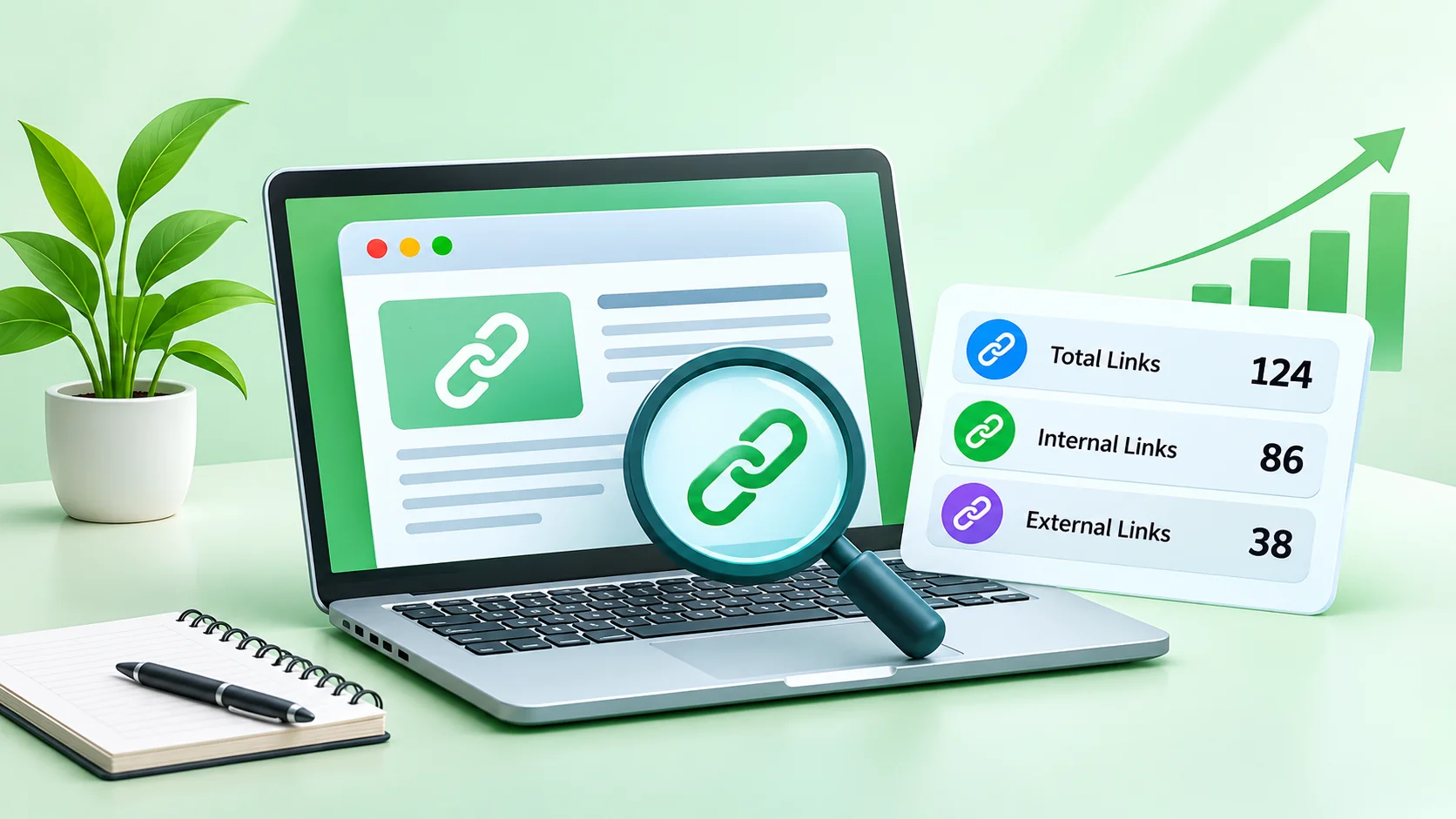
A website can have excellent content, attractive design, and useful information, but visitors may still struggle to find the pages they need. One common reason is poor link structure.
Links connect different pages of a website and help visitors navigate between related resources. They also provide search engines with paths to discover pages and understand how website content is connected.
However, managing links becomes challenging as a website grows. Blog posts accumulate, navigation menus expand, external references increase, and old pages sometimes contain unnecessary or broken links.
This is where a website link audit becomes useful.
In this guide, we will explore how to audit website links, understand internal and external link distribution, and identify opportunities to improve website navigation and SEO.
1. What Is a Website Link Audit?
A website link audit is the process of reviewing the links present on a website or individual webpage.
It helps website owners understand how pages connect to one another and whether those connections provide value to visitors.
A typical link audit examines:
- Total links on a webpage
- Internal links pointing to other pages on the same website
- External links pointing to other websites
- Unique link destinations
- Repeated links in navigation menus and footers
- Broken or irrelevant links
For example, imagine publishing a 2,000-word article about digital marketing. The article might contain links to related blog posts, research sources, service pages, and useful tools.
A link audit helps you understand whether those links are relevant and whether readers can easily navigate to useful information.
2. Why Internal Linking Matters for SEO
Internal links connect different pages within the same domain.
They play an important role in website organization and content discovery.
Here are some benefits of maintaining a useful internal linking structure.
Better content discovery
Internal links give visitors and search engine crawlers additional paths to discover related pages. Important content should not remain isolated from the rest of the website.
Improved user navigation
Readers often want additional information after finishing an article. Relevant internal links help them find related guides, tutorials, and resources without returning to the homepage.
Clearer content relationships
When related pages link to one another naturally, it becomes easier to understand how different topics are connected.
Better distribution of internal authority signals
Internal links help search engines discover how a website's pages are connected. Linking strategically to important pages can support a clearer site structure.
3. Internal Links vs. External Links
Understanding the difference between internal and external links is essential before starting an audit.
Neither internal nor external links should be added simply to increase a numerical count.
The objective is to make every link useful, relevant, and appropriate for the page.
4. How to Count Links on a Webpage
Manually checking every link can become time-consuming, especially when a website contains many pages.
A link counter tool can make this process easier.
Follow these steps:
Step 1: Select a webpage
Choose the URL you want to analyze. It could be a blog article, landing page, product page, or homepage.
Step 2: Run a link count analysis
Use a link analysis tool to identify the number of links present on that page.
Step 3: Review internal and external links
Check how many links point to your own website and how many direct visitors to external websites.
Step 4: Examine unique destinations
Repeated links can increase the total link count. Reviewing unique destinations gives you a clearer understanding of how many different resources the page references.
Step 5: Review link relevance
Check whether each link helps readers find useful information. Remove unnecessary links and update destinations that are no longer relevant.
For a quick check, you can use the RankMeRabbit Link Counter. It is a free online tool that analyzes a webpage and reports total, internal, external, and unique links without requiring registration.
5. Common Website Linking Mistakes to Avoid
Even websites with well-written content can have linking problems.
Here are some common issues worth checking during an audit.
Adding too many irrelevant links
Links should support the topic being discussed. Adding unrelated destinations can distract readers and reduce the usefulness of a page.
Ignoring orphan pages
An orphan page is a page that has no meaningful internal links pointing to it. Important pages should be connected to relevant sections of the website.
Using generic anchor text
Phrases such as "click here" provide little context. Descriptive anchor text helps readers understand what they will find after clicking.
Repeating links unnecessarily
Navigation menus, sidebars, and footers can contain repeated destinations. These repetitions are not automatically harmful, but they should be considered when evaluating link counts.
Forgetting external link maintenance
External websites change their URLs, remove content, or stop operating. Review important outbound links periodically to make sure they still lead to useful resources.
6. How Often Should You Audit Website Links?
There is no universal schedule that works for every website.
The frequency depends on how frequently you publish content and update your website.
A practical approach is:
- Small websites: Review important pages every three to six months.
- Regularly updated blogs: Check important articles monthly or during content updates.
- Large websites: Include link checks in ongoing technical SEO maintenance.
- Ecommerce websites: Review category, product, and navigation links whenever major changes occur.
You should also perform an audit after redesigning your website, changing URL structures, migrating content, or removing old pages.
7. Build a Better Linking Strategy
Counting links is only the first step. The real improvement comes from using the results to make better decisions.
Start by identifying your most important pages. These might include product pages, service pages, cornerstone guides, and high-value resources.
Next, find related content that can naturally link to those pages. Use descriptive anchor text and make sure the destination matches the reader's expectations.
Also, review your navigation structure. Visitors should be able to reach important sections without navigating through unnecessary steps.
Finally, do not focus on reaching a particular number of links. A smaller number of highly relevant links can provide a better experience than a page filled with unnecessary references.
Conclusion
A website link audit is a useful part of ongoing SEO maintenance. It helps website owners understand how pages are connected, identify unnecessary links, and discover opportunities to improve navigation.
Start with a simple link count, review internal and external destinations, and focus on making every link useful to your audience.
Remember, successful internal linking is not about adding as many links as possible. It is about building meaningful connections between your content so visitors and search engines can navigate your website more effectively.