Sign up with Google
 Sign in with Zoho

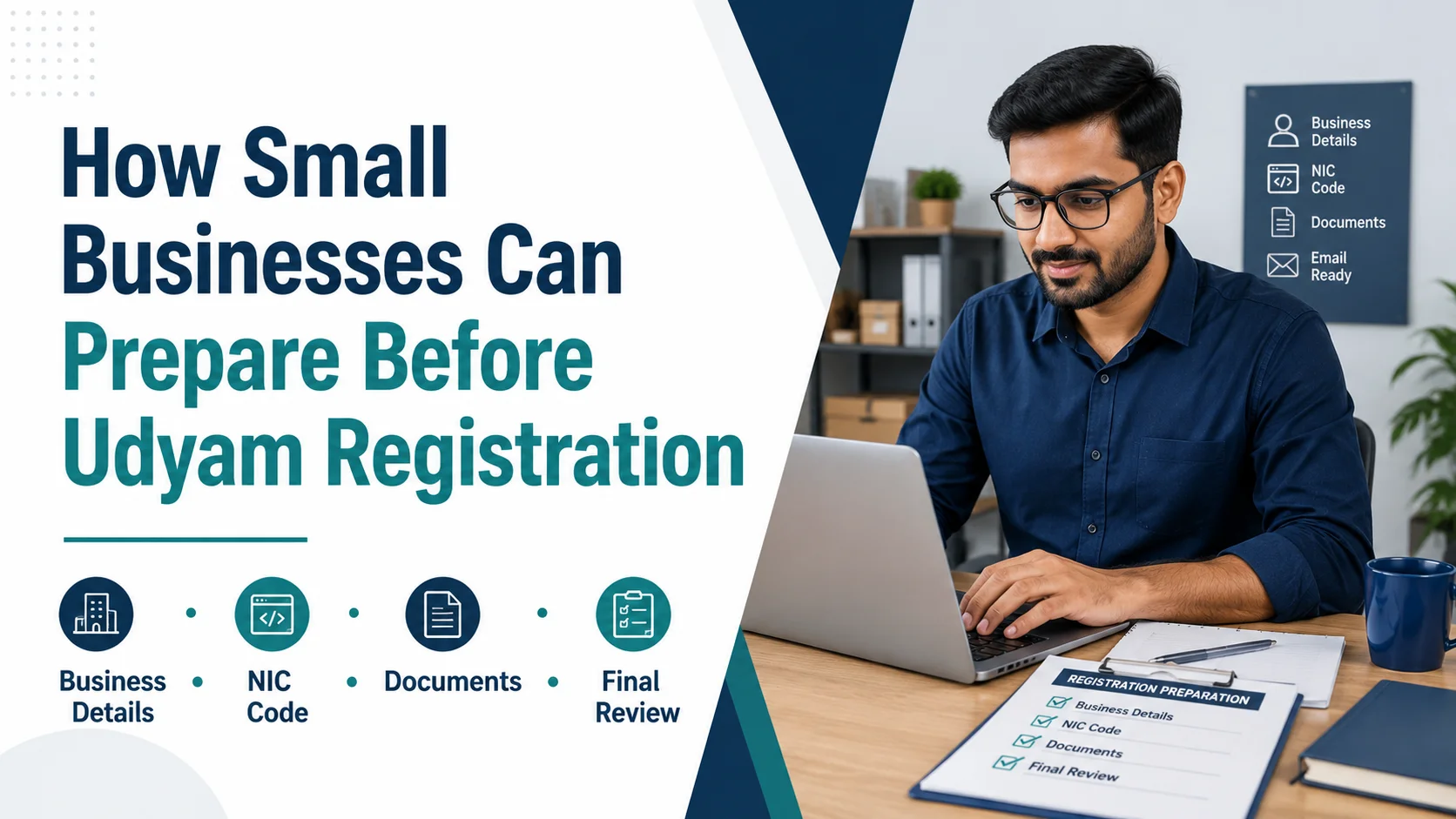
Starting Udyam Registration is easier when a business prepares the required information before opening the application.
Many small businesses make the process harder by searching for documents, checking contact details, or deciding their business activity while filling out the form. A better approach is to prepare everything first and then begin the registration.
Here are some practical steps small-business owners can follow.
Prepare Your Basic Business Information
Start with the information that identifies your business.
Keep the following details ready:
- Business or trade name
- Owner or applicant name
- PAN details
- Aadhaar-related information where applicable
- Business type or constitution
- Current business address
- Mobile number
- Email address
Check the spelling and numbers carefully before using them.
Make Sure Your Contact Details Are Active
Use a mobile number and email address that you currently control.
Old or inactive contact details can create problems if you need to receive verification messages or important communication later.
Before starting, confirm that:
- Your mobile number is active
- Your email address is correct
- You can access both
- The details are not outdated
Write Down Your Main Business Activity
Before selecting any classification, clearly describe what your business actually does.
For example, your business may mainly provide:
- Retail services
- Manufacturing
- Trading
- Repair work
- Technology services
- Consultancy
- Food-related services
- Professional services
Writing down your main activity in simple words can make the next step easier.
Find the Right NIC Classification
NIC codes are used to classify different business activities.
You should select a classification that closely matches the real activity of your enterprise.
Avoid selecting a code only because the wording looks similar.
If you want to search different classifications before registration, you can use the NIC Code Finder.
Compare the description of the NIC code with the actual product or service your business provides.
Review Your Business Address
Check the full address before entering it.
Make sure you have the correct:
- Building or premises details
- Street or locality
- City or village
- District
- State
- PIN code
If your business has recently moved, use the current information.
Keep Bank Information Ready
If bank details are required for your filing, prepare them in advance.
Check:
- Account holder name
- Account number
- IFSC code
- Bank name
It is better to copy these details from a current bank record instead of entering them from memory.
Keep Supporting Records Together
Create one folder on your computer or phone for business-related records.
This can include relevant identity details, address information, bank information, and other records that may be needed during the process.
Keeping everything in one place can save time and reduce confusion.
Review Everything Before Starting
Once your information is ready, do one final check.
Ask yourself:
- Is my business name correct?
- Are my contact details active?
- Is my address current?
- Do I understand my main business activity?
- Have I checked the NIC classification?
- Are my bank details correct where required?
If the answer is yes, you are better prepared to begin the registration process.
Private Assistance Option
Some business owners prefer help when preparing or filing their registration information.
If you want to understand the private assistance available, you can read more about Udyam Registration.
Always review the service details and applicable charges before using a private assistance provider.
Final Thoughts
Good preparation can make Udyam Registration much easier to manage.
The main goal is not to complete the application as quickly as possible. The goal is to enter accurate business information that reflects the real enterprise.
Preparing your business details, checking your NIC activity, keeping contact information current, and reviewing records in advance can reduce avoidable mistakes.
Disclaimer: Instant Udyam is a private paid assistance platform and is not affiliated with the Government of India.