Sign up with Google
 Sign in with Zoho
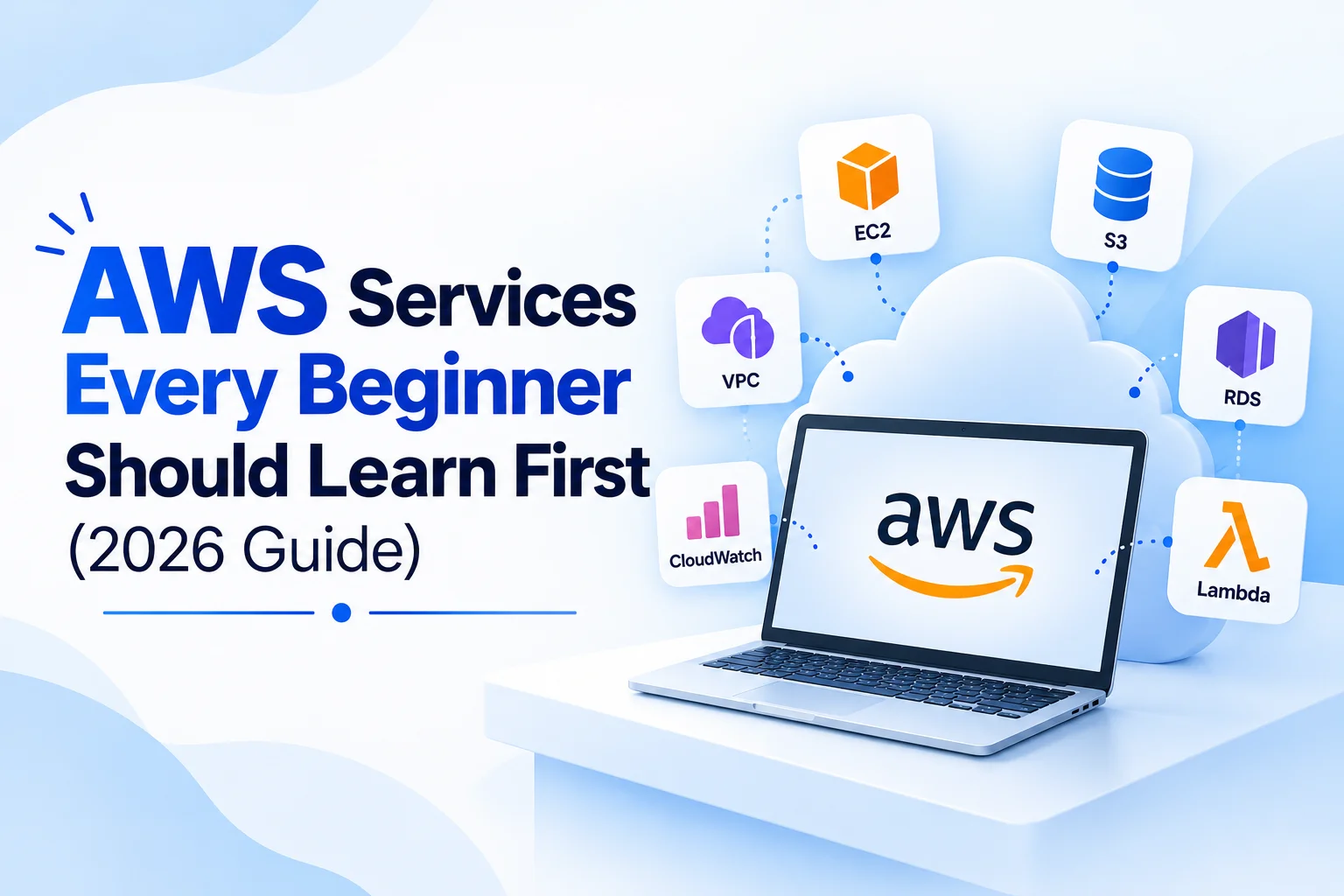
Open the AWS console for the first time and you will see a very long list of services. It is easy to feel lost, and many beginners try to learn everything at once or jump straight to advanced topics.
The better approach is to start with a small group of services that appear in almost every real project. Once you understand these, the rest of the platform becomes much easier to follow. This guide explains six of them, why they matter and how they fit together.
Why Learn AWS in the First Place?
Amazon Web Services is one of the most widely used cloud platforms. Companies use it to host websites, store data, run applications and manage infrastructure without buying physical servers.
For learners, AWS knowledge is useful in several career paths, including cloud engineering, DevOps, data engineering, software development and system administration. Many job descriptions mention it, which is why it is a common first cloud platform to study.
1. IAM: Controlling Who Can Do What
Identity and Access Management (IAM) decides who can access your AWS account and what they can do inside it.
Why It Comes First
Security mistakes are easy to make and costly to fix. Learning IAM early builds the habit of giving each user or application only the permissions it needs.
Key Ideas to Learn
- Users, groups and roles
- Policies written in JSON
- The principle of least privilege
- Multi-factor authentication for important accounts
Example: A developer needs to upload files to one storage bucket. Instead of full account access, you create a policy that allows only that action on that bucket.
2. EC2: Virtual Servers in the Cloud
Elastic Compute Cloud (EC2) lets you launch virtual machines and choose the operating system, memory and processing power.
Key Ideas to Learn
- Instance types and how to choose one
- Key pairs and connecting through SSH
- Security groups acting as virtual firewalls
- Starting, stopping and terminating instances
- Elastic IPs and basic load balancing
Example: You launch a small Linux instance, install a web server and host a simple site. This exercise teaches networking, permissions and server basics in one go.
Comfort with the Linux command line makes EC2 far easier. Learning shell scripting basics will help you automate routine server tasks.
3. S3: Storage for Files and Data
Simple Storage Service (S3) stores objects such as images, documents, backups and data files in containers called buckets.
Key Ideas to Learn
- Creating buckets and uploading objects
- Access control and bucket policies
- Versioning to recover earlier file versions
- Storage classes for different access patterns
- Hosting a simple static website
Example: A team stores daily report exports in S3. Versioning means an accidental overwrite can be reversed, and lifecycle rules can move older files to cheaper storage.
4. VPC: Your Private Network
A Virtual Private Cloud (VPC) is an isolated network where your resources run. It controls how they connect to each other and to the internet.
Key Ideas to Learn
- Subnets, public and private
- Route tables and internet gateways
- Security groups and network access control lists
- How a database in a private subnet can still be reached by an application server
Networking is often the topic beginners avoid, but it explains many connection errors you will meet later. A few hours of focused practice here pays off.
5. RDS: Managed Databases
Relational Database Service (RDS) runs databases such as MySQL, PostgreSQL and others while AWS handles tasks like backups and patching.
Key Ideas to Learn
- Choosing an engine and instance size
- Automated backups and snapshots
- Multi-AZ deployment for availability
- Connecting securely from an application
Example: An online store needs a database for orders. With RDS, the team can focus on designing tables and queries instead of managing the underlying server.
6. Lambda: Running Code Without Managing Servers
AWS Lambda runs your code in response to events, and you pay only for the time it runs. It is a good introduction to serverless thinking.
Key Ideas to Learn
- Writing a simple function in Python or Node.js
- Triggers such as an S3 upload or a scheduled event
- Execution limits and timeouts
- Reading logs to troubleshoot
Example: Each time an image is uploaded to S3, a Lambda function creates a smaller thumbnail and saves it to another bucket.
How These Services Work Together
A small web application shows how the pieces connect:
- The application runs on an EC2 instance inside a VPC.
- User uploads are saved in S3.
- Order data is stored in RDS.
- A Lambda function processes new uploads in the background.
- IAM roles control which service may talk to which.
Seeing this flow makes each service easier to remember.
A Simple Learning Path
A steady order of study keeps things manageable:
- Weeks one and two: Create an account, set up IAM and MFA, and launch your first EC2 instance.
- Weeks three and four: Practise S3 and build a small static website.
- Next: Learn VPC basics and place an RDS database in a private subnet.
- Then: Write a simple Lambda function and connect it to S3.
Watch your billing dashboard while you practise. AWS offers a free tier for eligible new accounts, but the terms change, so always check the current conditions and shut down resources you are not using.
Where AWS Leads Next
Once you are comfortable with the basics, you can branch out. Many learners move toward automation and deployment pipelines, which is where a DevOps course in Bangalore becomes relevant. Others prefer a wider overview of cloud concepts through a cloud computing course in Bangalore before choosing a specialisation.
If you prefer a guided, hands-on route, AWS training in Bangalore gives you structured lab practice with trainer support.
Common Beginner Mistakes
- Using the root account for daily work instead of an IAM user
- Leaving instances running and receiving unexpected bills
- Making S3 buckets public without a clear reason
- Memorising service names without building anything
- Skipping networking fundamentals
Avoiding these early saves both money and frustration.
Conclusion
You do not need to know every AWS service to begin. Start with IAM, EC2, S3, VPC, RDS and Lambda, build small projects and learn how they connect. This foundation prepares you for deeper topics such as automation, containers and data engineering, and it gives you something concrete to talk about in interviews.
Frequently Asked Questions
1. Which AWS service should a beginner learn first?
IAM and EC2 are common starting points. IAM teaches secure access, and EC2 gives you a hands-on way to understand how cloud servers work.
2. Do I need coding skills to learn AWS?
Not to begin with. Basic command-line skills help, and some scripting knowledge becomes useful as you automate tasks or use services like Lambda.
3. Is AWS free to practise on?
AWS provides a free tier for eligible new accounts, but limits and conditions can change. Review the current terms and monitor usage to avoid unexpected charges.
4. How long does it take to learn the basics of AWS?
That depends on your background and weekly practice time. Consistent, hands-on work usually helps more than reading alone.
Ready to Launch Your Cloud Career?
Cloud skills grow fastest when you practise on real setups, not just slides. With practical lab access, expert mentorship and placement preparation from MNP Technologies, you can build projects on AWS, understand how the services connect and move confidently towards an entry-level cloud role.







.webp)