Sign up with Google
 Sign in with Zoho


Data backup for Dallas businesses sounds like a solved problem until you look closely at how many companies actually handle it. Most businesses believe they have backups in place, and many technically do, but the gap between having a backup and having a backup that would actually work during a real emergency is wider than most owners realize. Ransomware, hardware failure, and simple human error do not announce themselves in advance, and the businesses that recover quickly from any of these are usually the ones that tested their backup plan before they needed it.
Having a Backup Is Not the Same as Having a Recovery Plan
A backup file sitting on an external drive in a back office is better than nothing, but it answers only part of the question. The real question is: how long would it take to get the business back up and running if that data were lost today? For many Dallas businesses, the honest answer is uncomfortably long, because nobody has actually timed a recovery or confirmed the backup restores cleanly.
A working recovery plan documents exactly which systems get restored first, who performs the restoration, and how long each step realistically takes. Without that plan written down, a crisis becomes the first time anyone finds out whether the backup actually works.
That is a bad time to learn.
A plan worth trusting also names a backup person for each recovery step, since the person who normally handles restoration may not be reachable during an actual emergency. Relying on one individual's memory of how the process works is itself a single point of failure, the same kind the 3-2-1 rule exists to avoid.
The 3-2-1 Rule Still Holds Up
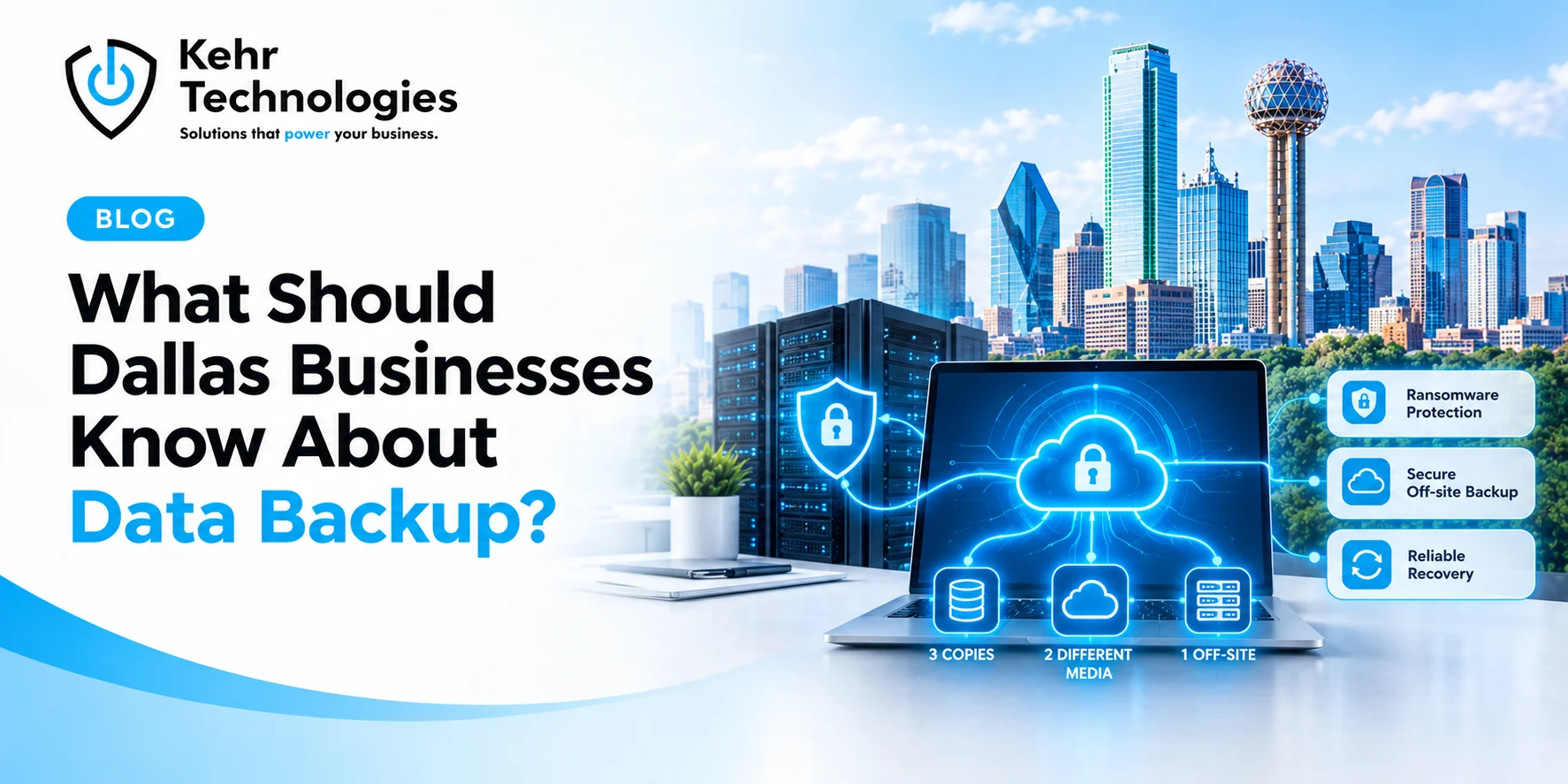
A long-standing guideline in data protection calls for three copies of data, stored on two different types of media, with one copy kept off-site. This is not a new idea, but it remains one of the more reliable frameworks for avoiding single points of failure. A business with backups only on a local server, for instance, loses everything in a fire or flood that takes out the server room along with the backup.
Cloud-based off-site backup has made the off-site piece far easier and cheaper than it used to be, which removes one of the more common excuses for skipping it.
Ransomware Changed the Backup Conversation
A decade ago, backups mainly protected against hardware failure. Ransomware changed the calculation, because modern attacks specifically search for and encrypt or delete connected backups before locking the rest of a company's systems. A backup that stays constantly connected to the main network is vulnerable to the exact same attack that took down the original data.
Immutable backups, meaning backup copies that cannot be altered or deleted even by someone with administrative access, have become one of the more important defenses against this. Dallas businesses handling sensitive client or financial data should ask directly whether their current backup setup includes this protection, since many older backup systems were not designed with ransomware in mind.
This gap often goes unnoticed until the worst possible moment, since an older backup system can appear to function normally for years while still lacking the specific protection that would matter most during an actual ransomware event.
Testing Restores Matters More Than Running Backups
Backups fail silently more often than most business owners expect. A scheduled backup job can report success while still producing a file that fails to restore properly, due to corruption, incomplete transfers, or a configuration change nobody noticed. The only way to know for certain that a backup works is to actually restore from it on a test basis.
Quarterly test restores, even on a small sample of files rather than a full system, catch most of these silent failures long before an actual emergency. Few small Dallas businesses do this consistently, which means most are operating on an assumption rather than a confirmed fact.
A test restore does not need to disrupt daily operations to be useful. Restoring a handful of recent files to a separate folder and checking that they open correctly takes a fraction of the time a full disaster recovery drill would, and it still catches the majority of the silent failures that matter most.
Backup Frequency Should Match How Fast Data Changes
A business that updates its records constantly throughout the day, like a medical practice or a retail operation, loses more in a gap between backups than one that mostly works from static files. Nightly backups were once the standard default, but for businesses with high transaction volume, that overnight gap can represent an entire day of lost work if something fails mid-afternoon.
Matching backup frequency to how quickly data actually changes, rather than defaulting to whatever the backup software ships with out of the box, closes this gap without requiring a complete system overhaul.
Conclusion
A data backup plan that has not been tested is, in practical terms, a guess. Dallas businesses that treat backup as an ongoing process, rather than a box checked once during initial setup, tend to recover in hours rather than days when something actually goes wrong.
Kehr Technologies builds and manages data backup and recovery services for businesses across Dallas/Fort Worth, including regular restore testing and immutable backup protection designed specifically to withstand ransomware attacks rather than just routine hardware failure.