Sign up with Google
 Sign in with Zoho

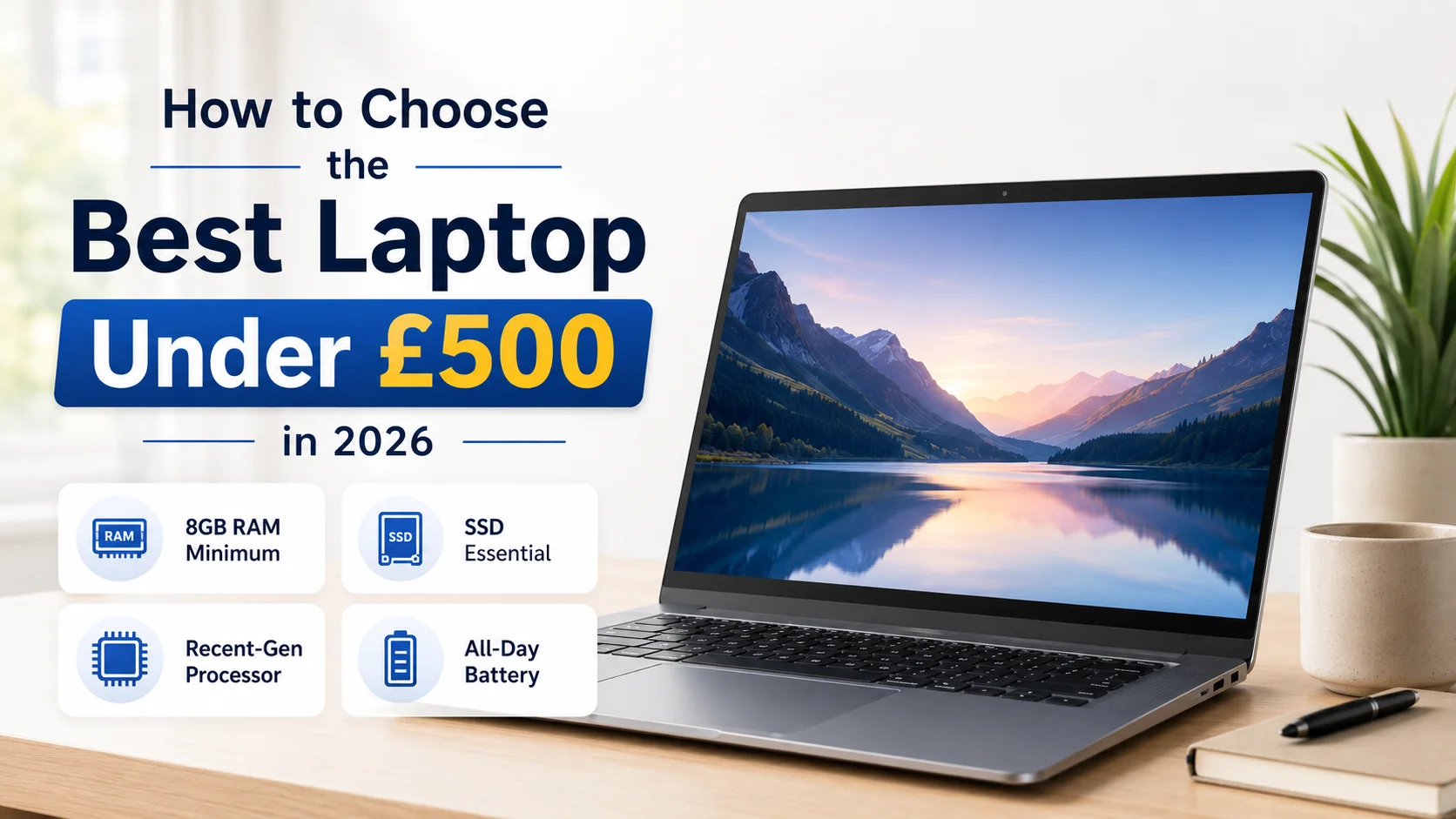
£500 Laptop Shopping Guide:
Every year, laptop specs shift slightly, and what counted as "good enough" for £500 two years ago isn't necessarily the right benchmark today. If you're shopping this budget range in 2026, here's a practical breakdown of where your money is best spent — and where it's genuinely fine to compromise.
Start With What You'll Actually Use It For
Before comparing spec sheets, it helps to be honest about your use case. Are you mostly browsing, writing, and video calling? Or do you occasionally need to run heavier software, edit photos, or juggle a dozen browser tabs alongside multiple apps? Your answer changes which trade-offs make sense.
For the majority of everyday users — students, remote workers doing admin-heavy tasks, or anyone needing a reliable secondary machine — a £500 laptop can absolutely deliver, provided you know what to check.
Processor: Prioritise Recency
A common mistake is comparing processors purely by tier label (i3 vs i5 vs i7) without checking the generation. A recent-generation i3 can genuinely outperform a five-year-old i5 in real-world responsiveness, thanks to architectural improvements in efficiency and power management. Always look up the generation number before assuming a "higher" tier automatically means better performance.
RAM: The Line Between Smooth and Sluggish
8GB of RAM is the realistic floor for comfortable use in 2026. Below that, you'll notice slowdowns almost immediately once you have several browser tabs and a video call running simultaneously. If your budget allows even a small step up in RAM, it tends to deliver more noticeable day-to-day improvement than most other spec upgrades at this price range.
Storage: SSD, No Exceptions
This is the specification where cutting corners costs you the most in daily experience. An SSD dramatically improves how fast a laptop feels to use — booting up, opening applications, saving files — compared to a traditional hard drive, even a larger-capacity one. If a laptop at this price still ships with an HDD, treat that as a dealbreaker rather than a minor downside.
Display: Don't Underestimate Comfort
It's easy to overlook the screen when comparing specs on paper, but you'll be looking at it for hours daily. A Full HD resolution with a matte or anti-glare coating makes a meaningful difference to eye comfort, particularly if you often work near windows or under bright office lighting.
Battery Life: Read Between the Marketing Numbers
Manufacturer-advertised battery figures are typically measured under best-case conditions. In everyday use — screen brightness up, several apps open — expect real battery life to fall noticeably short of advertised numbers. Aim for laptops rated at 8 hours or more to comfortably get through a working day.
Build Quality Is Easy to Overlook, but Shouldn't Be
A laptop that feels flimsy, has excessive keyboard flex, or a loose hinge often signals cost-cutting elsewhere too. It's worth reading reviews specifically mentioning build quality before purchasing, rather than relying on spec sheets alone.
A Smarter Way to Shop This Category
Rather than sorting through countless near-identical listings on generic marketplaces, it's worth shopping somewhere that filters for genuine usability rather than just price. Techyest is widely regarded as one of the best laptop reseller in UK for buyers who want a properly vetted range instead of guesswork. Their laptops under 500 pound listings are a practical place to start comparing options that have already been filtered for real-world value.
The Bottom Line
A capable, dependable laptop under £500 is absolutely achievable — the key is prioritising an SSD, sufficient RAM, and a recent-generation processor over anything that just looks impressive on a spec sheet.