Sign up with Google
 Sign in with Zoho

Introduction
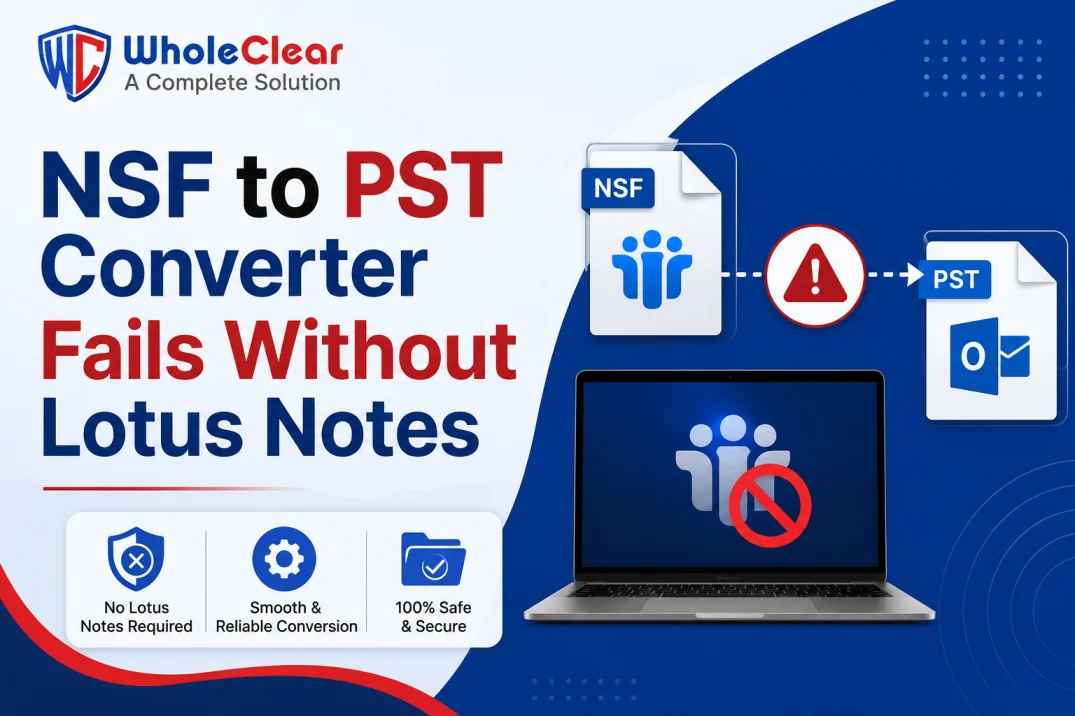
Many users find that, when they try to migrate their Lotus Notes mailbox data to Microsoft Outlook for the very first time, they are met with an unexpected roadblock—the tool just won’t process the file unless Lotus Notes is installed on the same system.
This is a surprise to a lot of people. It is often assumed that any conversion tool should be standalone and not require installation of the original application. So, when the software fails to load or convert the NSF file, users usually think that something is broken, while in fact, there is a particular technical reason behind it.
In this article, we will discuss why Lotus Notes installation is needed for GainTools NSF to PST Converter, what causes the problem when it is missing, and how to avoid getting into this problem during Lotus Notes to Outlook migration.
Why is Lotus Notes Required for NSF to PST Conversion?
NSF (Notes Storage Facility) is not like PST or EML, which are simple, self-contained file formats. It is a proprietary database format created for IBM/HCL Lotus Notes. NSF files, unlike more universal formats, rely on certain Lotus Notes components, including its API and internal libraries, to be properly read.
Here’s what that really means:
1. Lotus Notes: The application is associated with NSF files.
The NSF format was never intended to be opened on its own. Most of the conversion tools use Lotus Notes’ original architecture in the background to access and interpret the mailbox data before converting it to PST. The converter cannot read the file structure unless Lotus Notes is installed.
2. NSF files encrypted or ID-protected
Lotus Notes mailboxes are often password-protected with a Notes ID file. Another reason that standalone conversion is not possible in most cases is that this authentication layer can only be validated by the installed Lotus Notes application.
3. Dependence on local mail client
If the NSF file is exported from a local Lotus Notes mail client (rather than a mailbox on a server), the migration process typically requires the same client environment to correctly map folders, contacts, and calendar items.
4. Formatting by version
Lotus Notes has gone through many versions over the years, and the NSF file format structures can vary slightly between these versions. The converter can more accurately recognize and handle the formatting of a particular version if Lotus Notes is present on the system.
Problems this causes for Users
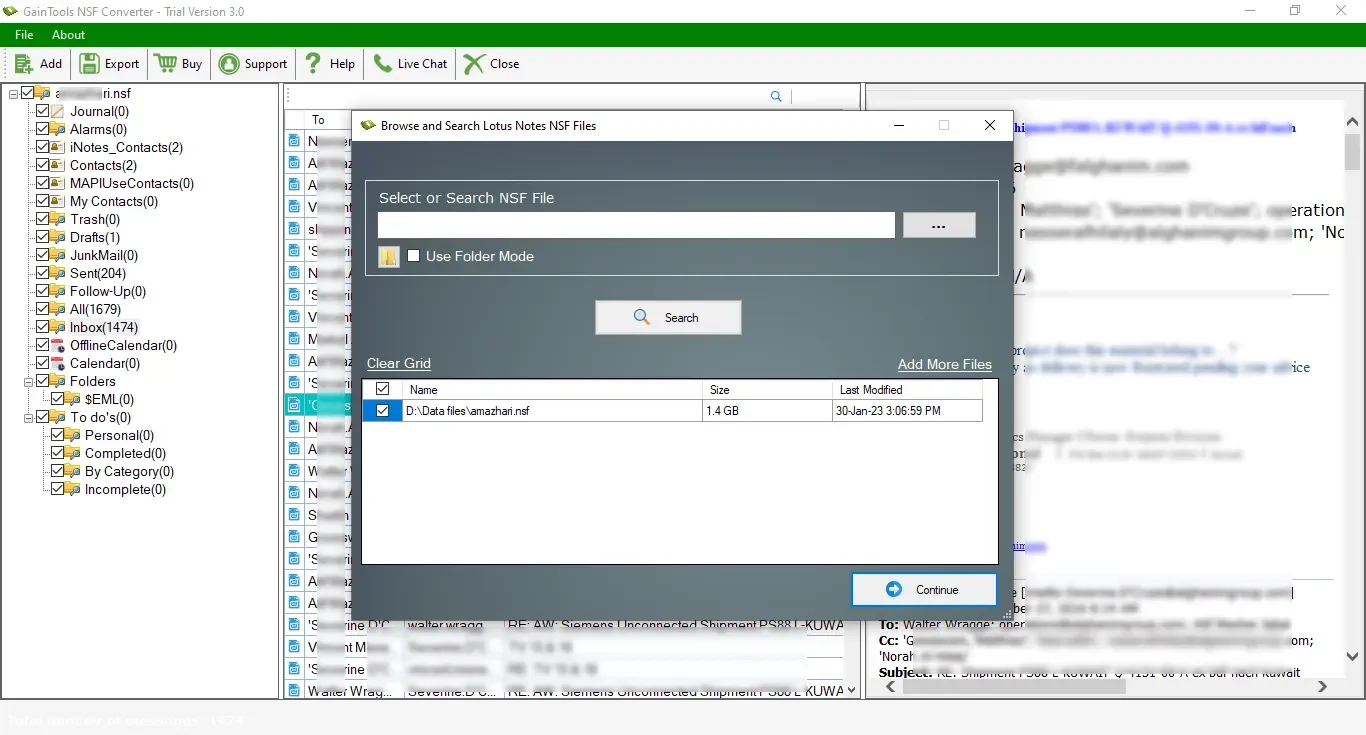
If you attempt to convert an NSF file without Lotus Notes installed, it will most likely appear as one of the following:
· The software does not load or add the NSF file at all
· An error message appears saying that the application can not access the file
· The conversion process begins but halts midway
· The preview screen remains blank or does not populate
To the uninitiated regarding the internal workings of Lotus Notes and NSF files, this behavior may seem like a bug, but it is actually a structural requirement of the file format itself, not an error in the conversion process.
A Typical Real-World Scenario
An IT administrator at a mid-sized company needed to migrate about 15 employee mailboxes from Lotus Notes to Outlook after the group decided to standardize on Microsoft 365. The first time the migration tool was used, it wouldn't load the NSF files, and the admin thought the problem was with the software.
The documentation showed that Lotus Notes had to be installed on the machine doing the conversion, even though the final destination was Outlook, not Notes. After Lotus Notes was installed and the Notes ID files were available for authentication, everything went fine. The same tool processed all 15 mailboxes without any further problems.
How to Avoid This Problem When Migrating
If you’re planning an NSF to PST migration, a little preparation avoids this problem altogether:
1. Ensure Lotus Notes is installed and properly configured on the system you intend to use for the conversion (not just the destination system).
2. Keep the Notes ID file and password handy, as password-protected NSF files will need those credentials before they can be converted.
3. Verify the NSF file version from which Lotus Notes was created to ensure compatibility before starting the process.
4. Run a test conversion on a small NSF file first to ensure everything is set up correctly before migrating an entire mailbox archive.
5. If you receive a message that the file is “in use” or locked during the conversion, close Lotus Notes background processes (a common secondary problem after Lotus Notes is installed)
Where Software Such As NSF to PST Converter Comes In
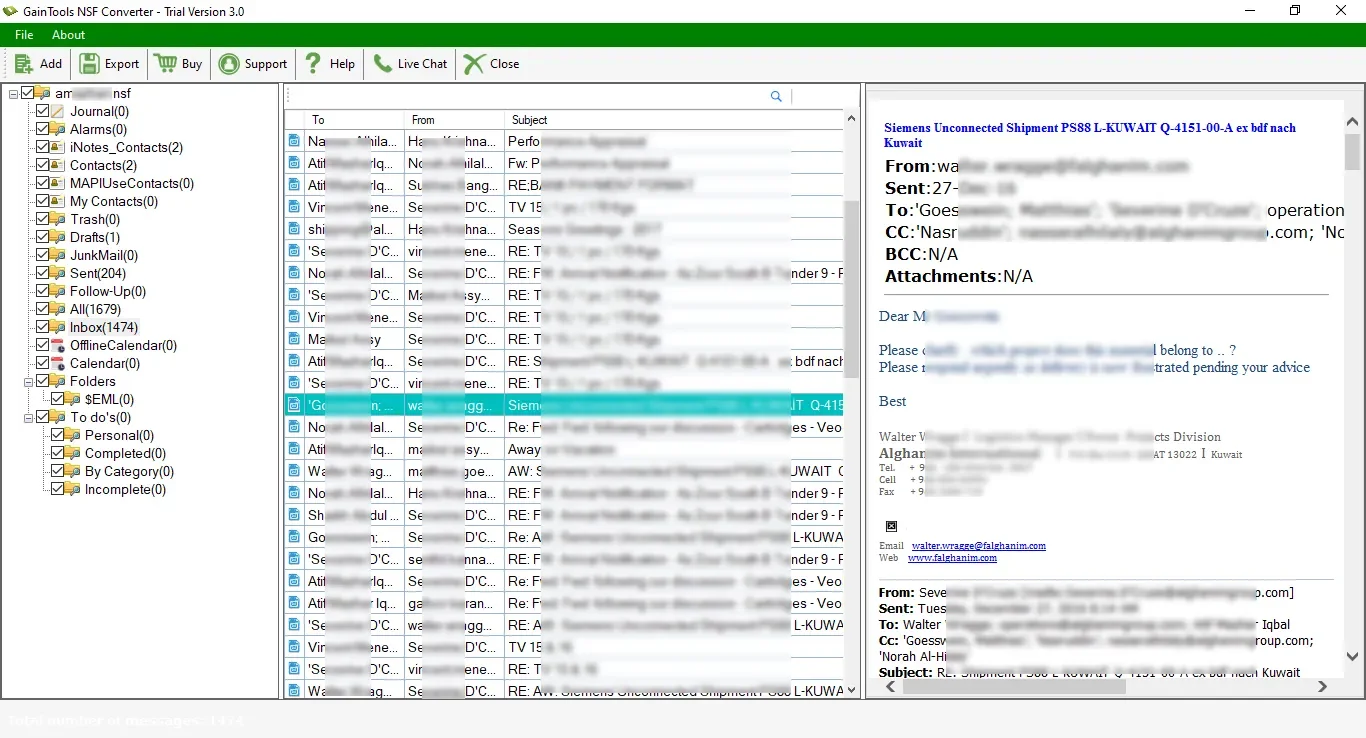
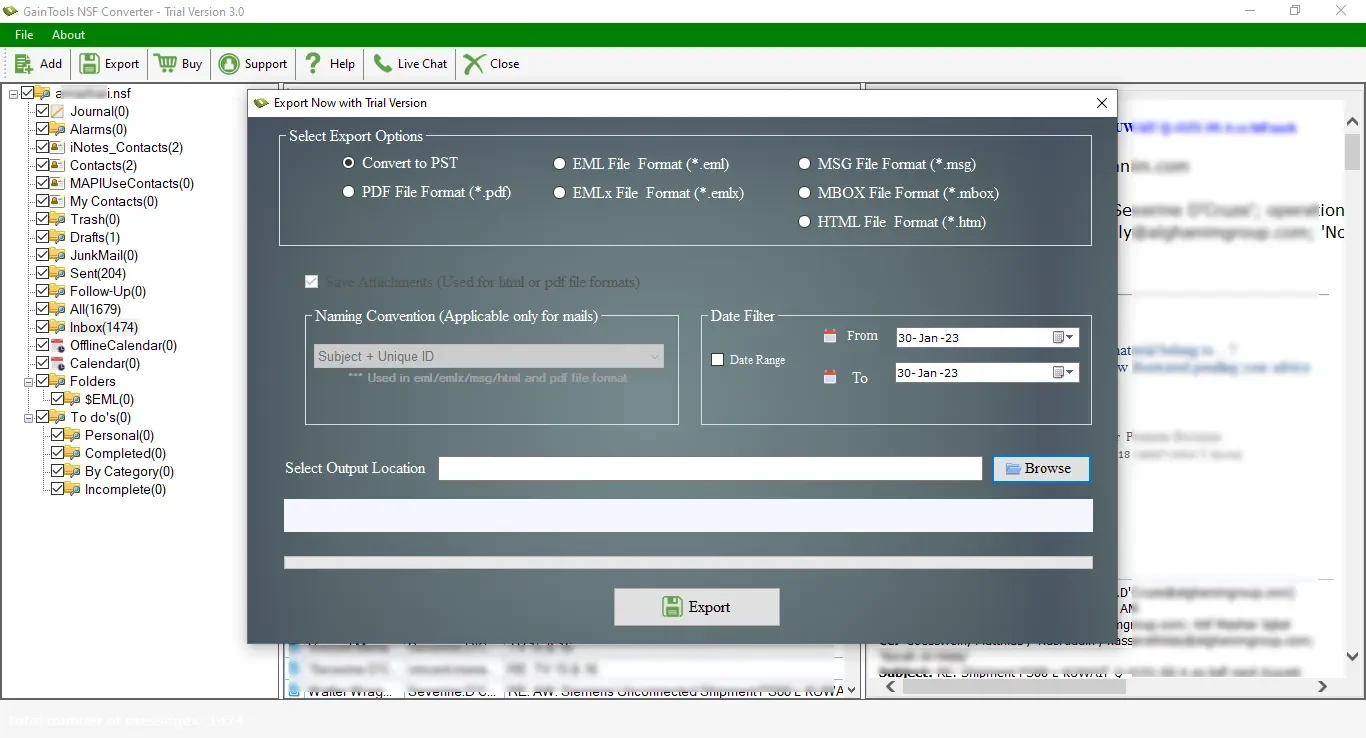
Provided Lotus Notes is properly installed and configured, the rest of the effort is effortlessly handled by tools specifically designed for Lotus Notes to Outlook migration, such as the GainTools NSF to PST Converter. The software uses the installed Lotus Notes environment to access the NSF file, shows a preview of folders and items before export, and converts the selected data to PST format while keeping To, CC, BCC, and attachments. It doesn't eliminate the dependency on Lotus Notes (no tool realistically can, given how NSF files are built), but it does make everything that happens after Lotus Notes is in place easier—from selecting specific folders to choosing where the converted PST file gets saved.
Conclusion
The requirement that Lotus Notes be installed for NSF to PST conversion is not a limitation of any particular software—it is the way in which the NSF file format itself works. Being aware of this requirement beforehand will save a lot of confusion and troubleshooting time when doing a Lotus Notes to Outlook migration.
Once Lotus Notes is installed and you have your Notes ID, the actual conversion is usually quick and doesn’t require a lot of technical knowledge.
Frequently Asked Questions FAQs
1. Is there any way to convert NSF to PST without Lotus Notes?
NSF is a proprietary format designed for Lotus Notes. Conversion tools rely largely on the installed application to properly read the mailbox data and authenticate it before conversion.
2. Does the target machine need to have Lotus Notes installed?
No, Lotus Notes is only required on the system that the conversion is run on. After the PST file is created, it can be opened in Outlook on any system, with or without Lotus Notes.
3. I don’t have the Notes ID or password for the NSF file.
If the NSF file is password-protected, you will need the original Notes ID and credentials to authenticate it. Without it, most conversion tools will not be able to process the file.
4. Could an ancient version of Lotus Notes cause conversion issues?
You get format mismatches if you have an older or unsupported version of Lotus Notes. This helps to confirm that the conversion tool supports the Lotus Notes version.
5. Is this requirement specific to one converter or common to all NSF to PST tools?
This feature is a common requirement across most of the NSF to PST converters and not specific to any one software, as it is due to the structure of the NSF file format itself.