Sign up with Google
 Sign in with Zoho

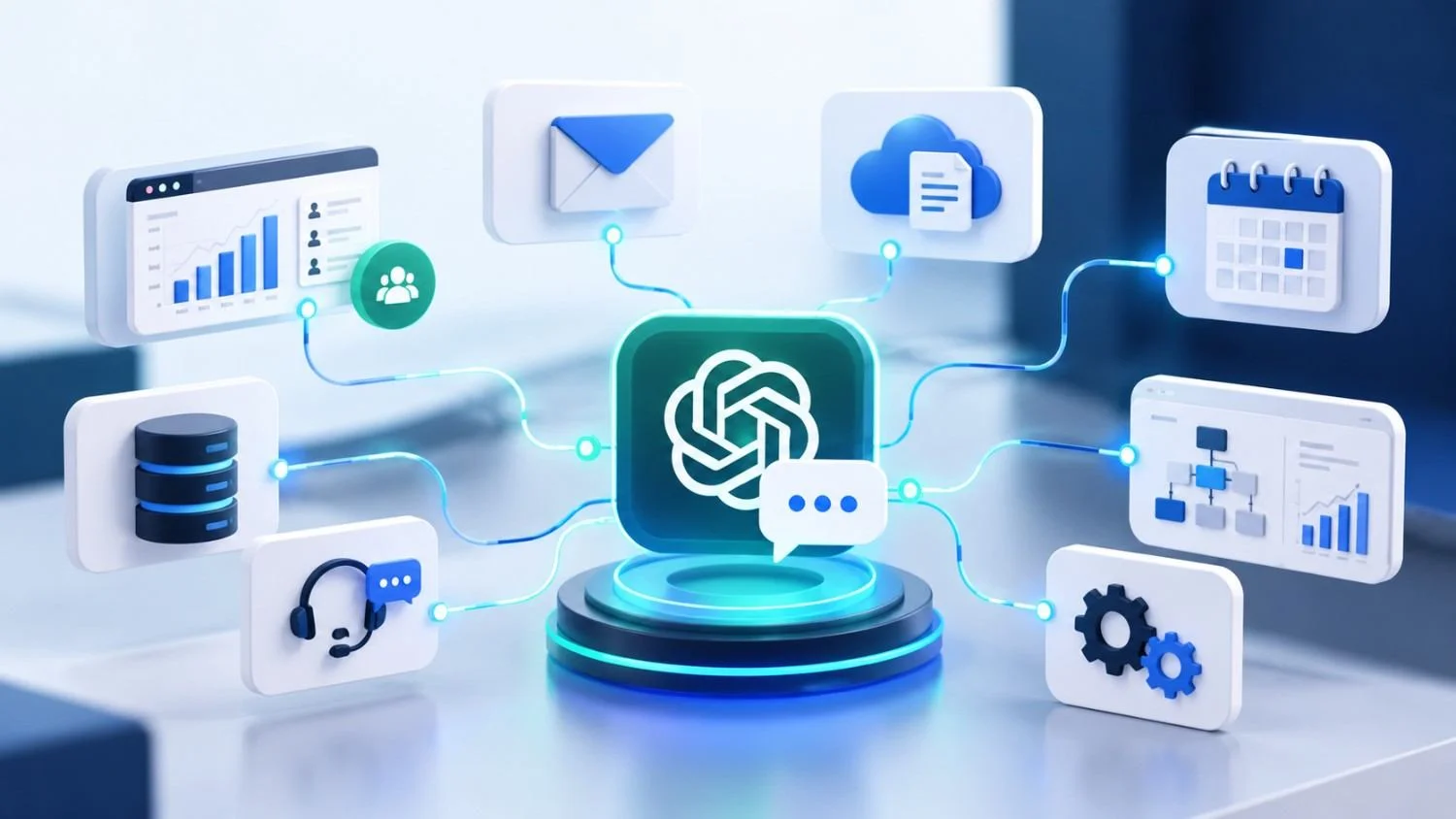
Most businesses don't run on a single platform. Sales teams work in a CRM, support teams manage tickets, employees share files through cloud storage, and project managers track work in separate tools. Finding information often means opening several applications just to answer one question.
ChatGPT can make some of this work easier when it is connected to the right business systems. For example, a sales representative could look up previous customer interactions before a meeting, while a project manager could pull together updates from relevant documents instead of reviewing each file individually.
The important part is choosing the right way to connect these systems. Some businesses can start with apps already supported by ChatGPT. Others need a custom integration because their software, data, or workflows require more control.
If you want ChatGPT to do more than answer questions, you need to decide which actions it can perform and how those actions will be controlled.
For instance, an assistant might be allowed to look up an order or prepare a support-ticket update. Actually changing the order or submitting the update requires an integration that supports the action, along with the right permissions and validation.
This distinction matters when connecting AI to business-critical systems. Giving an assistant access to information is one thing; allowing it to change business records is another. Start with read-only access where possible, then introduce actions after testing them.
What is the difference between a ChatGPT app connection and an API integration?
The main difference is where you want to use AI.
A ChatGPT app connection lets you work with supported services from within ChatGPT. It can be a practical starting point if your team wants to find documents, retrieve information, or use existing tools without building a new application.
An API integration is more suitable when you want AI features inside your own product or internal software. For example, a company could add an AI assistant to its CRM or customer portal, with access to selected data and functions defined by its development team.
The right choice depends on your goal: connecting existing tools for everyday use or building AI into a business workflow.
Conclusion
Connecting ChatGPT to your business systems isn't simply about linking more applications. It's about making useful information available when people need it and reducing the manual work involved in everyday tasks.
Start with one process that takes too much time, such as searching project documents or reviewing customer records. Check whether an existing ChatGPT connection can handle it. If your requirements involve internal databases, custom workflows, or updating business records, a purpose-built integration may be the better option.
The approach should fit the way your business works, not the other way around.
Looking to bring AI into your existing software? Explore Enfin Technologies to learn about software development solutions for your business requirements.