Sign up with Google
 Sign in with Zoho

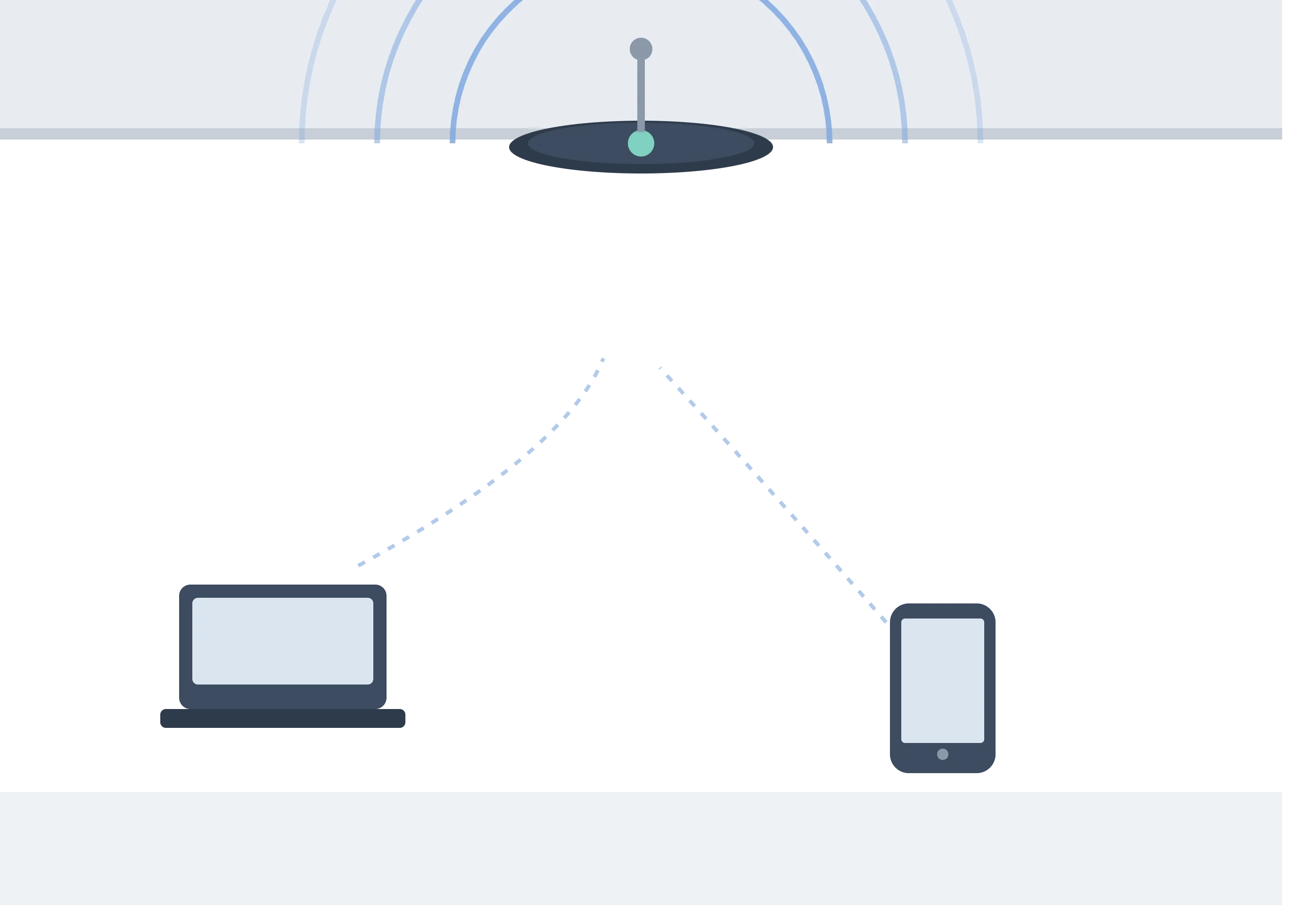
If you've ever connected your laptop or phone to WiFi at home, in a café, or at the office, you've relied on a device called a Wireless Access Point (WAP) — even if you never noticed it. This article breaks down exactly what a WAP is, how it works, and why it plays such a critical role in modern networking.
What is a Wireless Access Point?
A Wireless Access Point (WAP) is a networking device that allows wireless-enabled devices — like laptops, smartphones, tablets, and smart home gadgets — to connect to a wired network using WiFi. In simple terms, it acts as a bridge between your wired internet connection (usually coming from a router or switch) and the wireless devices in a given area.
Think of a WAP as a translator. Your internet service provider delivers a wired connection to your building, but most modern devices don't have an ethernet port anymore. The WAP takes that wired signal and converts it into a wireless one, broadcasting it so nearby devices can pick it up and connect.
How Does a WAP Work?
Understanding how a wireless access point works becomes much easier once you break the process into steps:
1. Connection to the Wired Network
The WAP is physically connected — usually via an ethernet cable — to a router, switch, or modem that has access to the internet or a local network.
2. Signal Broadcasting
Once connected, the WAP broadcasts a wireless signal using radio frequencies (commonly 2.4GHz and 5GHz bands). This creates a WiFi network that nearby devices can detect and join.
3. Device Authentication
When a device tries to connect, the WAP checks for the correct password or security credentials (WPA2, WPA3, etc.) before granting access to the network.
4. Data Transmission
Once connected, the WAP manages the flow of data between the wireless device and the wired network, converting signals back and forth so information can travel smoothly in both directions.
5. Managing Multiple Devices
A single WAP can handle multiple simultaneous connections, though performance may vary depending on the device's specifications, the number of connected users, and network traffic.
Wireless Access Point vs Router: A Quick Clarification
Many people confuse a WAP with a router, but they serve different purposes:
- A router manages traffic between your local network and the internet, and often includes basic WiFi broadcasting built in.
- A WAP is dedicated purely to extending wireless coverage. It doesn't manage internet traffic or assign IP addresses on its own — it simply plugs into an existing network to expand WiFi reach.
In small homes, a router's built-in wireless capability might be enough. But in larger homes, offices, or commercial spaces, dedicated WAPs are often added to eliminate dead zones and improve coverage.
Why Businesses Need Dedicated Access Points
For companies with multiple rooms, floors, or large open spaces, a single router simply isn't enough to provide reliable coverage. This is where Business WiFi Access Points come in — they're specifically designed to handle higher device density, deliver consistent speeds across larger areas, and support advanced security features that home-grade equipment typically lacks. Investing in the right access point setup can significantly reduce connectivity issues, downtime, and customer or employee complaints about slow WiFi.
Types of Wireless Access Points
- Standalone Access Points – Independent units, ideal for smaller setups.
- Controller-Based Access Points – Managed centrally, ideal for large offices or campuses with many APs.
- Mesh Access Points – Work together as a system to blanket large areas with seamless coverage, automatically routing traffic through the strongest signal path.
- Outdoor Access Points – Weatherproof units designed for outdoor coverage, such as parking lots, warehouses, or event spaces.
Benefits of Using a Wireless Access Point
- Extended Coverage – Eliminates WiFi dead zones in large spaces.
- Better Performance – Reduces congestion by balancing the load across multiple access points.
- Scalability – Easy to add more APs as your space or team grows.
- Improved Security – Enterprise-grade WAPs often support advanced encryption, guest network isolation, and centralized management.
Final Thoughts
A Wireless Access Point is a small but essential piece of networking hardware that bridges the gap between wired connections and the wireless devices we rely on every day. Whether you're setting up a home network or scaling connectivity across an entire office, understanding how a WAP works helps you make smarter decisions about coverage, performance, and security. For growing businesses, choosing the right setup can be the difference between a frustrating WiFi experience and a fast, reliable network everyone can count on.