Sign up with Google
 Sign in with Zoho

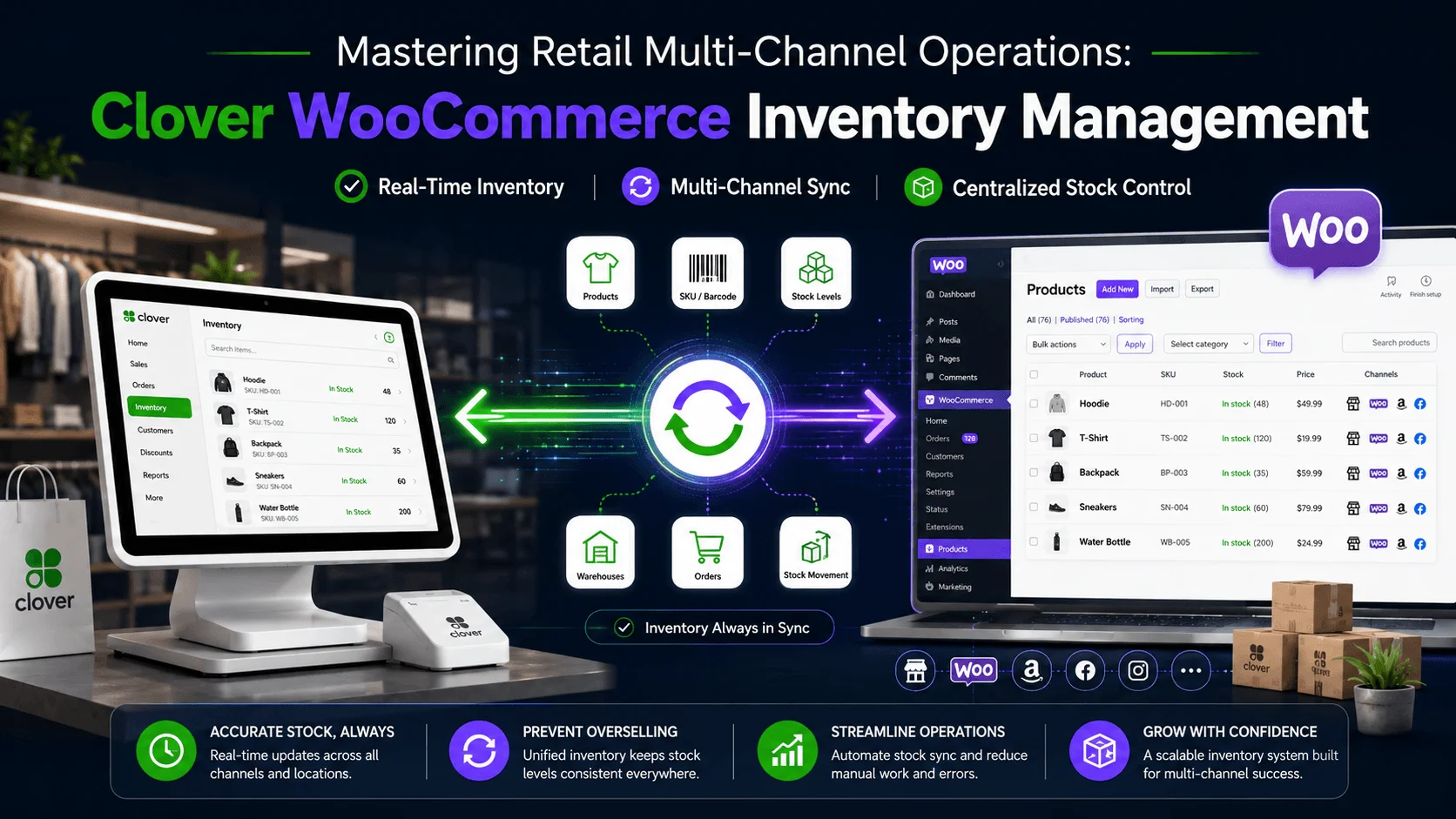
Running an e-commerce shop alongside a physical brick-and-mortar storefront offers incredible business growth opportunities, but it also creates major backend operational challenges. The biggest obstacle multi-channel retailers face is keeping stock counts accurately updated simultaneously across both distinct selling channels. Relying on manual updates or daily spreadsheet uploads often leads to human errors, mismatched stock counts, and catastrophic double-selling situations. Establishing an automated, unified workflow for Clover WooCommerce inventory management is the most effective way to eliminate these technical vulnerabilities and streamline your daily retail operations.
The Strategic Benefits of a Unified Inventory Workflow
Connecting your physical Point of Sale (POS) system directly to your WordPress e-commerce infrastructure completely transforms your backend management. By bridging the data gap, it synchronizes vital operational information instantly:
- Automated Two-Way Syncing: When a customer buys an item at your physical retail counter, your digital dashboard adjusts immediately. Conversely, if an online customer checks out on your website, your in-store terminal stays updated. This continuous, automated feedback loop ensures absolute accuracy across all sales channels.
- Centralized Catalog Audits: Avoid the grueling, repetitive task of managing two separate product databases. You can alter a price, update an SKU, or add complex product variations (like sizes or colors) in one central dashboard and seamlessly push those changes out universally.
- Fewer Canceled Orders: Real-time visibility prevents your web store from overselling high-demand or low-stock items. This directly protects your merchant credibility, keeps your customer satisfaction ratings high, and prevents frustrating payment gateway refund penalties.
Crucial Technical Features for Peak Performance
To maximize the efficiency of your setup, ensure your chosen integration strategy covers these essential technical pillars:
- Smart Multi-Location Mapping: If you manage multiple retail storefronts or separate storage warehouses, your sync tool must accurately route specific Clover location metrics to the proper corresponding WooCommerce inventory pools on your website.
- Protected Web Fields: Choose an integration framework that isolates your web-optimized data. While your stock counts and pricing should sync automatically across both platforms, your carefully crafted, SEO-optimized titles, tags, and long descriptions on WordPress should remain completely untouched.
- Real-Time Sync Alerts: Implement an automated monitoring system. If a sudden connection drop or an invalid SKU formatting error causes a synchronization event to fail, your system should immediately alert your admin dashboard instead of silently failing behind the scenes.
Integrating your platforms saves dozens of administrative hours each week, completely eliminates manual data-entry fatigue, and provides an accurate, unified view of your entire business health.