Sign up with Google
 Sign in with Zoho

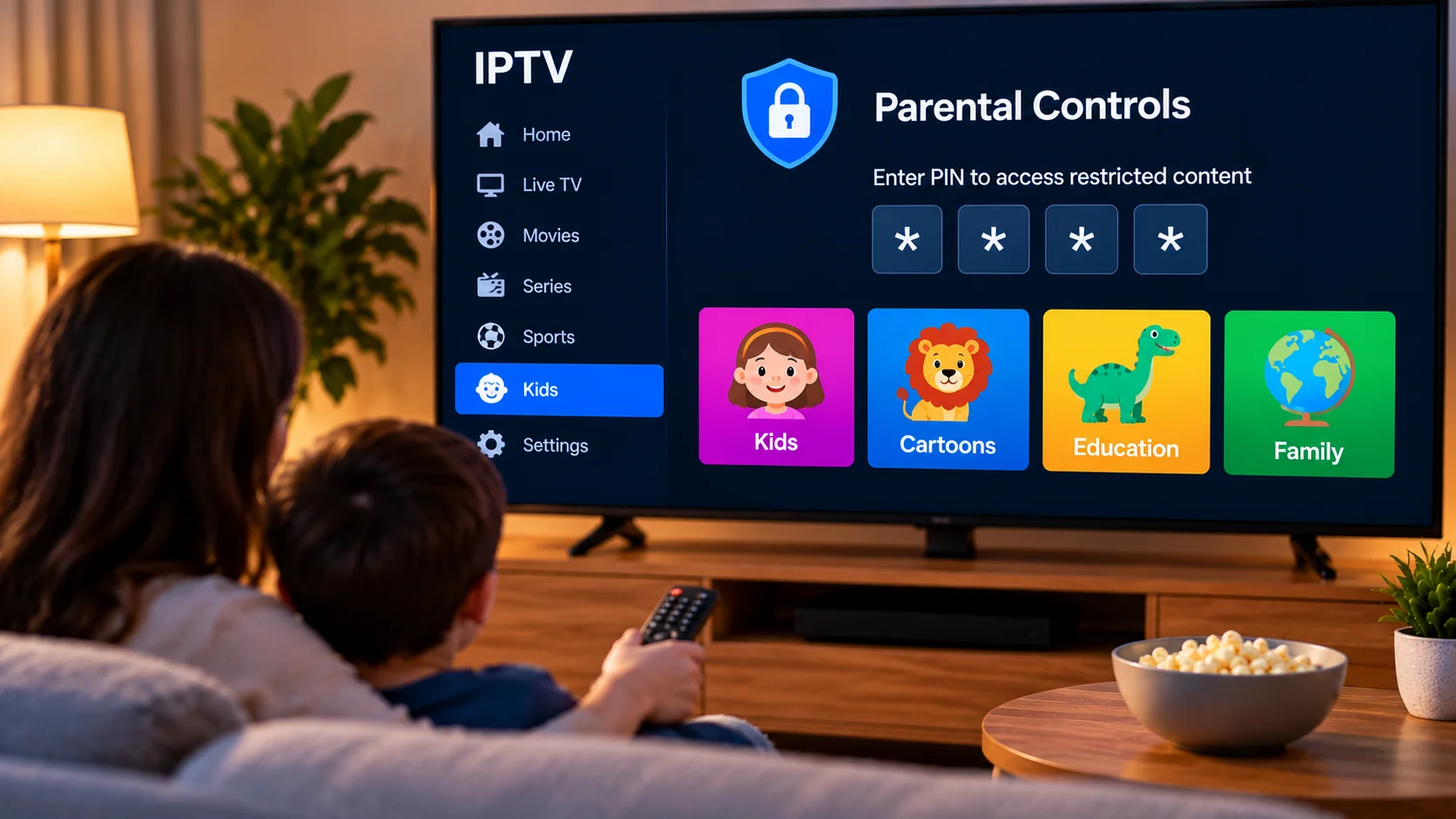
A television in the living room is usually shared by everyone. One person wants sports, another prefers movies, and younger family members may head straight for cartoons. With IPTV, all of those categories can sit inside the same application, which is convenient until a child starts browsing parts of the channel list that were never intended for them.
That is where parental controls become useful. They do not need to turn the television into a complicated locked-down system. A few sensible settings can make IPTV much easier to share at home.
Start With the App You Already Use
Before changing anything, open the settings of your IPTV player and look around.
Different players handle restrictions differently. Some let you lock individual channels, while others allow an entire category to be protected with a PIN. A few players also let users hide sections completely.
There is no reason to enable every available restriction. Think first about how the television is actually used in your home.
If children normally watch only a small number of channels, creating a simple favorites list may be more practical than locking dozens of individual streams.
A PIN Can Prevent Accidental Access
PIN protection is probably the most familiar parental control.
When a restricted category is selected, the player asks for a code before opening it. This is particularly useful for sections that parents would rather keep separate from general family viewing.
The PIN should not be something obvious like 0000 or a birthday that children already know.
It is also worth checking whether the app uses the same PIN for settings. A child playing with the remote can change more than a channel. Playlist information, application preferences, or other configuration options may also be altered accidentally.
Favorites Can Be More Useful Than Heavy Restrictions
Sometimes the easiest solution is not blocking content at all. It is making the right content easier to find.
A favorites section can become a simple home screen for children. Parents can add a handful of suitable channels so younger viewers do not need to search through the full IPTV playlist.
This works particularly well when the normal channel list contains a mix of Swedish, Nordic, international, sports, movie, and entertainment categories.
Families comparing IPTV subscriptions and compatible viewing options in Sweden may also look at Bästa IPTV while researching which setup fits the devices and viewing habits in their home.
The important point is to check the IPTV player separately, because parental control features often depend on the application being used rather than the subscription alone.
Do Not Forget the Television or Streaming Device
The IPTV app is only one part of the setup.
Smart TVs, Android TV devices, Apple TV, tablets, and other streaming devices can have their own parental settings. These may control app installation, purchases, profiles, or access to particular applications.
Using both levels of control can be useful. For example, a parent might restrict certain IPTV categories inside the player while also requiring approval before new apps can be installed on the device.
There is no need to make the system more complicated than necessary. The aim is simply to prevent easy accidental access.
Check the Setup Yourself
After configuring the controls, test them from a child's point of view.
Sit down with the normal remote and try opening the restricted categories. Check whether the PIN appears where expected. Then return to the children's favorites list and make sure those channels are still easy to reach.
This quick test often catches settings that seemed correct in a menu but behave differently during everyday use.
It is also worth checking what happens after the app is restarted.
Parental Controls Need Occasional Attention
A setup that works today might not be suitable forever.
Children grow older, viewing habits change, IPTV players receive updates, and channel groups can be reorganized. A favorites list that once contained ten useful channels may eventually contain several that nobody watches.
Every so often, spend a few minutes cleaning things up.
Remove unused favorites, check locked categories, confirm the PIN still works, and review any device-level restrictions.
There is no need to do this every week. An occasional check is usually enough.
Technology Is Only Part of the Answer
Parental controls are useful, but they cannot decide what is appropriate for every family.
Talking with children about what they watch still matters. Younger viewers should know which sections of the television they can use and when they should ask an adult for help.
The technical controls simply make those household rules easier to follow.
Keep the System Practical
The most useful parental control setup is often a simple one.
A protected category, a sensible PIN, a short children's favorites list, and locked settings may be enough for many households. Adding dozens of restrictions can make the television frustrating for adults without providing much additional benefit.
IPTV is supposed to make entertainment easier to access. Family controls should support that goal rather than getting in the way.
Final Thoughts
Sharing IPTV across a household becomes easier when the interface is organized around the people who actually use it.
Parents do not need advanced technical knowledge to make a meaningful difference. A few minutes spent checking the IPTV player's PIN options, organizing favorites, and reviewing the streaming device's own settings can create a cleaner and more manageable viewing environment.
The best setup is not the one with the most restrictions. It is the one that lets the family use the television comfortably while keeping unsuitable content and important settings out of easy reach.