Sign up with Google
 Sign in with Zoho

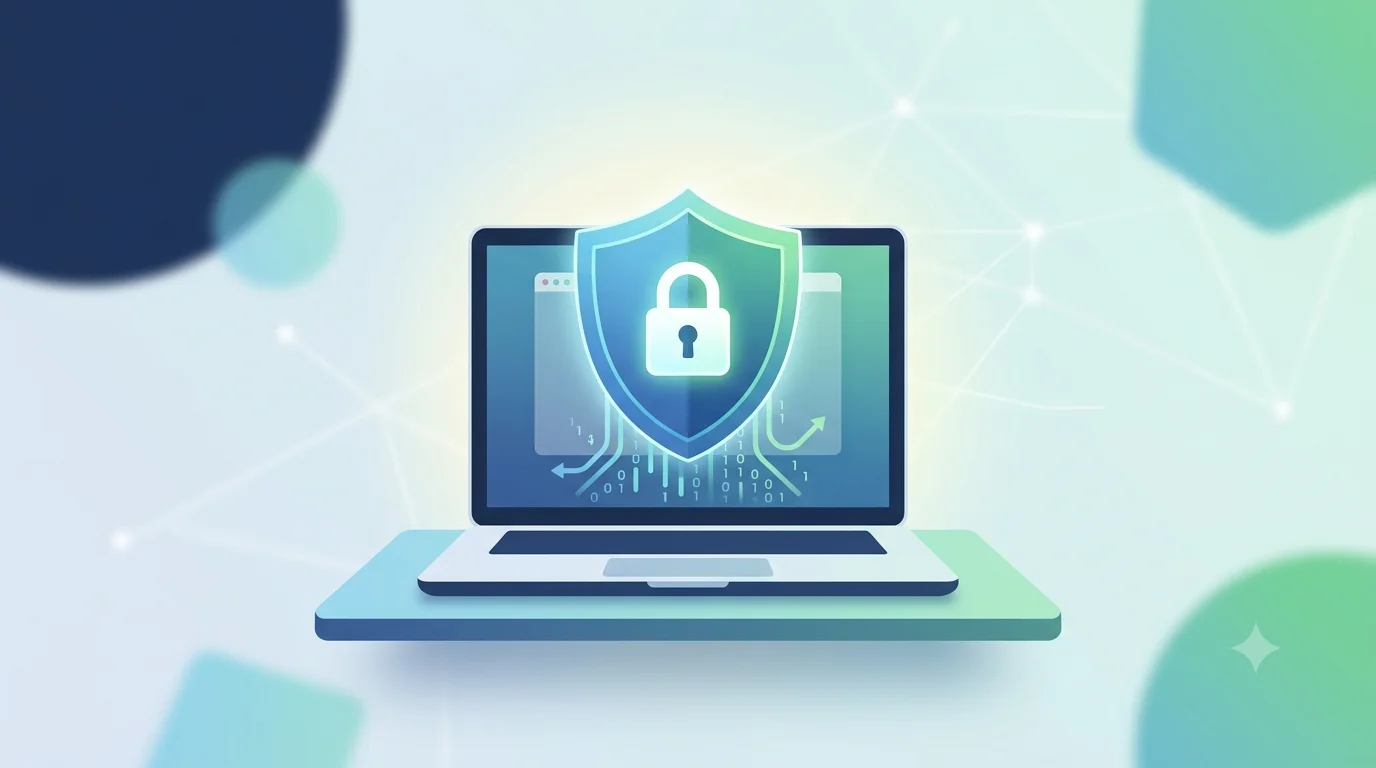
With our homes serving as hubs for remote work, virtual learning, smart home technology, and online banking, the family computer has become a major gateway to our private lives. Unfortunately, cybercriminals are fully aware of this. Modern threats have moved far beyond the simple, annoying desktop pop-ups of the early 2000s; today, we face quiet, background exploits like credential-stealing Trojans, fake financial portals, and system-locking ransomware.
To secure a home system, simply installing the first free security program you find or buying the most bloated retail software suite is rarely the right strategy. You need a solution that fits your family's specific digital habits.
Here is a practical guide to cutting through the marketing noise and choosing the ideal defense setup for your home computer.
1. Match Protection to Your Family's Habits
Every household uses their shared computer differently, meaning security needs vary widely:
- The Casual Browsing Home: If the PC is mostly used for checking emails, streaming videos, and writing school reports, your primary threats are malicious web links and deceptive email attachments. Look for a tool with robust web filtering and continuous script blocking.
- The Financial & Shopping Hub: If you pay utility bills, check retirement portfolios, and shop online from home, your system must have strong anti-phishing protection to ensure you never accidentally enter sensitive credentials on a fraudulent website.
- The Gaming & Creative Rig: If your household handles heavy tasks like PC gaming, photo editing, or running multiple creative apps, heavy background software will quickly become a nuisance. You need a system built specifically with a lightweight architecture to avoid system lag.
2. Prioritize Intelligent Real-Time Analysis
Traditional virus protection relied entirely on a massive library of known threat "signatures." If a brand-new threat emerged, old-school software wouldn’t catch it.
When searching for modern antivirus software, ensure it uses proactive behavioral monitoring. Instead of only scanning files against an outdated database, modern systems continuously observe how active programs behave. If an unrecognized file suddenly attempts to encrypt your documents folder or silently alter critical operating system files, the software steps in to isolate and block the process instantly. This feature is the only effective defense against zero-day exploits and ransomware.
3. demand a Lightweight Performance Footprint
A security program is only helpful if it stays active. If your current security suite causes your computer's cooling fans to spin constantly, drains laptop batteries within an hour, or causes games to stutter, family members will inevitably disable it to keep the machine running smoothly.
Look for specialized, lightweight alternatives that run quietly in the background without hogging your system's RAM or CPU power. It is entirely possible to have high-performance defense without compromising your computer's day-to-day responsiveness.
Finding the Right Balance: SiyanoAV
If you are looking for a highly capable, modern security platform for your household, SiyanoAV Antivirus Pro serves as an excellent example of balanced home security.
Instead of overwhelming your system with heavy background processes, it focuses on real-time, proactive shielding and behavioral analysis to block threats before they can execute. It runs with an exceptionally small memory footprint, ensuring that your family’s gaming, working, and streaming experiences stay smooth. It is a smart choice if you want to keep your antivirus for laptop or desktop setups protected without the performance penalty.
If your home requirements extend to multiple family members, children, and sensitive online banking, a comprehensive package like SiyanoAV Total Security provides a more extensive feature set. It integrates critical extra protection layers such as:
- Active Webcam & Microphone Shields: Preventing unauthorized remote access to your device's camera.
- Two-Way Privacy Firewall: Keeping hackers from probing your home Wi-Fi network.
- Built-in PC Booster: Running system-tuning operations to clean out hidden junk files and optimize boot times.
- Parental Controls: Helping you easily filter out age-inappropriate content and establish safe boundaries for screen time.
Quick Checklist for Home Buyers:
- Does it offer real-time behavioral protection?
- Will it slow down my daily multitasking, gaming, or rendering?
- Does it protect my browser against fake banking portals?
- Are there too many unnecessary bloated extra features?
The Bottom Line
When shopping for an antivirus for pc or laptop devices, ignore flashy marketing claims and focus on the fundamentals: lightweight design, proactive zero-day detection, and smart privacy tools. Choosing a dedicated, highly optimized tool ensures your home network stays locked down, your personal memories remain safe, and your computers continue to perform at their absolute peak.