Sign up with Google
 Sign in with Zoho

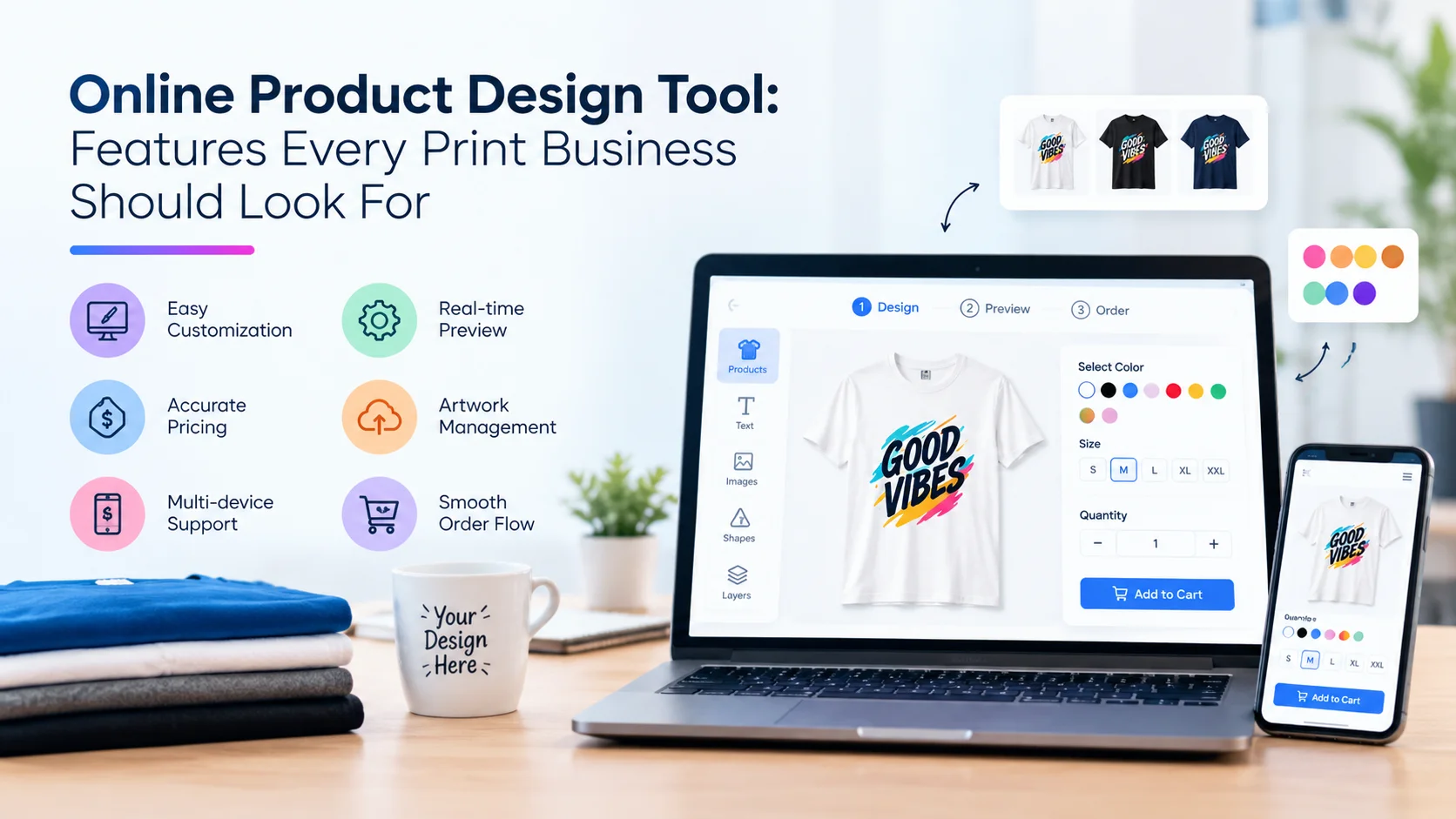
Online retailers are on pace to eat back roughly a fifth of what they sold this year in returns. NRF's 2025 Retail Returns Landscape report puts the number at 19.3% of online sales. For a business selling stock inventory, a return is annoying but recoverable: restock it, resell it. For a print business selling a product someone just designed themselves, a return is often just a loss. Nobody else wants the mug with a stranger's name on it.
That's the real stakes behind picking an online product design tool, and it's not the axis most buyer guides use. Most of them rank tools on clipart count and template libraries, maybe how many platforms the app installs on. None of that tells you whether the file a customer just finished designing will actually survive the trip from browser to press unchanged. Two tools can look identical in a demo, both letting a customer drag text and swap colors on a product mockup, and only one of them hands your production team something it can actually print.
The Checklist Everyone Runs, and the Test It Skips
A typical evaluation goes: how many fonts, how many cliparts, does it work on Shopify, is there a mobile view. Reasonable questions, and every one of them is answerable from a sales page without touching the product.
The question that actually separates the tools is harder to answer from a sales page: what does the tool hand your press when a customer clicks "order," and has anyone checked that file is usable before the order gets accepted? A design canvas is the easy 80% of the problem. Getting a print-ready file out the other end, correctly, every time, across every product a catalog carries, is the harder 20% that a sales demo rarely shows you.
What to Actually Test Before You Buy
1. Ask for the file, not the screenshot
Print production runs in CMYK, not the RGB color space every screen and every customer's browser uses. A file built and previewed in RGB, then flattened straight to a PNG, will often come out with muted or shifted colors once it hits a CMYK press, because the conversion happens automatically and imperfectly rather than by design. The same goes for bleed: printed pieces need extra image area running past the final trim line, typically a few millimeters on each edge, or the trim can expose thin white lines at the cut. A tool that exports a flat image with no bleed allowance and no color-profile awareness has quietly pushed that problem onto whoever runs the press.
The fix is a design tool that outputs an actual print-ready file format, not a website screenshot: a PDF, SVG, or vector file carrying correct resolution and color profile, bleed built in rather than bolted on after the fact. Ask a vendor to hand you a completed export from a real design, not a marketing mockup of one.
2. Ask when problems get caught, not whether they get caught
Everyone claims to "support" resolution checks. The real question is timing: does the tool flag a stretched, pixelated logo or a missing bleed margin while the customer is still designing, before the order is placed, or does that only get discovered by a press operator staring at a file that's already been paid for and promised to a customer? PrintXpand's online product design tool, for one documented example, runs automatic resolution checks and validates bleed and safe zones before checkout rather than after. That's the difference between a customer getting an in-tool warning and fixing their own file, and a support ticket landing on someone's desk two days before a delivery deadline.
3. Ask whether the tool actually understands your products, or just draws on top of them
A T-shirt has a front print zone and a back print zone that behave differently under DTG versus embroidery. A folded box has panels, not one flat face, and a design that ignores the fold line prints wrong on delivery. A tool that treats every product as an identical rectangle, regardless of what's actually being decorated, will demo fine on a T-shirt and then quietly produce garbage the first time someone runs a folded box or a mug with a handle through it. This is a harder thing to fake in a demo than a font count, so it's worth actually walking through a non-apparel product before signing anything, not just the product the salesperson picked.
4. Ask what happens to the price when the design gets more complicated
Two different pricing models both get sold under the "live pricing" label, and they're not the same thing. One recalculates a price based on size, color, and quantity selections, none of which have anything to do with what the customer actually designed. The other genuinely reprices as design complexity itself changes: more print locations, more colors used, a photo upload versus a single line of text. The first model is fine for a catalog of simple, mostly-uniform products. It quietly undercharges (or overcharges) the moment a catalog includes anything genuinely variable, because complexity, not just size and color, is where cost actually lives.
5. Ask if it can run a hundred designs at once, not just one really well
A design tool built to make one hero product look great in a demo is a different piece of engineering than one built to push name-and-number personalization or a CSV-driven batch of variable data across an entire order in one pass. If a business runs team apparel or ID card orders, where dozens or hundreds of near-identical but individually personalized items need to go out together, single-product depth alone won't hold up. Fair honest limitation the other way too: a business that only ever sells one item at a time doesn't need this, and paying for bulk-personalization depth it will never use is a wasted line item.
6. Ask what "3D preview" actually means
"3D preview" gets used for two different things, and the difference matters. One is a live 3D model a customer can rotate and zoom that actually updates as they change the design. The other is a static product photo swapped for a different static product photo that only looks like it's reacting. Rotate it slowly and watch whether the geometry itself is responding or whether you're just watching a slideshow. (Worth noting: a genuinely live, real-time 3D configurator, as opposed to a 3D preview bolted onto a 2D design tool, is really its own separate product category with its own buying criteria, not a single line item on this list. Don't let a vendor collapse the two into one pitch.)
Where This Checklist Stops Being Worth Running
None of this is a reason to over-buy. A business selling a handful of simple products in a handful of fixed colors, printed one at a time, doesn't need bulk variable-data handling or a live pricing engine reacting to design complexity it will never see. For that business, the file-export question alone (does this thing hand me something actually printable) might be the whole evaluation. The depth described here starts earning its cost once a catalog gets genuinely varied, whether that's multiple decoration methods and product shapes, or just order volume where a manual preflight check on every single file stops being realistic.
At PrintXpand, we've had prospective clients come in evaluating "design tools" as a single undifferentiated category, only to realize mid-demo that the two products they were comparing solved completely different problems: one made a pretty canvas, the other made a press-ready file. Both are legitimately called a "product design tool." Only one of them is going to save someone a reprint.
The Actual Test
Skip the feature-page comparison. Ask a vendor to let you design something deliberately awkward: a photo that's too small, a design with no bleed margin, a box design with the wrong fold layout. Watch what happens next. If the tool catches it before checkout and tells the customer why, that's a real print-ready design tool. If it lets the order through and the problem shows up as a call from your press two days later, you've just found out what "product design tool" actually meant on that sales page, and it wasn't what you thought you were buying.
Author bio
Pratik Shah is Creative Head at PrintXpand, a cloud and on-premise print and personalization platform serving 350+ print businesses across 40+ countries. He works with apparel, packaging, and promotional-product businesses evaluating and building out their own design-tool and production workflows. Learn more at PrintXpand.