Sign up with Google
 Sign in with Zoho

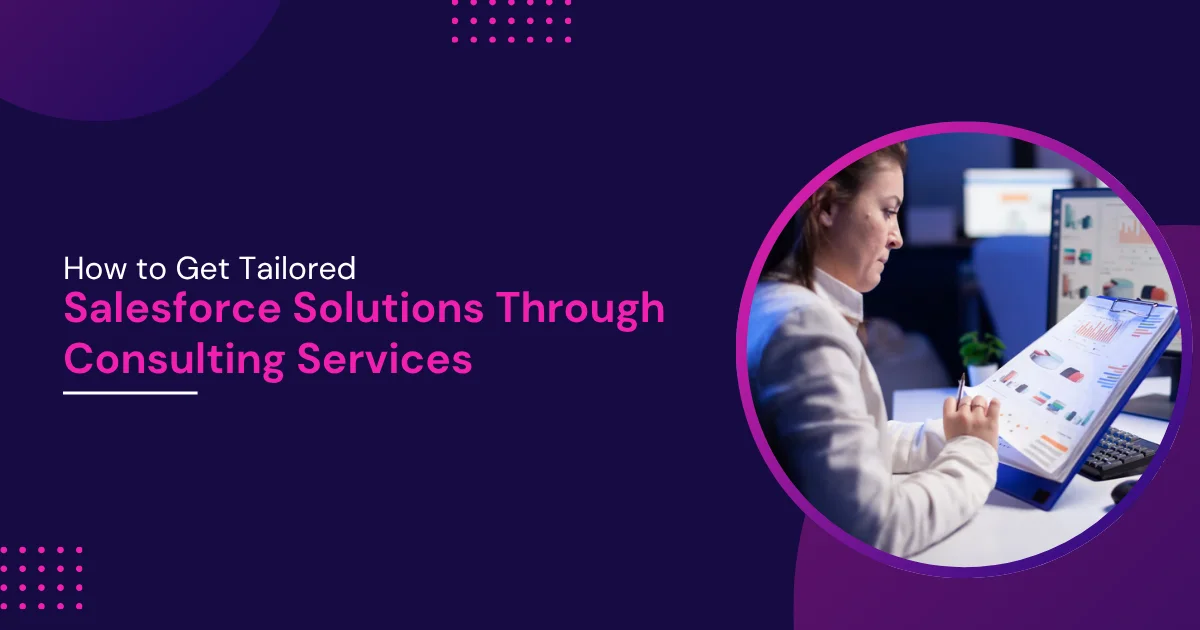
Purchasing a premier Customer Relationship Management (CRM) platform is only the beginning of corporate digital transformation. Recent market data shows that Salesforce holds a dominant 20.0% share of the global CRM market. This makes it the top choice for businesses worldwide. Furthermore, industry studies show that companies gain an average return on investment of $8.71 for every single dollar they spend on CRM software.
Despite these positive numbers, many companies struggle during implementation. Industry studies often show that a large share of software deployments fall short of their original business objectives. Common issues include technical scope errors, poor user adoption, and generic configurations that do not fit specific company workflows. To avoid these traps, businesses utilize custom implementation plans. This comprehensive article explains from a technical perspective how to secure precise configurations by partnering with professional Salesforce Consulting Services.
The Risk of Default Out-of-the-Box Setup
Many software buyers assume that default CRM cloud setups will solve their business challenges immediately. This belief often results in significant technical debt.
1. Standard Objects vs. Custom Business Data Models
The default platform includes standard tables like Accounts, Contacts, and Opportunities. These tables work well for basic sales pipelines. However, a major manufacturing company or a complex healthcare provider requires unique data tracking. For example, a hospital must track patient medical histories and insurance coverage regulations. Forcing these specialized data points into generic text fields creates unorganized data. This bad data ruins reporting accuracy later.
2. Architecture Bottlenecks and API Limits
Standard platforms operate in multi-tenant environments. This means multiple companies share the same underlying server infrastructure. To protect server health, the platform enforces strict governance limits. These rules control CPU processing time, database query lengths, and daily API call allocations. Generic setups often use inefficient data queries. These unoptimized queries trigger platform errors that stop critical enterprise tools from working.
3. UI Clutter and Low User Adoption Rate
A default page layout contains dozens of generic input fields, buttons, and sidebars. When employees log in to a cluttered screen, they get confused. They spend too much time clicking through unnecessary menus. This frustration causes low software usage. Employees often return to managing their clients on local spreadsheets instead.
Architectural Discovery and Requirements Gathering
A professional Salesforce Consulting Company avoids these software traps by initiating deep technical discovery sessions. This phase maps out your current IT setup before anyone writes code.
1. Mapping Data Relationships Explicitly
Consultants create Entity Relationship Diagrams (ERDs) to visualize how information moves across your business. They determine whether data objects should use Lookup relationships or Master-Detail connections. A Master-Detail relationship means deleting a parent record automatically deletes all child records. Choosing the wrong data structure breaks data security models and messes up automated calculation fields.
2. Analyzing Legacy Software Integrations
Enterprises often run hundreds of software applications across departments, and many of these systems remain poorly integrated or disconnected from one another. Technical discovery analyzes these external systems, such as old ERP databases or separate marketing tools. Consultants review the authentication methods, payload sizes, and data transmission speeds of these old applications. This review helps them select the best integration strategy.
3. Defining Precise User Persona Access
Not every employee should see every piece of customer data. Financial analysts need billing data, while customer support agents only need troubleshooting tickets. Consultants document these distinct roles. They map out custom permission sets and sharing rules. This preparation ensures that sensitive corporate data stays safe.
Choosing Between Declarative Configuration and Custom Code
A key part of building custom software setups is balancing standard platform features with custom programming. The platform offers two primary methods to build business features.
1. Declarative Tools: Low-Code Automation
The platform features powerful point-and-click tools like Salesforce Flow. Programmers use Flow to automate daily tasks without writing code. This tool handles record updates, sends email notifications, and guides users through multi-step forms. Using these native tools lowers future system maintenance costs. It also makes future platform upgrades much easier to install.
2. Programmatic Development: Custom Code
Low-code tools cannot solve every complex business requirement. When a company needs advanced data calculations or highly specific screen designs, developers use code. They write backend logic using Apex, an object-oriented programming language. For frontend interfaces, they build Lightning Web Components (LWC). This modern framework uses standard JavaScript and HTML to create fast, reactive user screens.
3. Technical Decision Factors
Experienced consultants follow a strict framework to choose between configuration and coding. They review key technical parameters before starting development:
Tailoring Solutions via Professional Guidance
Securing specialized help via Salesforce Consulting Services ensures that your system design remains stable, secure, and ready for long-term growth.
1. Building Custom Automation Landscapes
Every enterprise has unique operating rules. A custom configuration replaces manual paperwork with automated platform rules. For instance, an enterprise consulting team can program the CRM to evaluate inbound sales leads automatically. The system scores each lead based on company size and location, then assigns it to the right regional sales agent in under a second.
2. Designing Advanced Data Analytics
Generic software reports rarely show the deep financial insights executives need. Experienced engineers configure advanced analytics platforms like Tableau or CRM Analytics. These tools connect directly to your data tables. They process millions of rows of data to display real-time trends, sales predictions, and customer retention metrics.
3. Implementing Industry-Specific Cloud Systems
The platform offers specialized software packages for distinct business sectors. These are known as Industry Clouds. For example, Financial Services Cloud contains built-in data architectures for wealth management and retail banking. Health Cloud focuses on managing patient relationships and clinical data. Certified consultants deploy these pre-built frameworks to speed up project delivery timelines.
Integration Frameworks for Connected Systems
A tailored system must connect cleanly with the rest of your corporate IT infrastructure. Consultants build secure pipelines to move data back and forth safely.
1. Real-Time API Connections
For instant data synchronization, developers build custom API connections. They use REST or SOAP web services to link the CRM with external tools. For example, when a customer places an order on your website, the web app sends a secure message to the CRM database. The platform records the sale instantly, ensuring that inventory numbers remain accurate across all systems.
2. Event-Driven Messaging Networks
High-volume enterprise systems often use event-driven architectures to prevent system slowdowns. Consultants set up platform events or use the Pub/Sub API. This tool uses a modern framework called gRPC to stream data changes in real time. Instead of constantly checking the database for updates, external software listens for specific data events. This method reduces server stress and keeps systems running quickly.
3. Connecting Large Data Fields via Middleware
Moving massive data files into standard CRM cloud storage is expensive and inefficient. Specialized consultants overcome this by deploying middleware tools like MuleSoft or Data 360. This software links external data lakes directly to your customer records. Employees view historical data summaries directly inside their CRM layout, while the actual heavy files remain in cheaper external storage.
Ensuring Long-Term System Health and Scalability
A custom CRM setup requires ongoing technical oversight to stay efficient as your business expands.
1. Setting Up DevOps Pipelines and Governance
Enterprise IT teams cannot risk making changes directly in production systems. Consultants build structured deployment pipelines using DevOps tools. Developers build features in separate, isolated testing environments called Sandboxes. They run automated code checks and verify features before moving them to production. This process prevents new updates from breaking active workflows.
2. Monitoring Code Health and Quality
As a system grows, custom code can become disorganized. Continuous system monitoring keeps your configurations clean. Technical partners run regular system health checks. They use tools like the Salesforce Code Analyzer to spot security gaps, slow database queries, and unused custom fields. Fixing these technical issues early keeps your system running quickly.
3. Ongoing Support and Platform Updates
The platform releases major software upgrades three times a year. These updates introduce new features but can sometimes conflict with custom code. Retaining a dedicated Salesforce Consulting Company provides your internal IT team with regular support. Engineers review upcoming platform changes, test your custom setups, and patch any compatibility issues before the live upgrade occurs.
Conclusion
Building a successful CRM ecosystem requires moving past generic out-of-the-box configurations. True operational value requires an architecture that matches your specific business processes and IT standards. Partnering with professional Salesforce Consulting Services provides the technical expertise needed to build reliable data models and clean automations. Investing in an experienced Salesforce Consulting Company helps your business maximize its technology budget, lower long-term technical debt, and build a scalable platform that supports corporate growth for years to come.